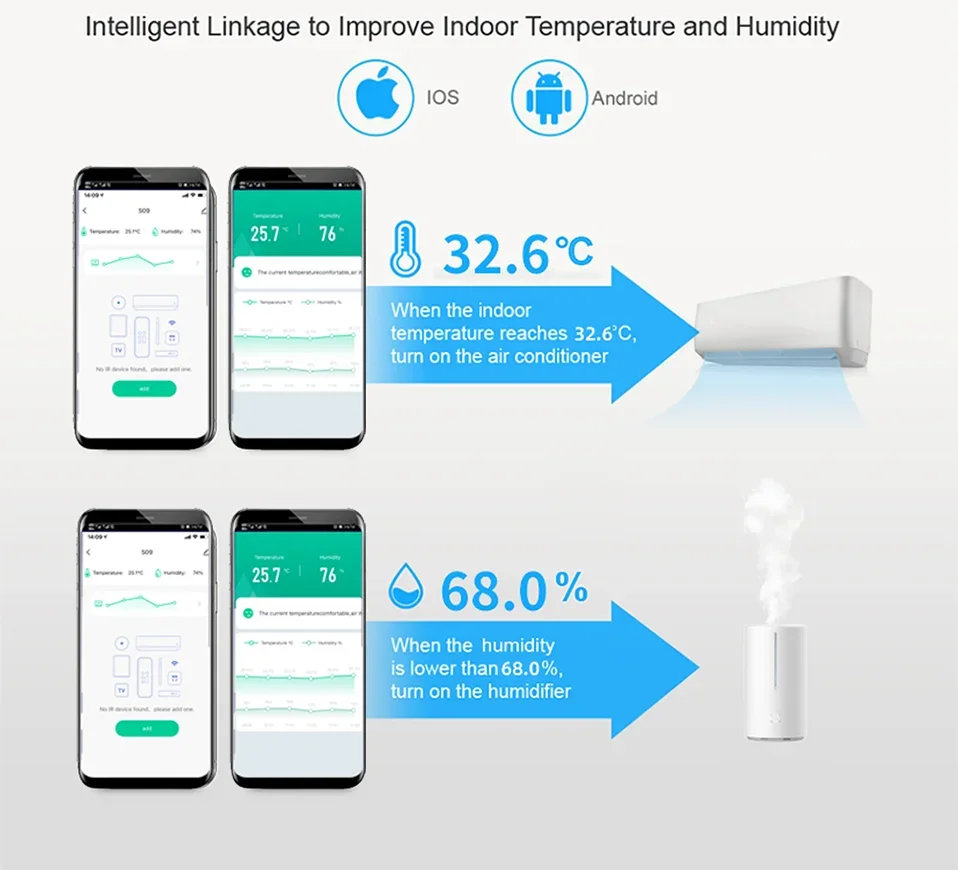
Take the temperature adjustment setting air conditioning setting as an example.
1. Select the "+" button on the "Smart" page to establish an automated process
2, Select "when device status changes". (You can also choose other conditions according to your actual needs)
3. Select the devices as the condition. (Here takes the temperature and humidity remote control equipment as an example)
4. Select the state condition of the device, and choose the temperature as the input condition.
5. Set the temperature conditions. There can be "greater than"/"less than"/"equal to", set the temperature value below. Then select the "Next" button.
6, Set the task to run after the conditions are met. Here, select the device that needs to be run.
7, Choose to run the air conditioner. You can choose the devices you want to run according to the actual situation.
8, Set the command when operating the air conditioner.
9, "Smart" condition and operation summary page, select "Save".
10. The establishment of the automation process is complete. You can quickly close and open the automation on this page.


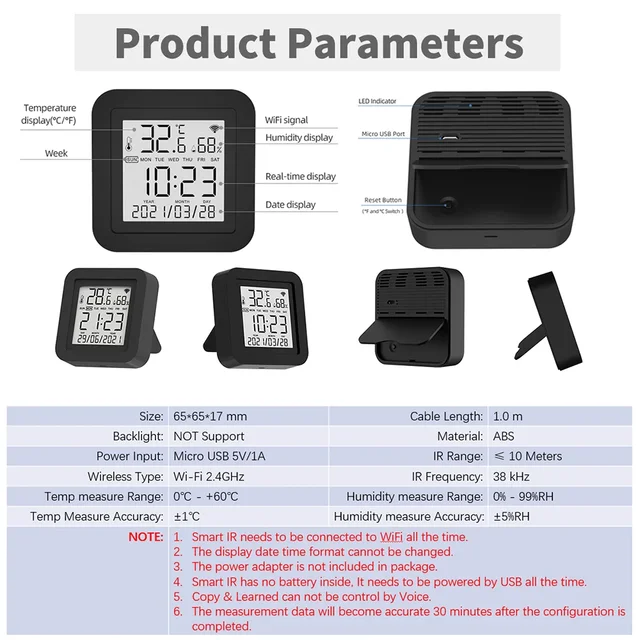
NOTE:
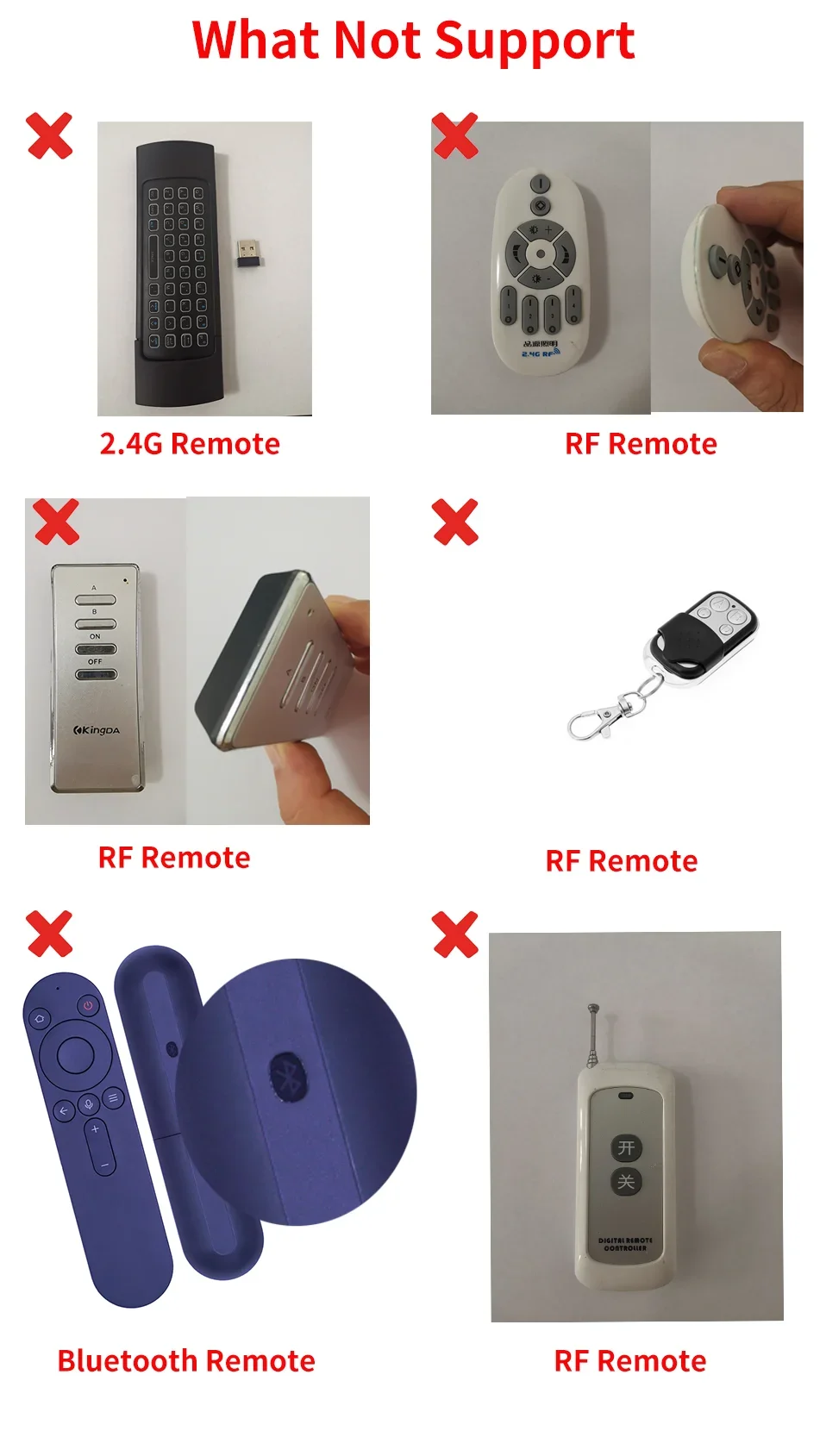
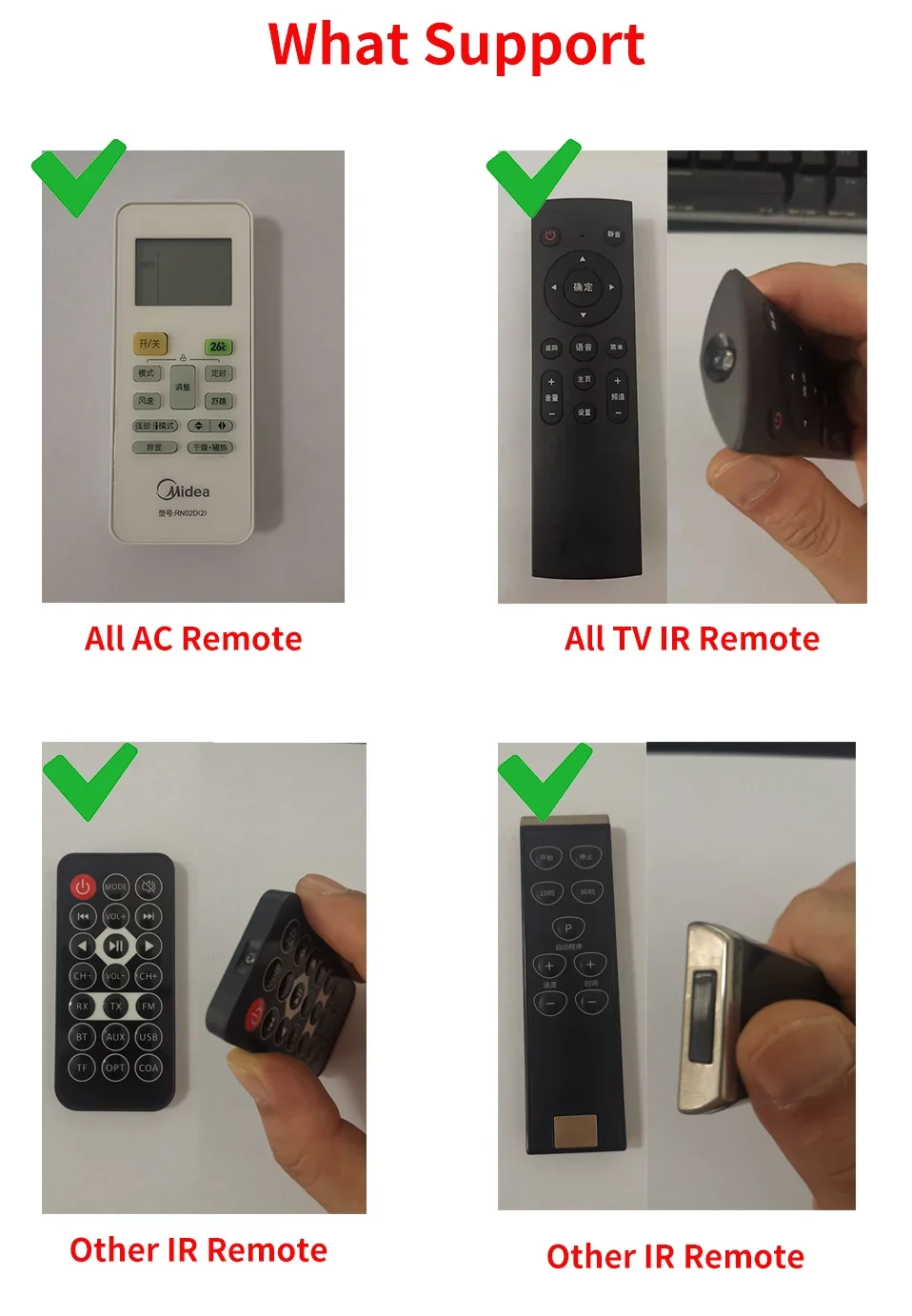
1. The intelligent remote control only supports infrared remote control, and does not support Bluetooth or RF or 2.4G remote control
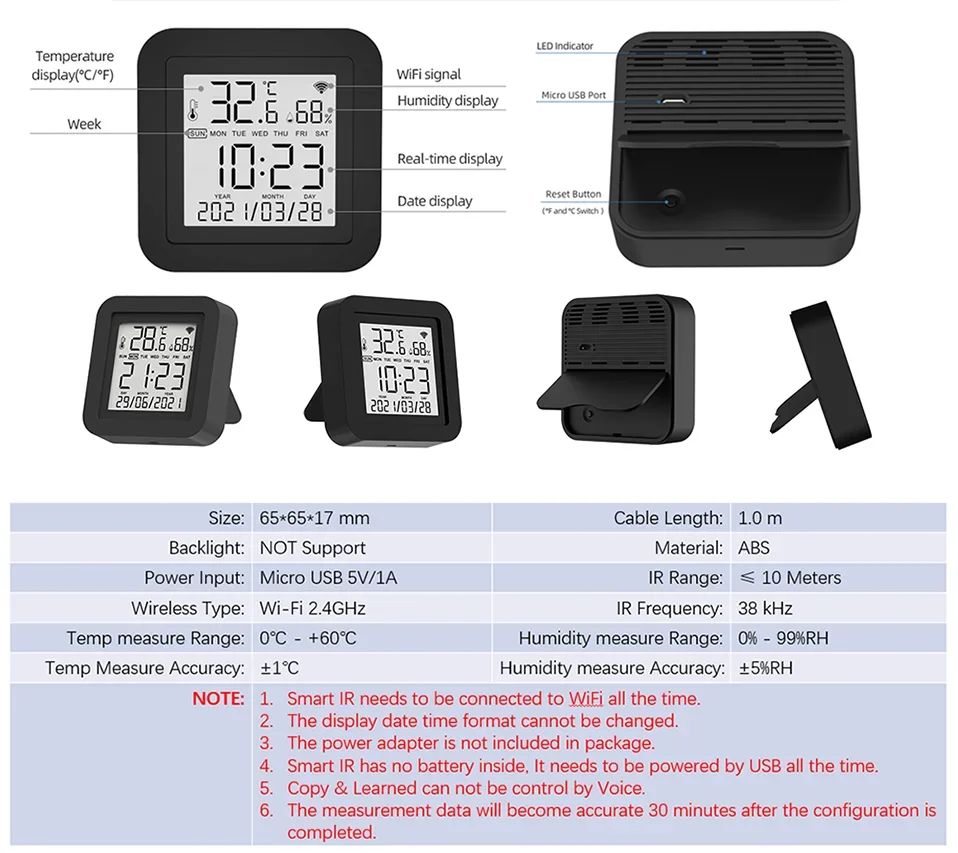
2. It does not have a built-in battery and requires constant USB power supply.
3. It needs a WiFi 2.4GHz network that is always connected when it works. Please turn on 2.4GHz WiFi and stay online.
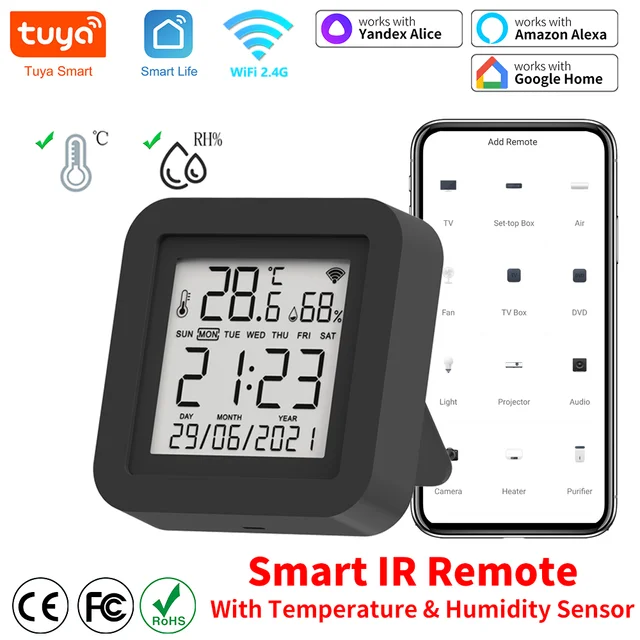
4. The original APP is Smart Life and Tuya Smart, and the third party (Amazon Alexa, Google Home, Yandex Alice) is not necessary.
5. Because the third party (Amazon Alexa/Google Home/Yandex Alice) does not have a corresponding display panel, after linking, they cannot display the same control panel as Smart Life on their APP.
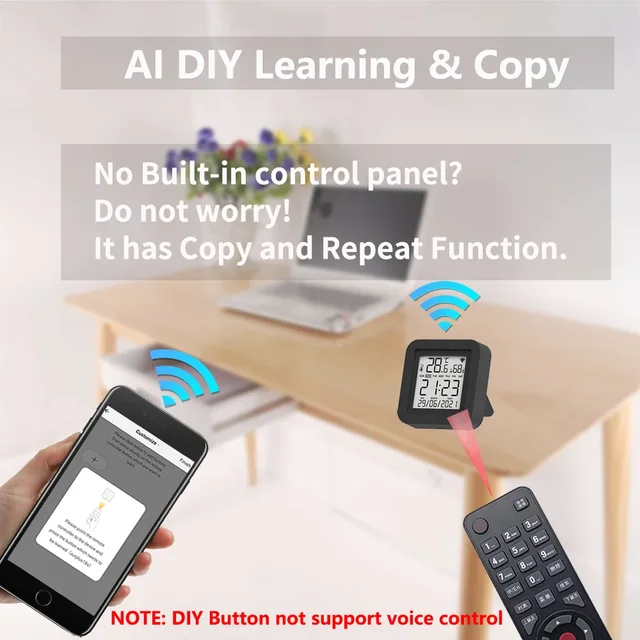
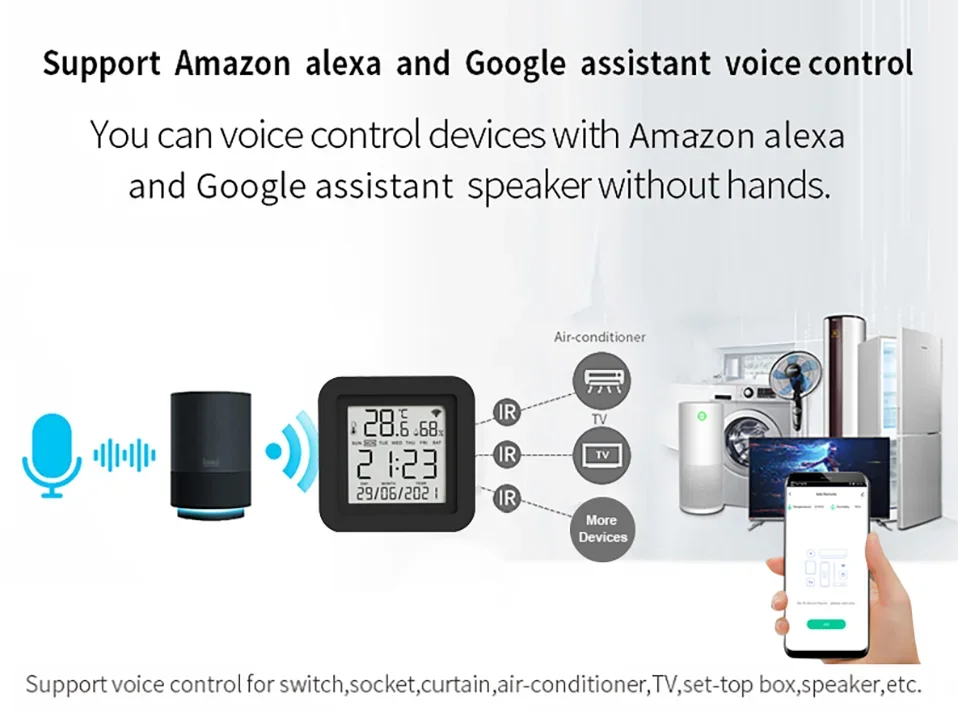
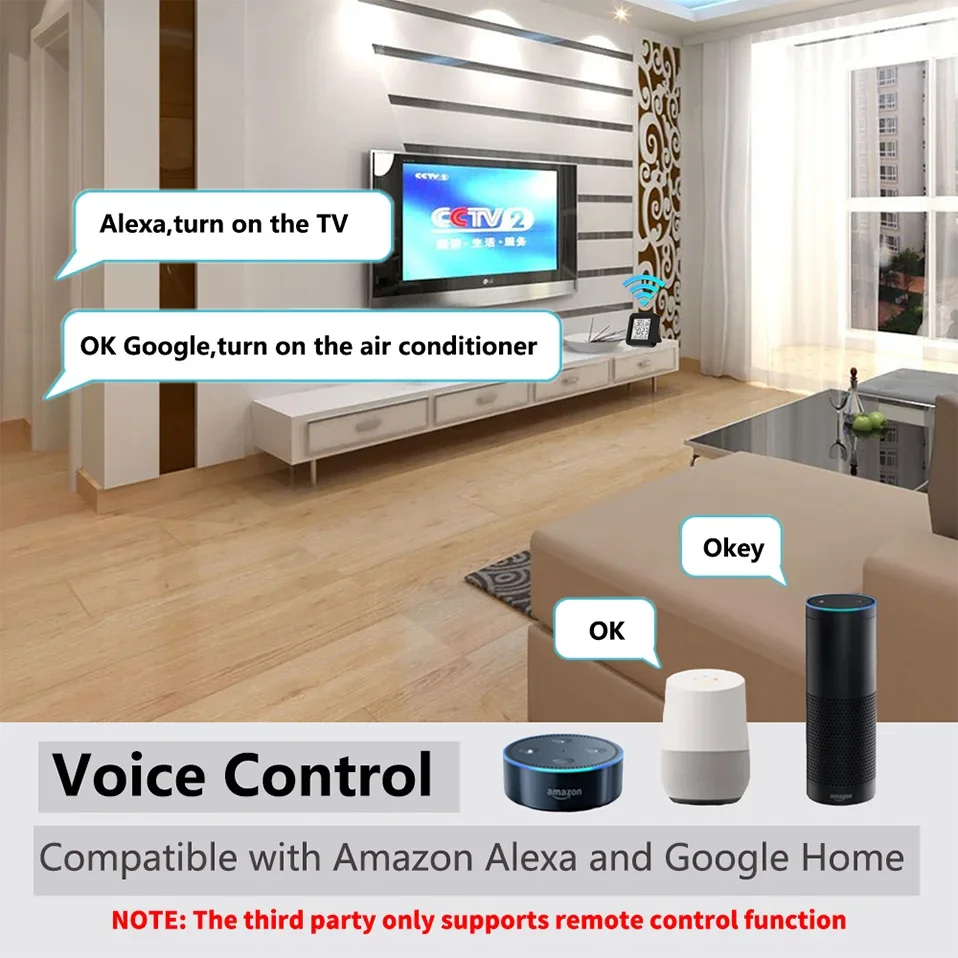
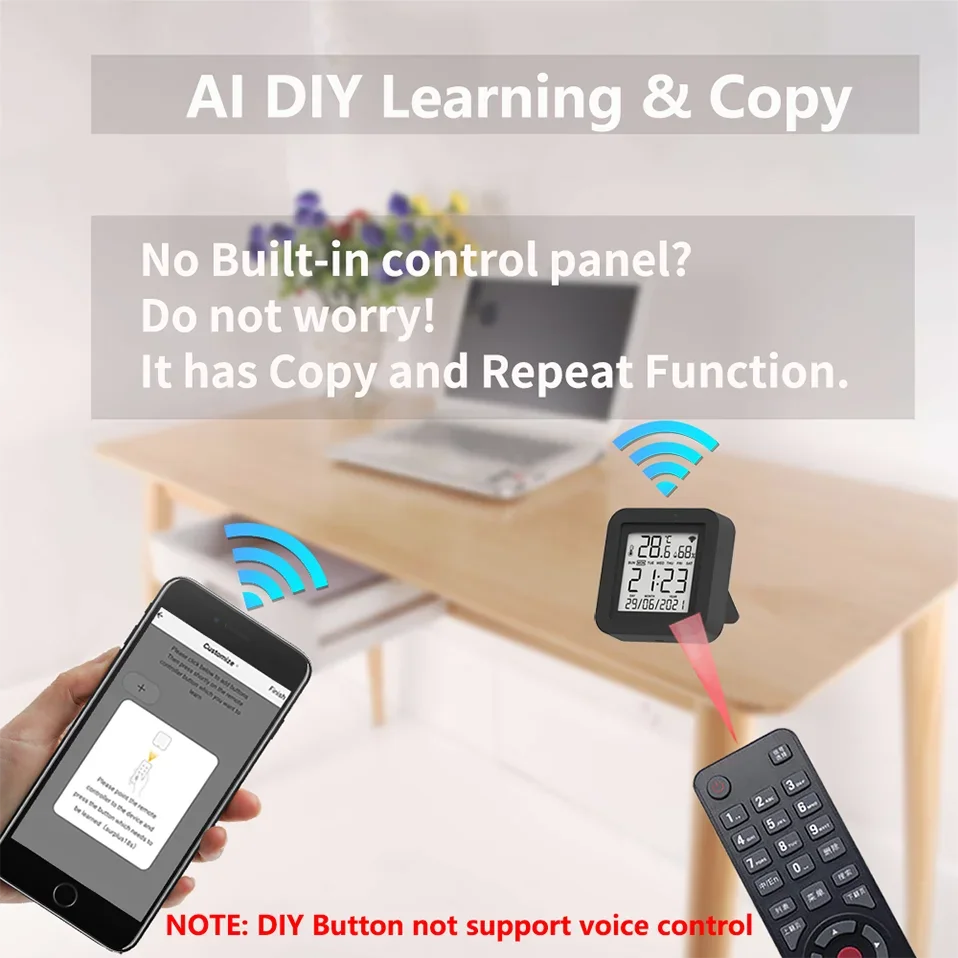
6. The remote control can be controlled by voice on the third-party smart speaker (Amazon Alexa/Google Home/Yandex Alice), But DIY learning control panel does not support it.
7. It cannot reverse synchronize the signal of the original remote control of household appliances.
8. Yandex Alice only supports AC, TV, TV Box and Fan.
9. Bluetooth only works when configuring
10. The temperature and humidity data cannot be displayed on the third party (Amazon Alexa/Google Home/Yandex Alice), cannot be queried by voice, and cannot establish an automatic process on the third-party APP.
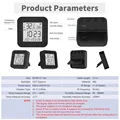
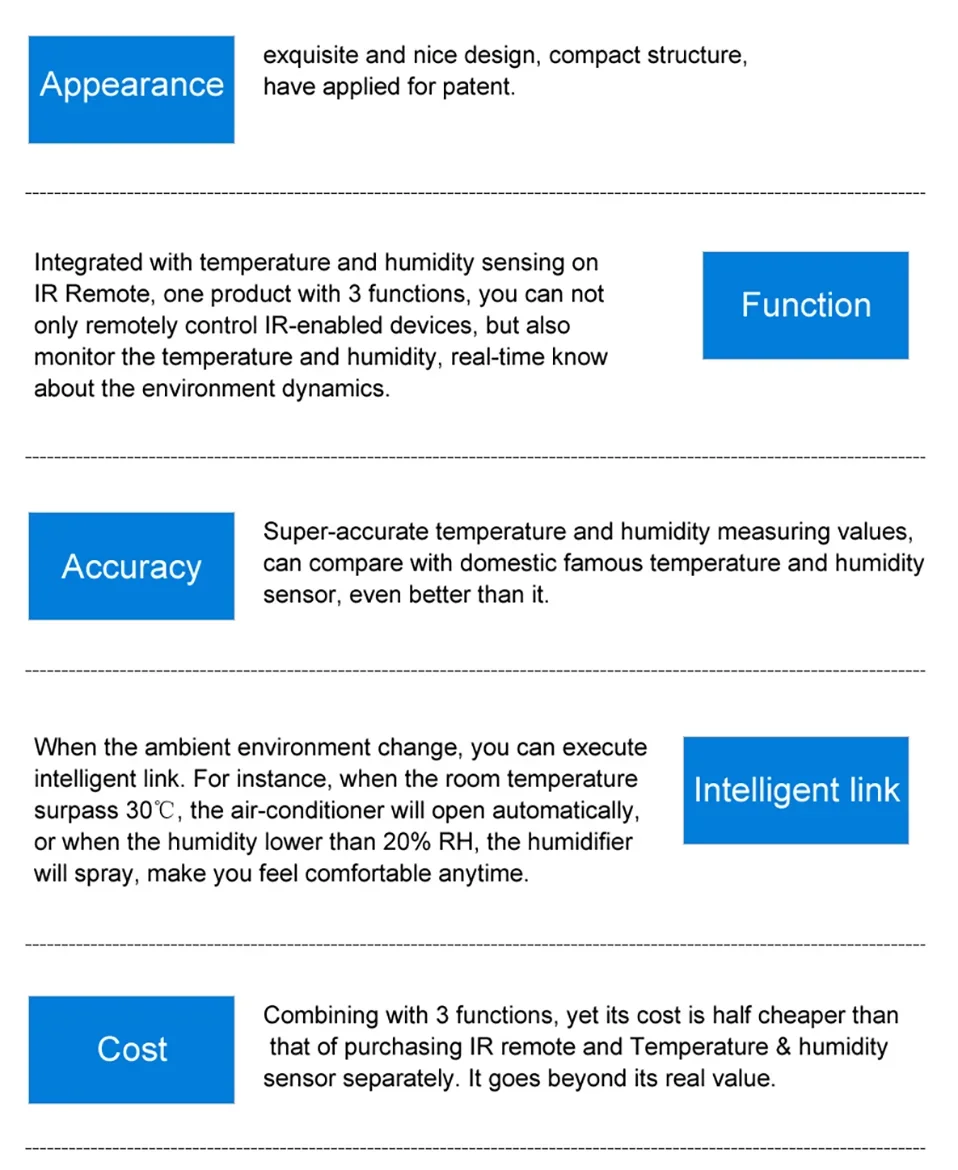
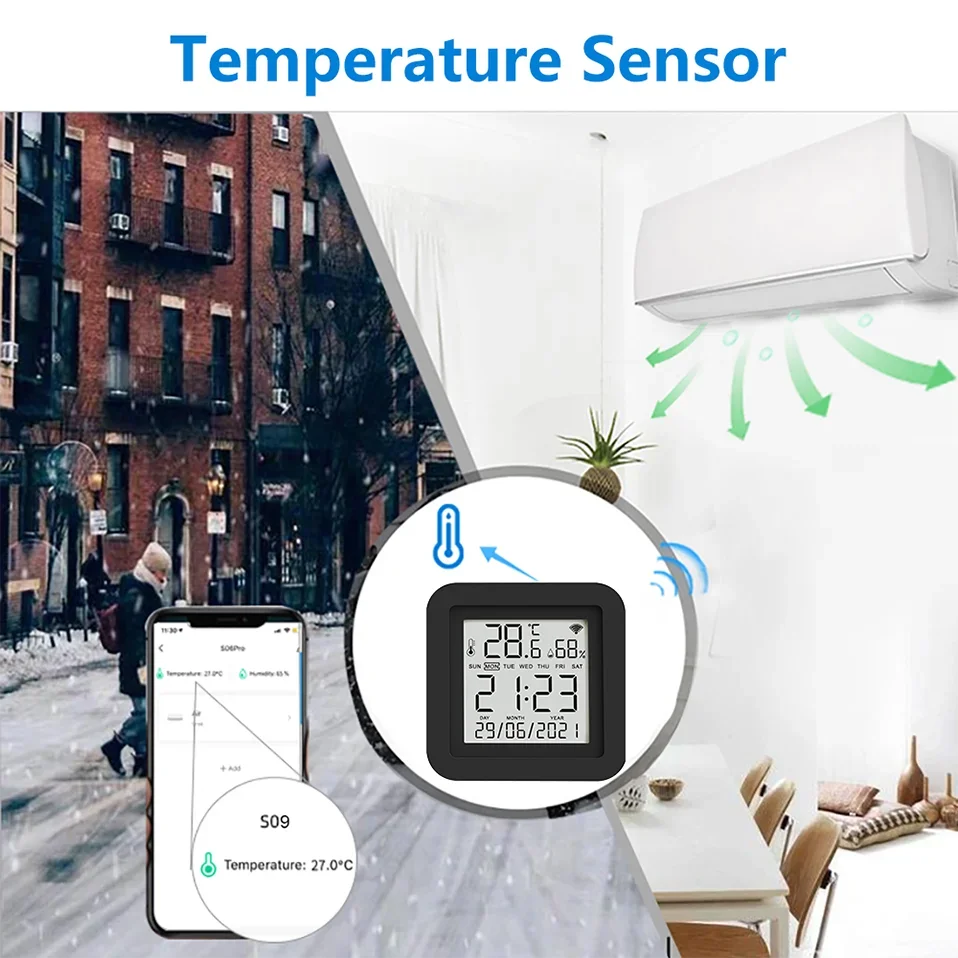
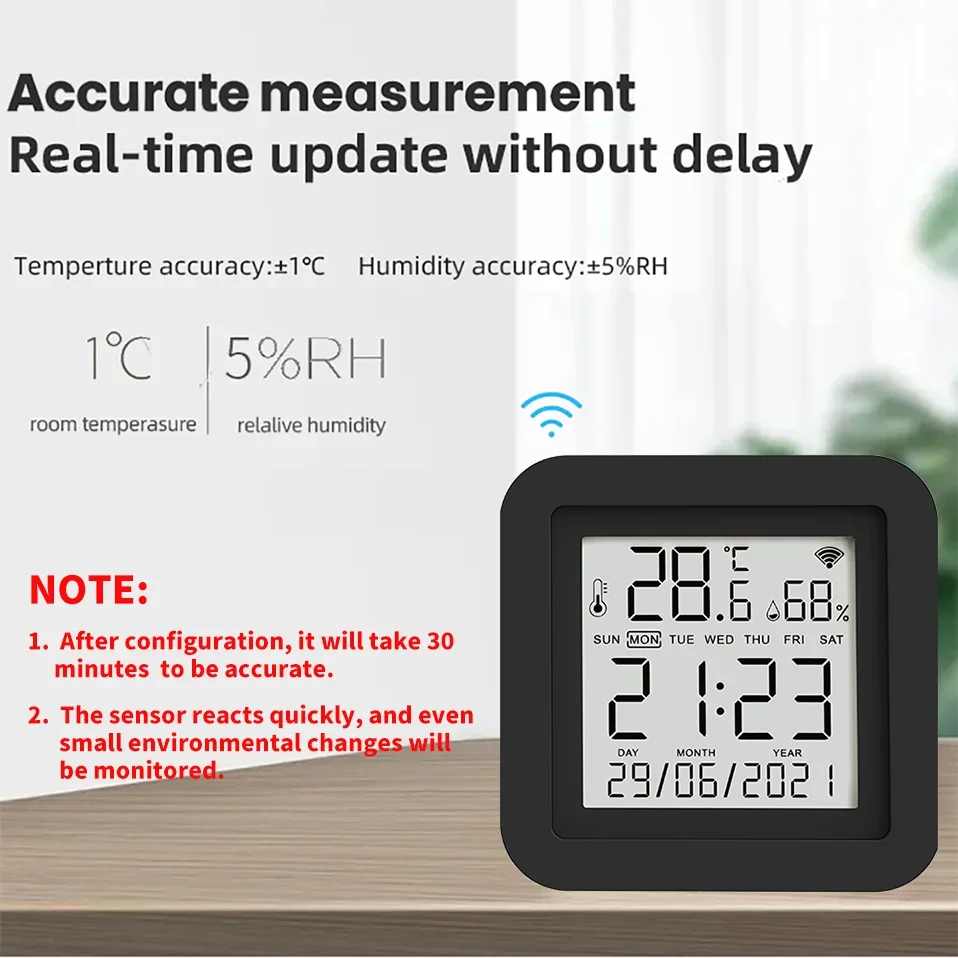
11. All temperature and humidity sensors will have certain errors, please note. The error of this sensor is ± 1 ℃ and the error of humidity is ± 5% RH
12. The minimum granularity of historical data (daily chart) is 1 hour, and the minimum granularity of exported data is also 1 hour.Days of historical data are stored for 7 days. The value of historical data is the average value, that is, the average value in a minimum granularity time
About using temperature or humidity data as automation conditions
The sensor data uses the principle of Edge Triggered
That is, the action can only be triggered if the condition crosses the set condition
For example, when the automatic setting temperature is greater than 25 ℃, then turn on the air conditioner.
1. When the temperature rises from below 25 ℃ to 25 ℃, the automatic process can trigger to start the air conditioner
2. After the automatic process is set, the temperature is always above 25 ℃, and the air conditioner is not turned on.
3. When the temperature drops to 25 ℃ and rises to above 25 ℃, the automatic process will be activated.
For example, when the automatic setting temperature is less than 20 ℃, turn on the air conditioner
1. When the temperature drops from above 20 ℃ to 20 ℃, the automatic process can trigger to start the air conditioner
2. After the automatic process is set, the temperature is always below 20 ℃, and the air conditioner is not turned on
3. When the temperature rises to 20 ℃ and then drops to above 20 ℃, the automatic process will be activated.
FQA
Q: What kind of device is it and What benefits can I gain from using it?
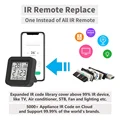
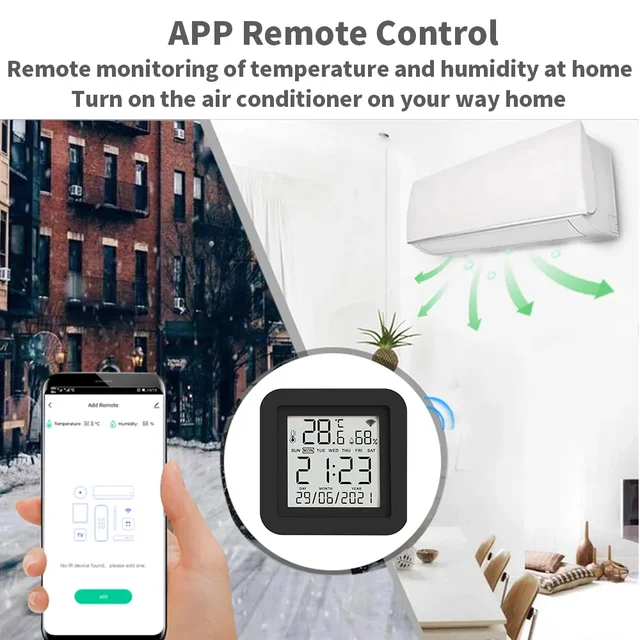
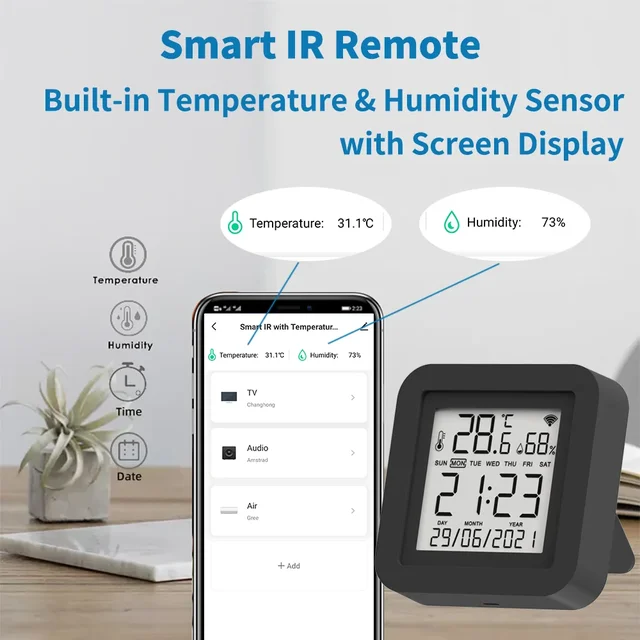
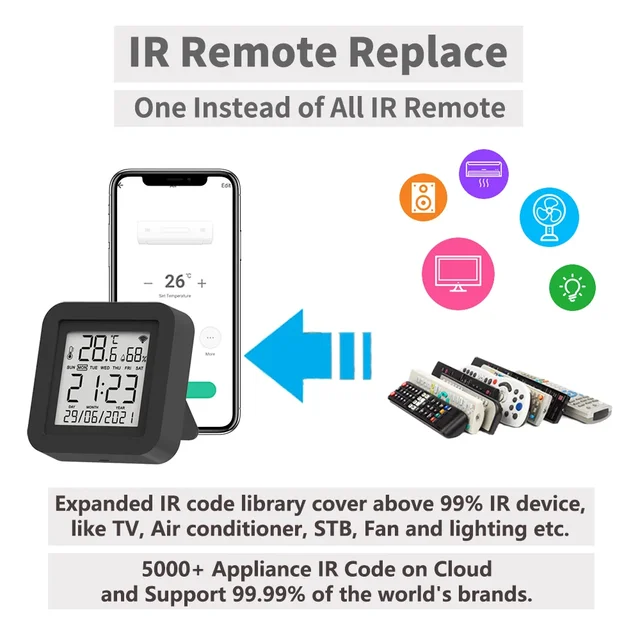
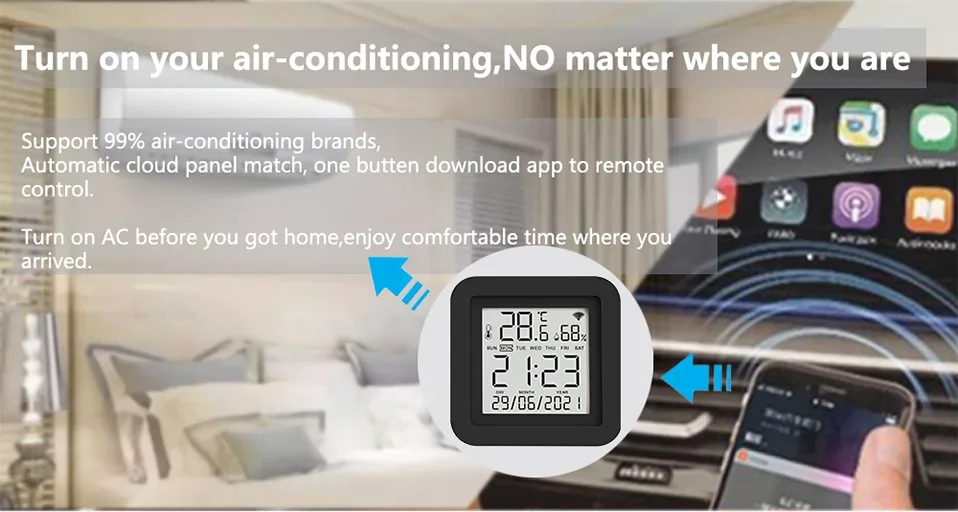
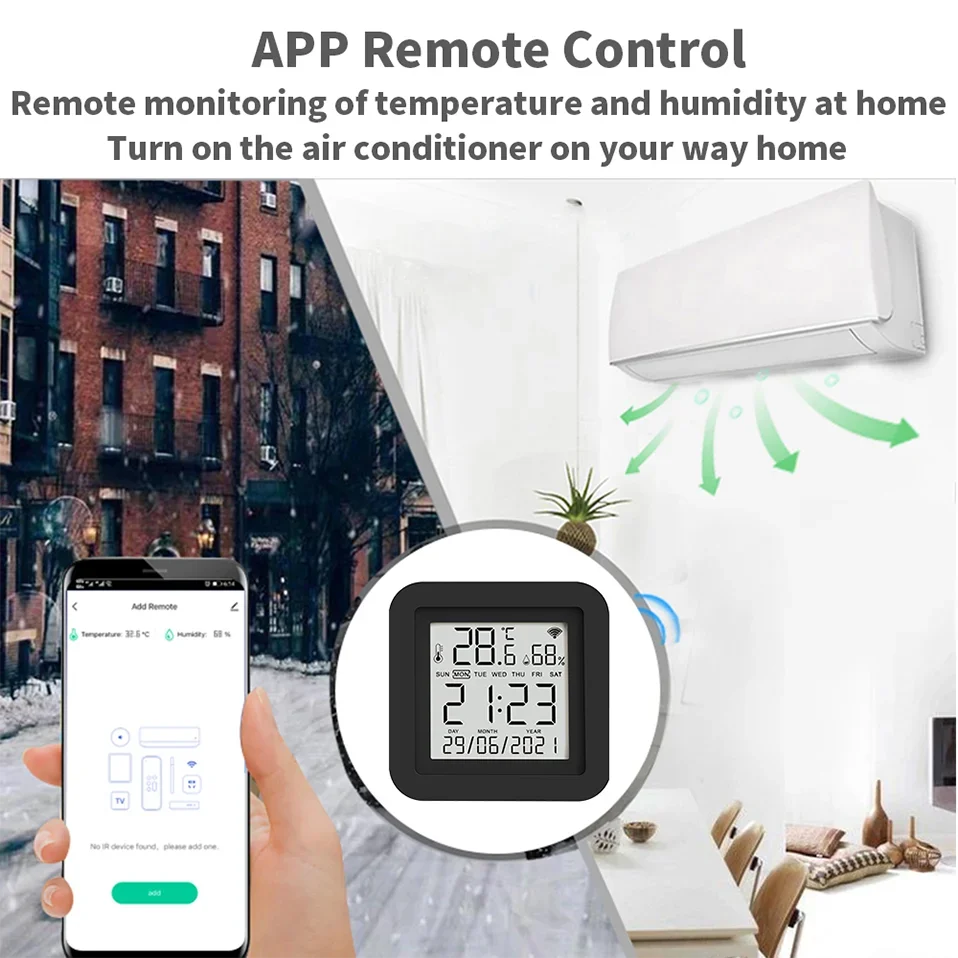
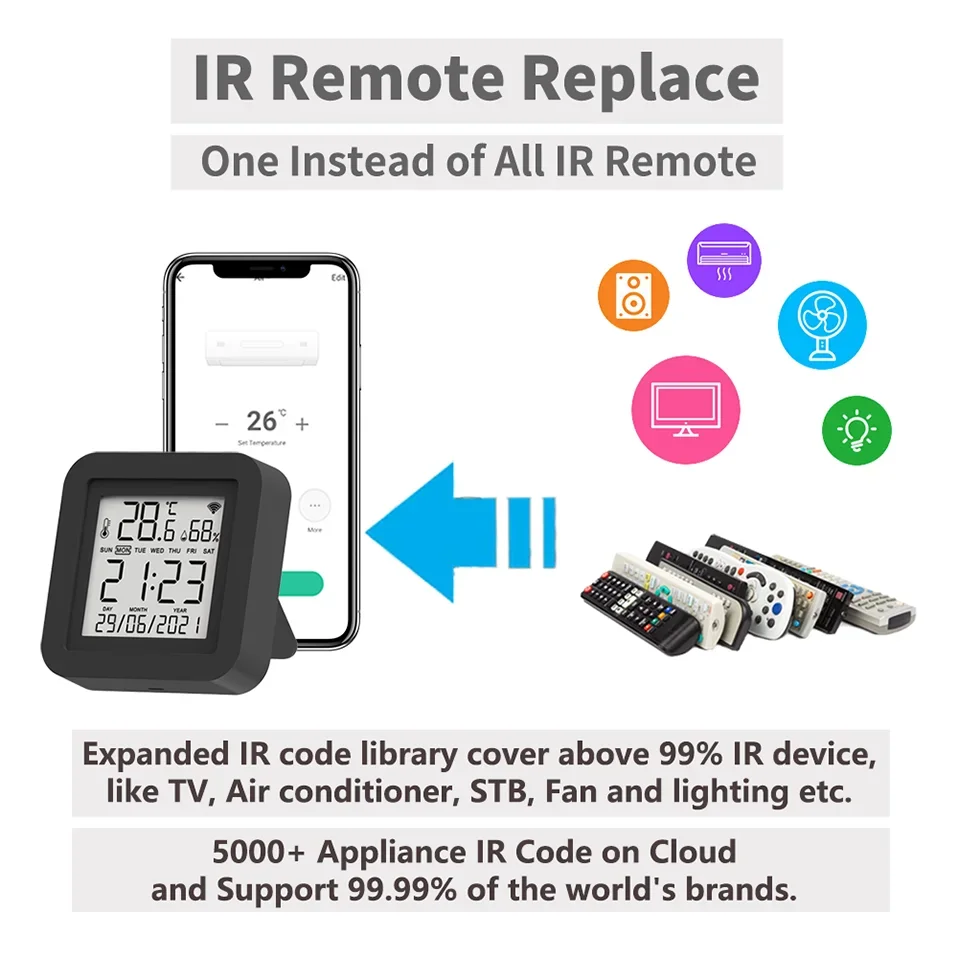
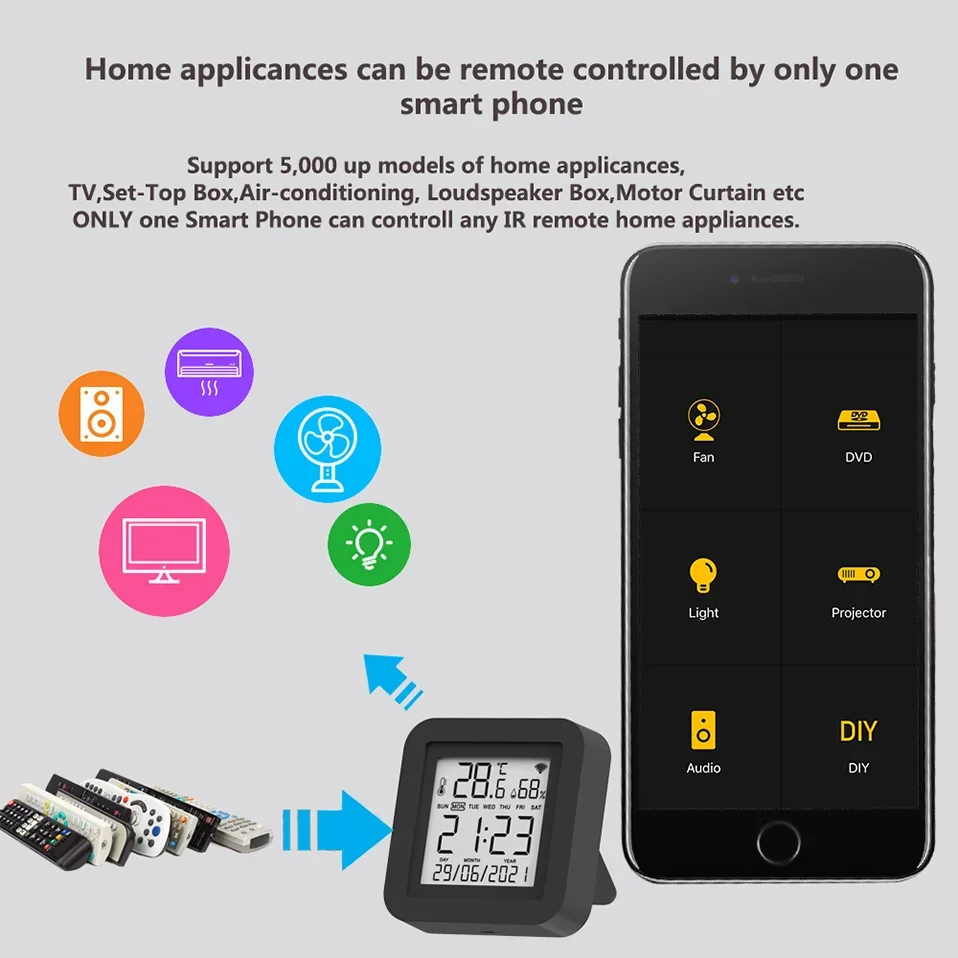
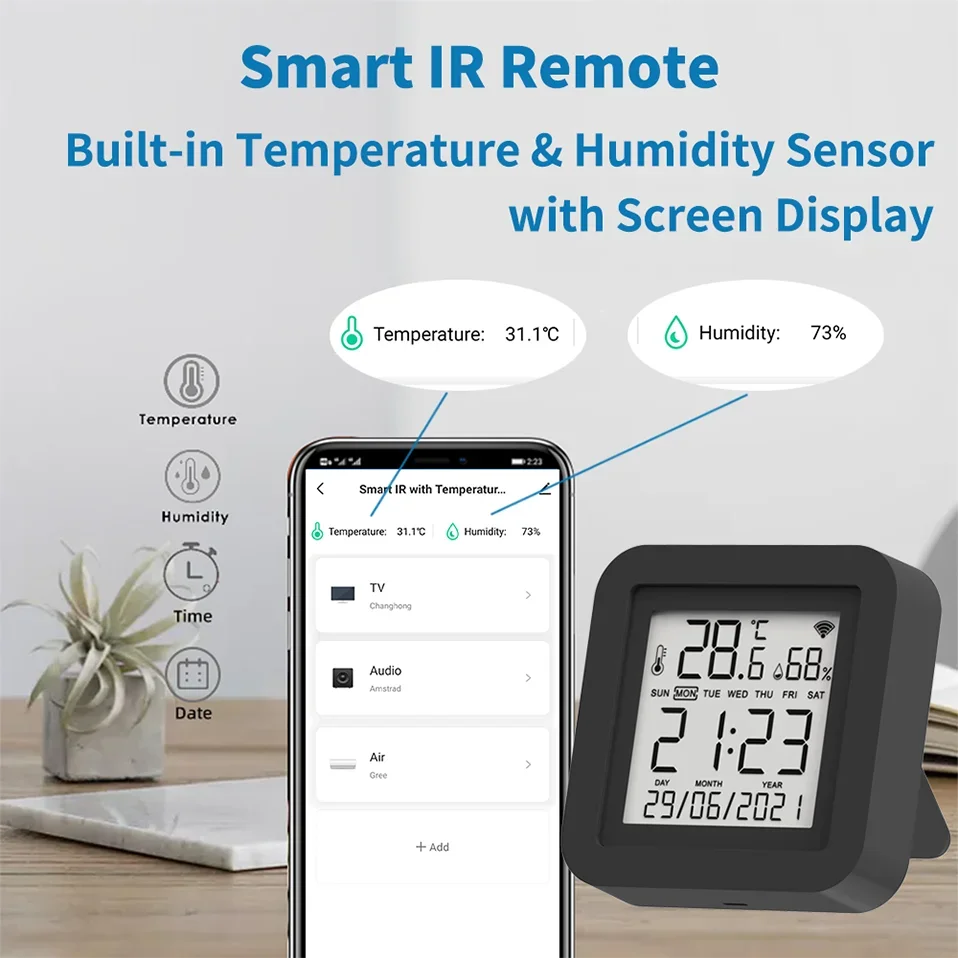
A: This is an intelligent replacement product for the original infrared remote control. It can help you control the infrared remote control and household appliances at home. You can control infrared household appliances in a room using a smartphone, and you can share it with your family. It has a 99% infrared control code library and can control 99% of the world's infrared remote control devices. You can use it as a replacement when the original remote control is lost or damaged, or when you need to remotely control your device.And it comes with temperature and humidity sensors, which you can use for automation. The display screen can display temperature, humidity, and time.
Q: What are the necessary conditions for using it?
A: Firstly, you must have a smartphone to install the app. Secondly, you need WiFi at 2.4GHz and the WiFi router needs to be constantly online.
Q: How many devices can be added to the remote control?
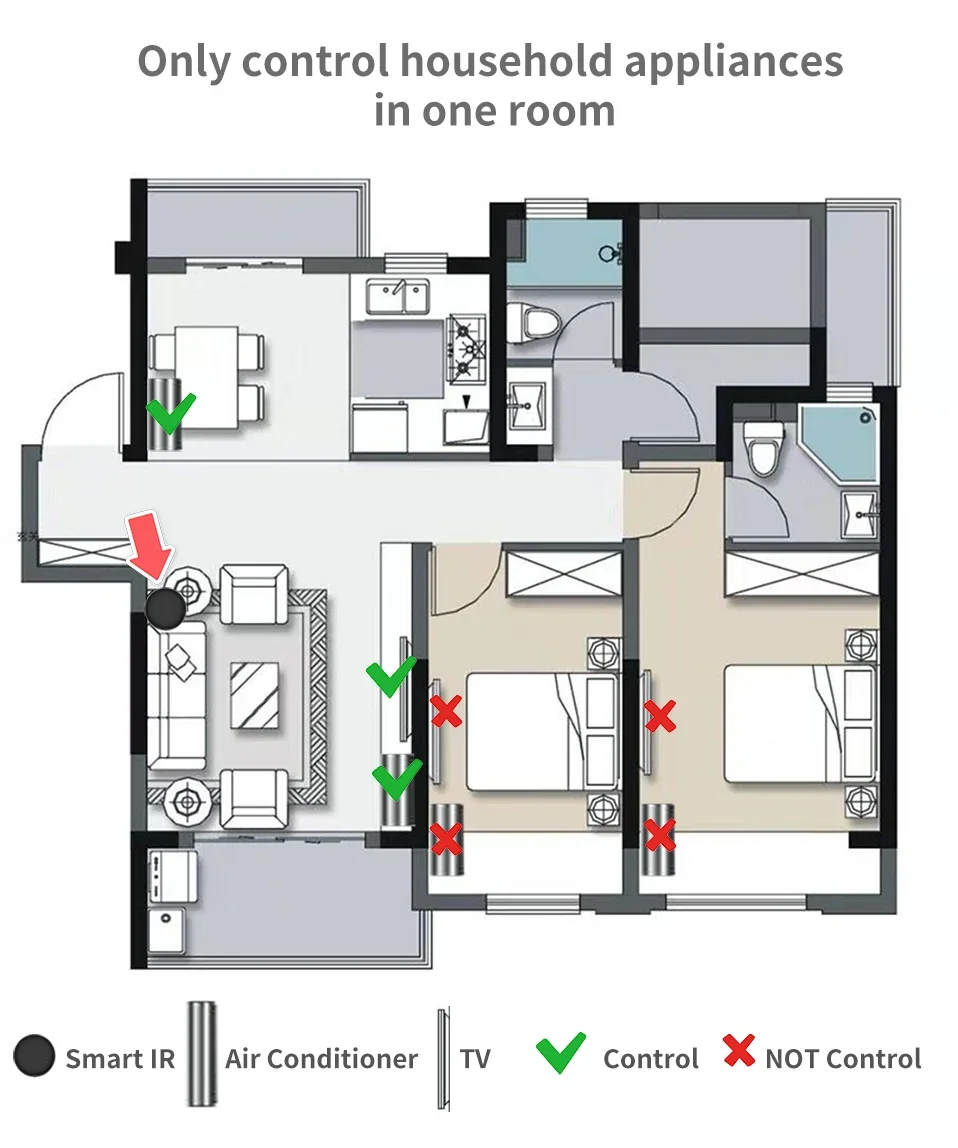
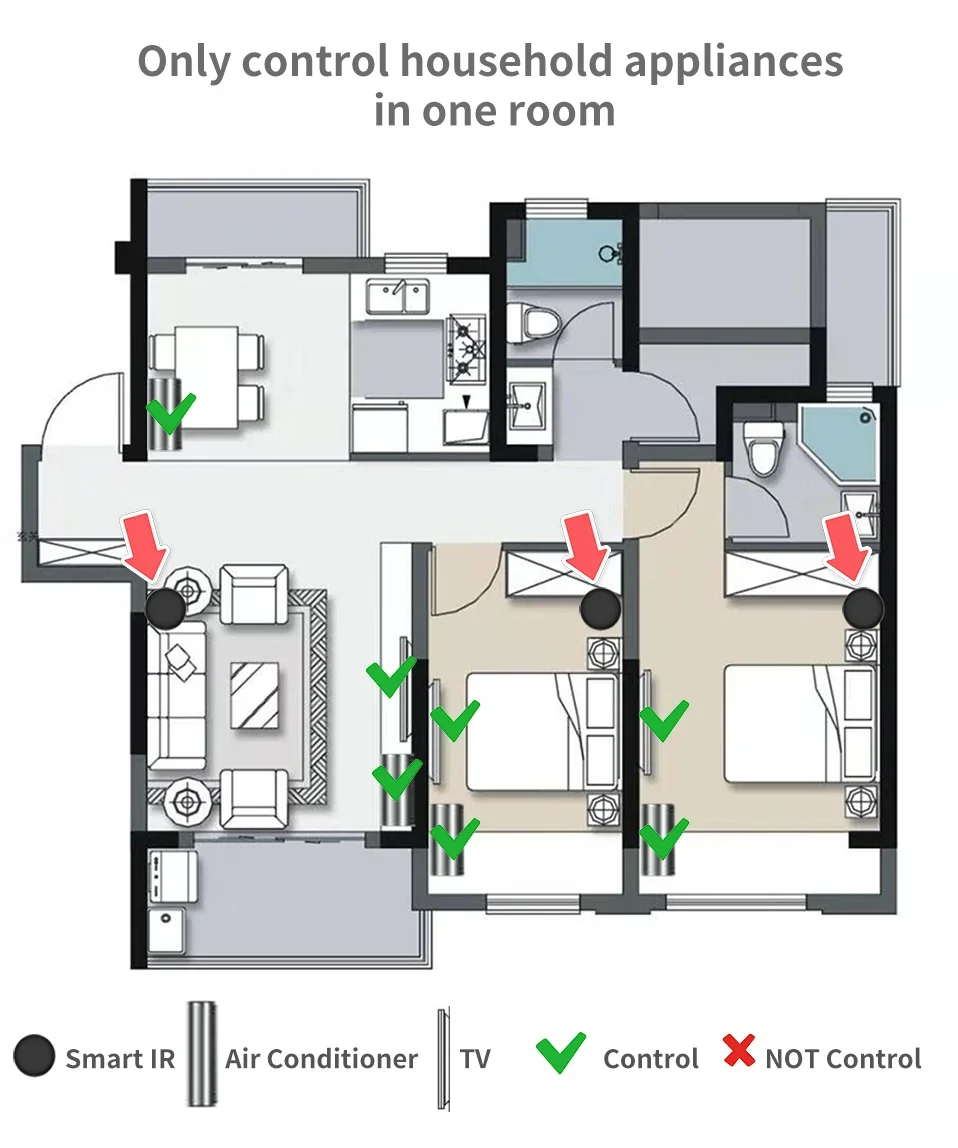
A: There are no restrictions. But please note that infrared rays cannot penetrate the wall
Q: What are the suggestions for the installation location?
A: We suggest installing it in an open location. Do not install it in a closed iron box as it will affect signal transmission.
The WiFi signal at the installation location must be normally.
Q: Does it have a built-in battery?
A: No built-in battery, requires continuous use of USB power supply.
Q: How do I know my WiFi router has a frequency of 2.4GHz?
A: Most routers come with a 2.4GHz frequency band, and this information is usually marked on the router's nameplate. Some routers default to turning off the 2.4GHz frequency. Please refer to the router's manual to turn on the 2.4GHz frequency.
Q: Can I control it through 2G, 3G, 4G, 5G mobile networks?
A: YES. Operating Smart IR Remote through APP means that as long as your mobile phone can access the Internet (no matter what communication mode), APP can control it. But Smart IR Remote also needs to be constantly online through WiFi.
Q: Can I control the air conditioning in my other rooms?
A: I'm very sorry, it cannot. Because infrared cannot penetrate the wall, the air conditioning in the other room cannot receive infrared signals, so it cannot be controlled.
Q: What do I need to pay attention to when installing it?
A: 1. Please ensure that the WiFi signal at the installation location is good. 2. Please ensure that it is in an open position and there are no obstructions, especially between the device you need it to control.
Q: What type of power adapter is required?
A:The power adapter is not included in the package.The power adapter needs to use 5V/1A or higher.We recommend using the power adapter of an old phone.Poor quality or power sufficient power adapters may cause unstable operation of the device.
Q: Do I need to manually synchronize the date and time?
A: No need. It will automatically adjust to the correct time based on your account registration location and WiFi information.
And the format of date and time cannot be switched.
Q: What is the length of the cable used? What is the interface with the device?
A: The cables is 100cm. Currently, Micro USB is used, but we may modify it to Type-C without notification. The USB cable is only used for power supply and has no data function.
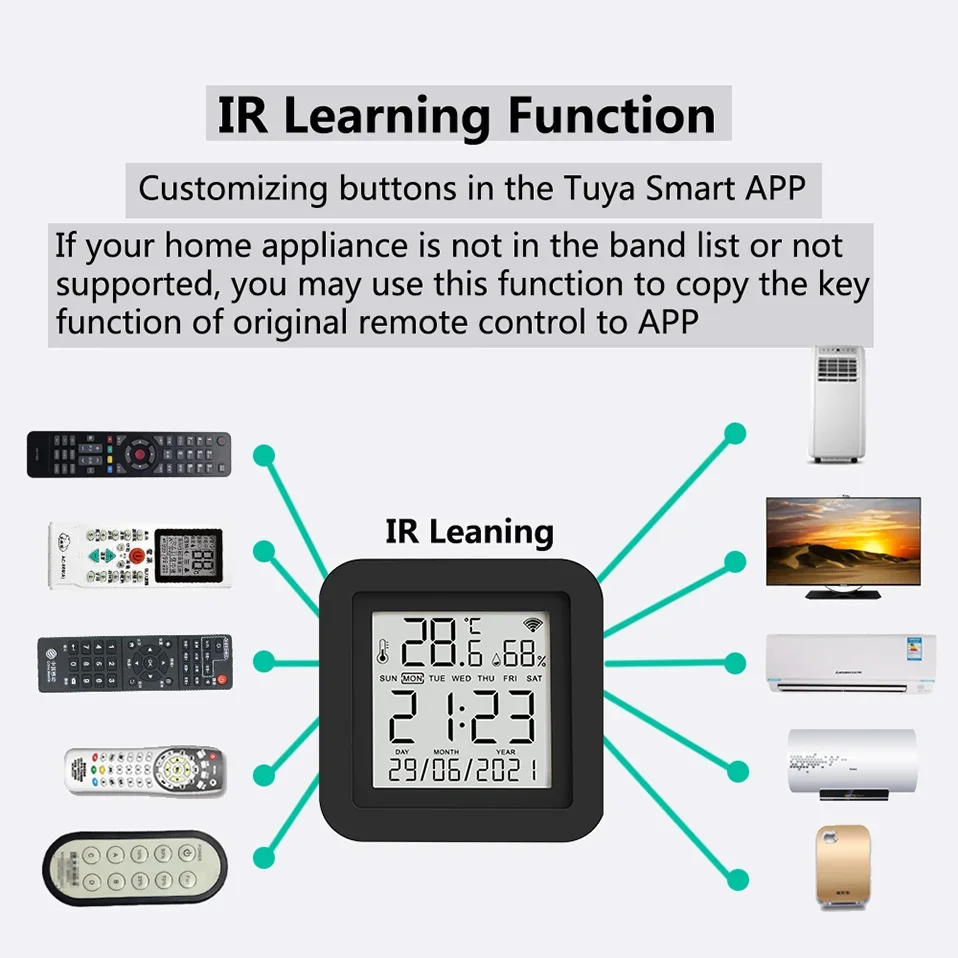
Q: How can I control my device when they not in list?
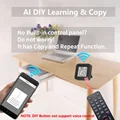
A: If your device is manufactured in China, you can try using control panels from Chinese brands. We provide a copy function, and you can control it by copying. However, it should be noted that copying the air conditioning button is not copying the button, but copying the status displayed on the remote control after pressing button.
Q: If my air conditioner is very far away and sometimes the control fails, how do I solve this problem?
A: The farthest effective distance for Smart IR Remote infrared is 10m. But if the distance between the device and the Smart IR Remote exceeds 10m, we suggest that you install the Smart IR Remote closer, or you need to adjust the angle so that one of the transmitting tubes is facing the infrared signal receiving window of the air conditioner, and make sure there is no barrier between them.
Q: Why is there a time delay when I use it?
A: Smart IR Remote is operated by Tuya cloud services. At this point, you need to check if the connection from your phone to Tuya cloud service is delayed, and also check if the connection from your WiFi router to the cloud server is delayed (the app provides the function of device checking network).
Q: We have Huawei/Xiaomi set-top box, why is it not connecting?
A: There are two types of set-top boxes, OTT and IPTV,the most obvious difference is that IPTV supports living streaming while OTT does not. please make sure you have matching TV box before setup.
Q: Why can I accurately turn off the air conditioning, but when I turn off the TV, it may appear to be turned on?
A: The signal encoding rules for air conditioning and television are different. The infrared signal of a TV is a simple signal, and when the same signal is received, the TV will perform different operations, which depend on the current state of the TV.
For example, the on and off signals of the current TV are the same signal. If the TV is currently in the on state, it will be turned off upon receiving the signal. If the TV is in the off state, it will be turned on upon receiving the signal.
But the air conditioning control command is a complex coding signal, and one part of this signal is to command the air conditioning to turn off, so regardless of which state the air conditioning is in, it will execute the shutdown operation.
Q: What kind of infrared signal cannot be replicated?
A: At present, we have found that some devices require long pressing of the button for a few seconds before they can be turned on. We cannot replicate this signal.
Q: Can multiple people use it?
A: YES. There are two methods: 1. You can use the sharing function to share with your friends or family. 2. You can create a virtual home
on the app and invite your family or friends to join.
Q: What do I need to do when configuration fails?
A: 1. Check whether the remote control is powered on or not. And ensure that the indicator light of Smart IR Remote is in fast flashing mode.
2. Check whether your mobile device is connected to 2.4GHz WiFi network.
3. Ensure that Smart Life has Bluetooth permission and confirm that the phone has Bluetooth turned on (some phones have low-power Bluetooth in GPS, if so, please ensure that the location information is turned on)
4. Check your network connectivity, make sure the router is working properly.
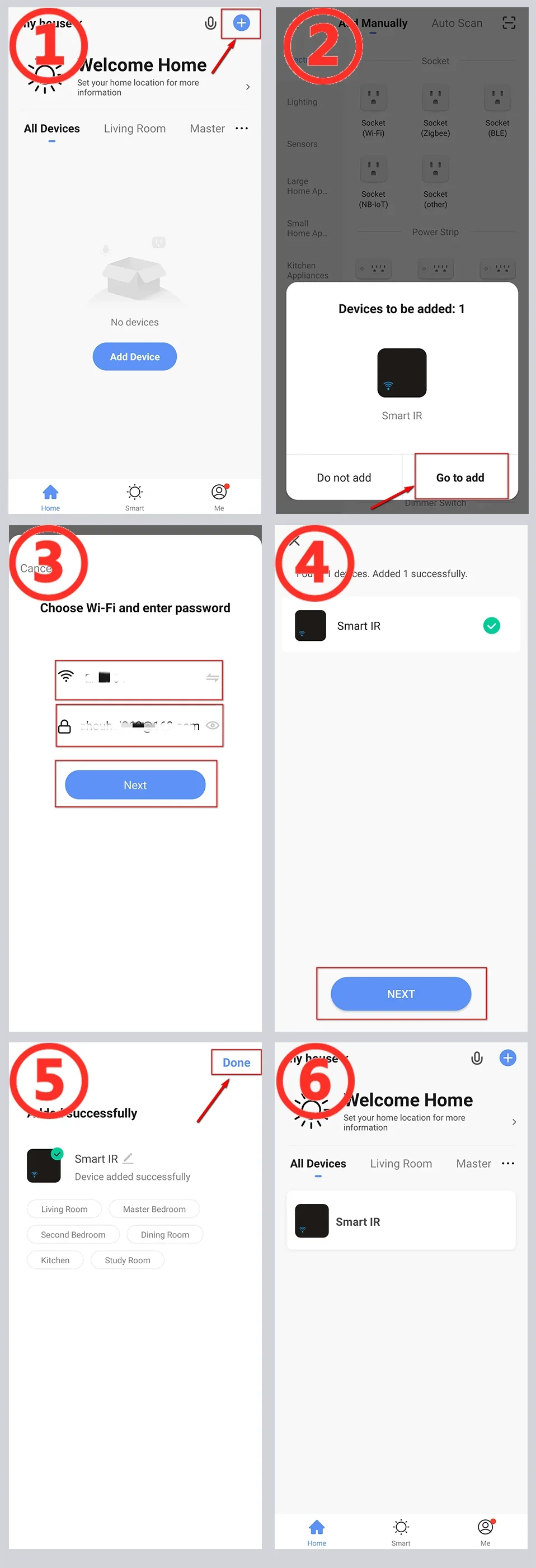
5. Make sure the WiFi password entered is correct when adding remote control.
6. Confirm that the WiFi router does not have restricted access features, such as Mac address whitelist.
7. If WiFi 2.4GHz and 5GHz use the same SSID, you can try changing the name and have your smartphone connect to WiFi 2.4GHz.
8. If the configuration still fails, please turn off your phone's Bluetooth, long press the Smart IR Remote Reset Button for 5 seconds to switch the device's indicator light to slow flashing mode, and then add it using AP mode. Select the slow flashing indicator light option on the add page to enter AP mode, and the APP page will guide you through the operation.
Q: How should I configure my Smart Speaker / Amazon Alexa / Google Home / Yandex Alice ?
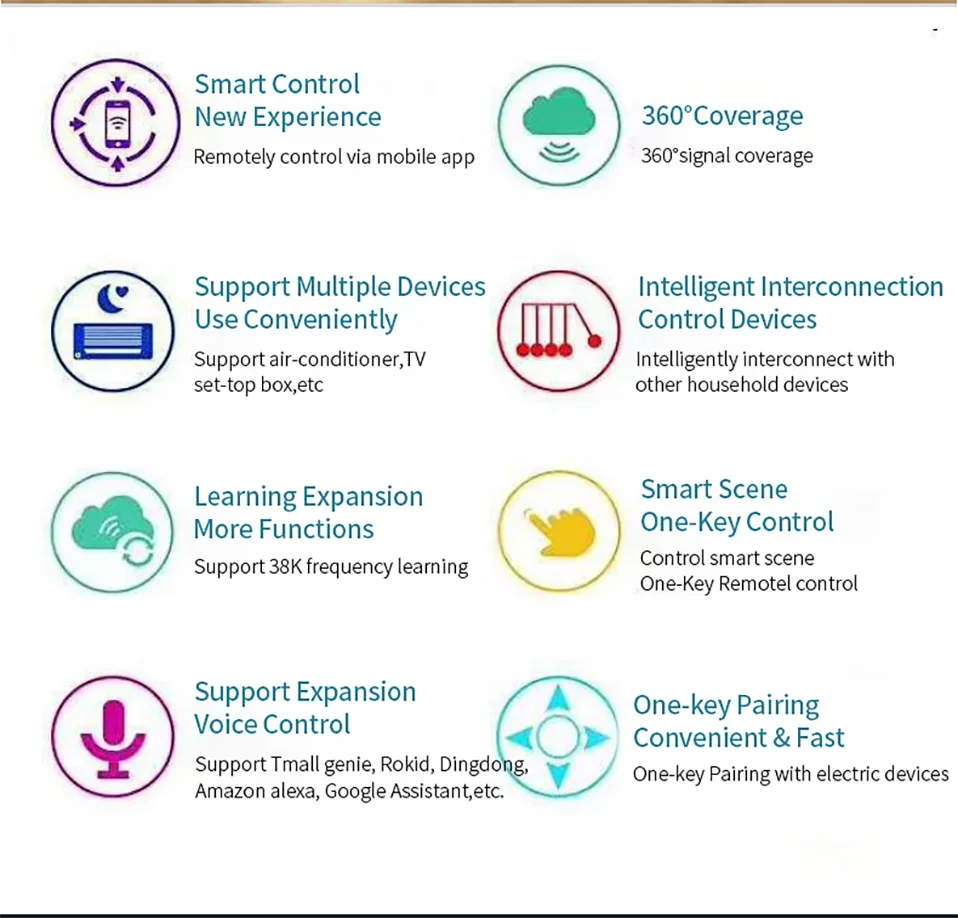
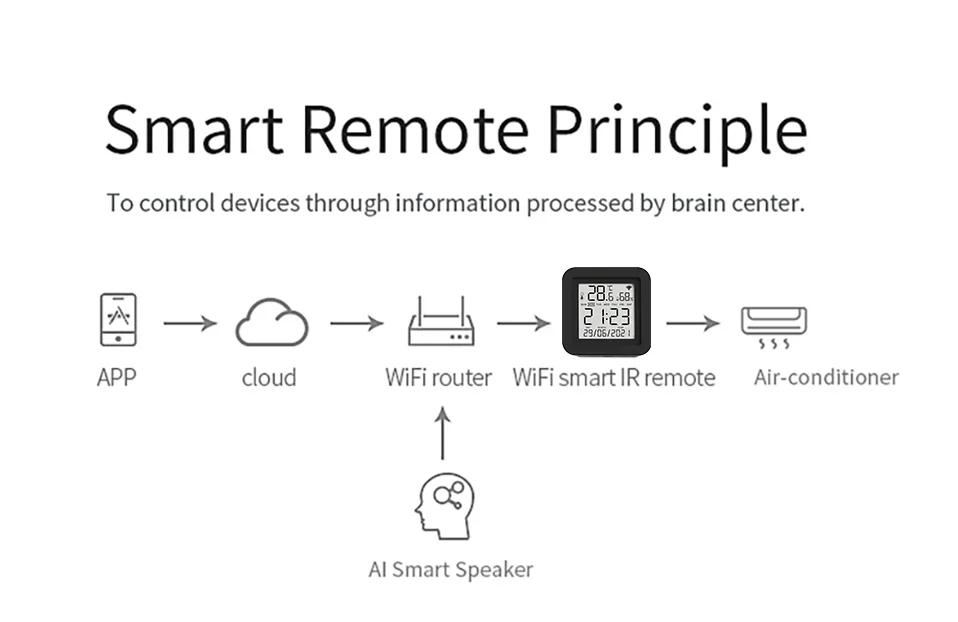
A: Smart IR Remote cannot directly connect to third-party smart speakers. They need to provide account links and support through the "Skill" function. You can use the following methods: Smart Life ->Me ->Third Party Services. But the necessary condition for these is that you have already configured Smart IR Remote to Smart Life.
Q:I have already configured third-party support, why haven't I seen Smart IR Remote on the third-party?
A: Smart IR Remote is similar to an infrared hub, so it cannot be displayed on third parties. What can be displayed is the remote control added to Smart IR Remote. Therefore, after connecting the account, the third party will synchronize the remote control controlled by Smart IR Remote, and the remote control will be synchronized to the third party after being added to Smart Life. Additionally, it should be noted that third-party control panels are rigid and cannot be customized, so they provide limited control functions. But you can use voice skills to control it.








Follow us on: