


Intelligent anti-theft system
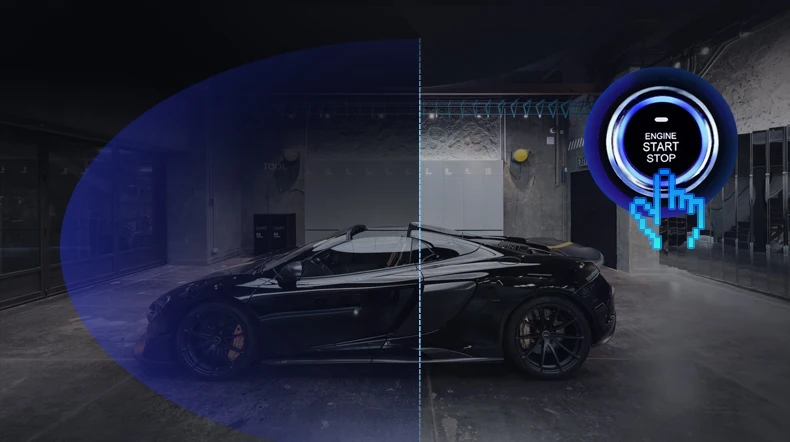
Car start, automaticallycancel the anti-theft mode; stop the fire, the positioner
automatically enters the anti-theft mode
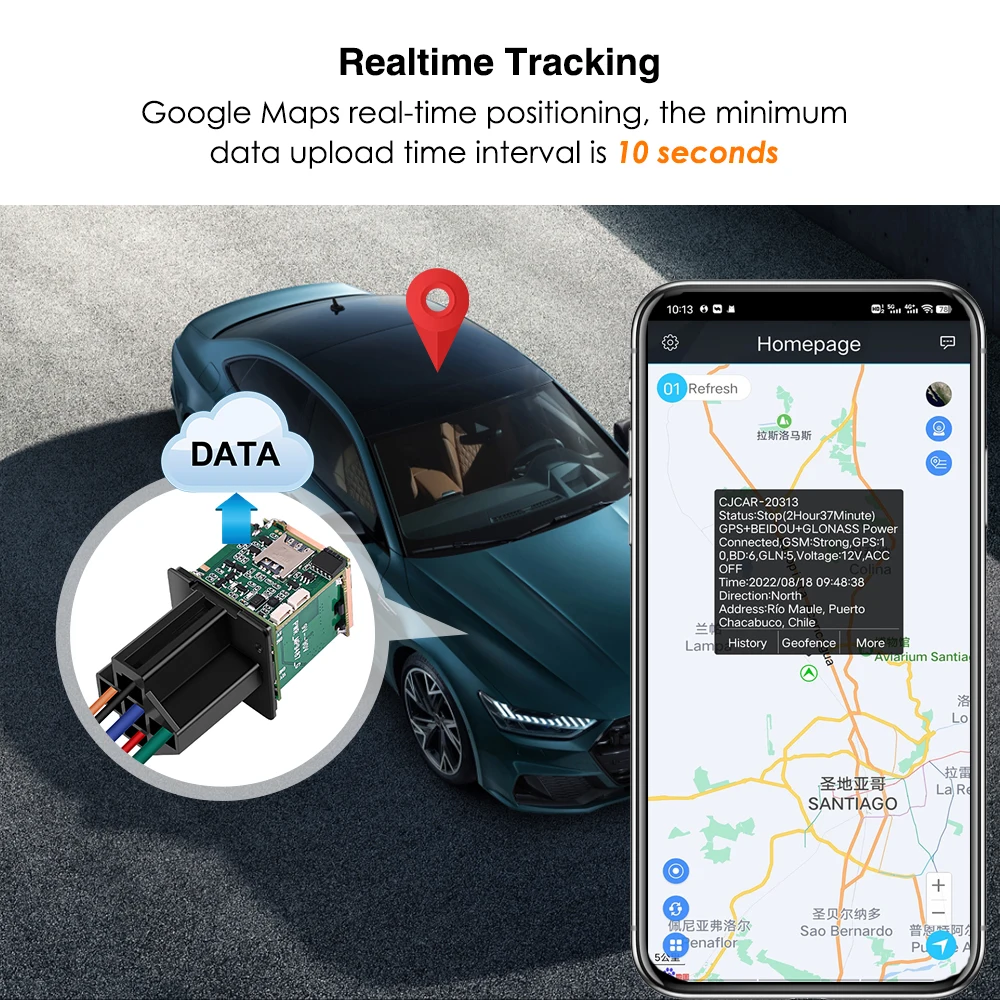
Multiple location trackingmdash24 hour upload
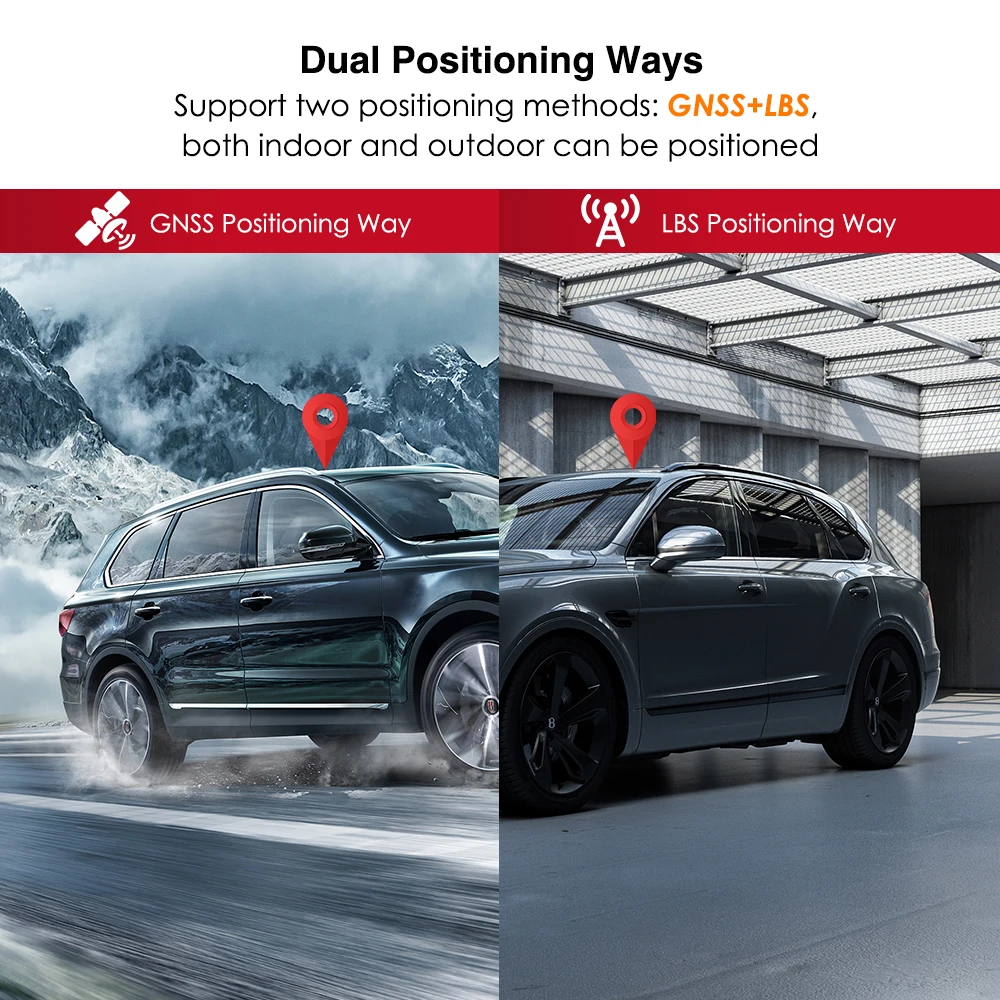
Beidou+GPS+LBS multi-mode positioning system makes the acquired position
information more accurate and reliable, and rejects all errors;

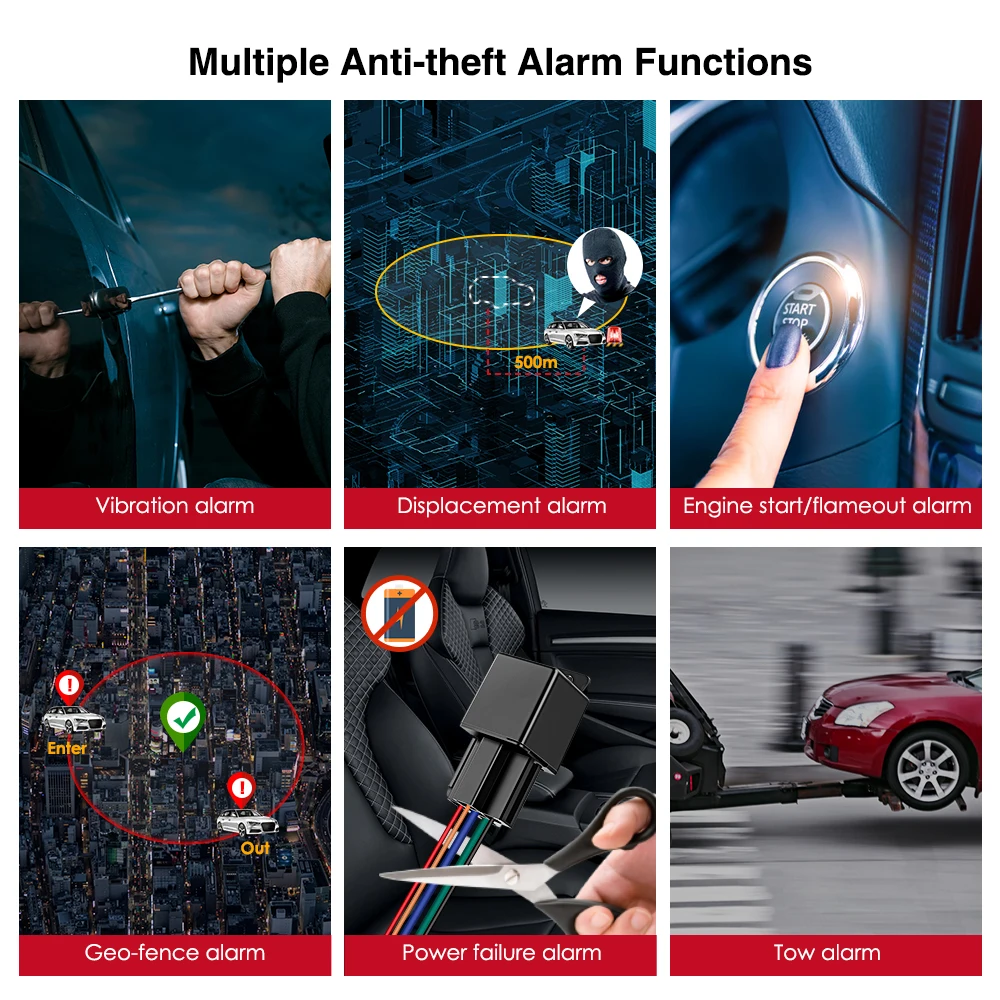
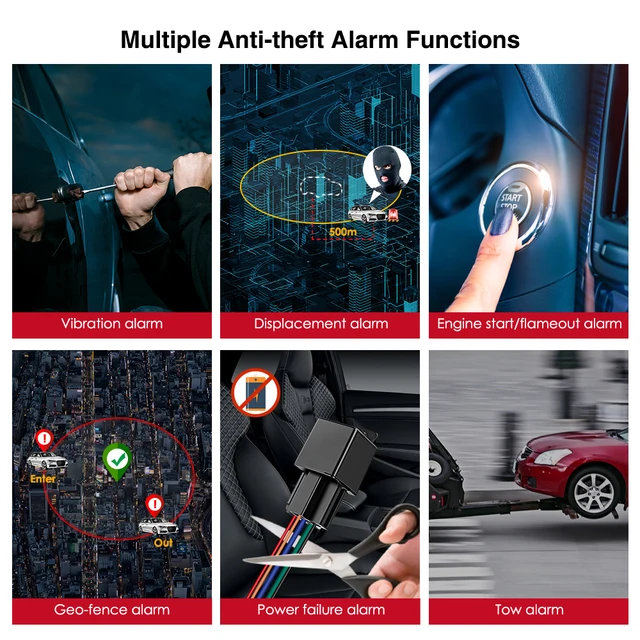
Electric fence
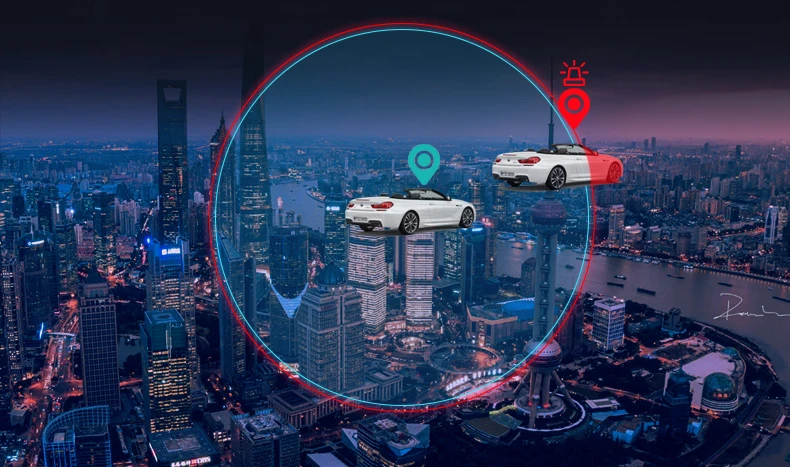
Set the security zone. When the car enters or leaves the security zone, the mobile
phone will receive the reminder at the first time. You can keep track of the car dynamics
without opening the app.
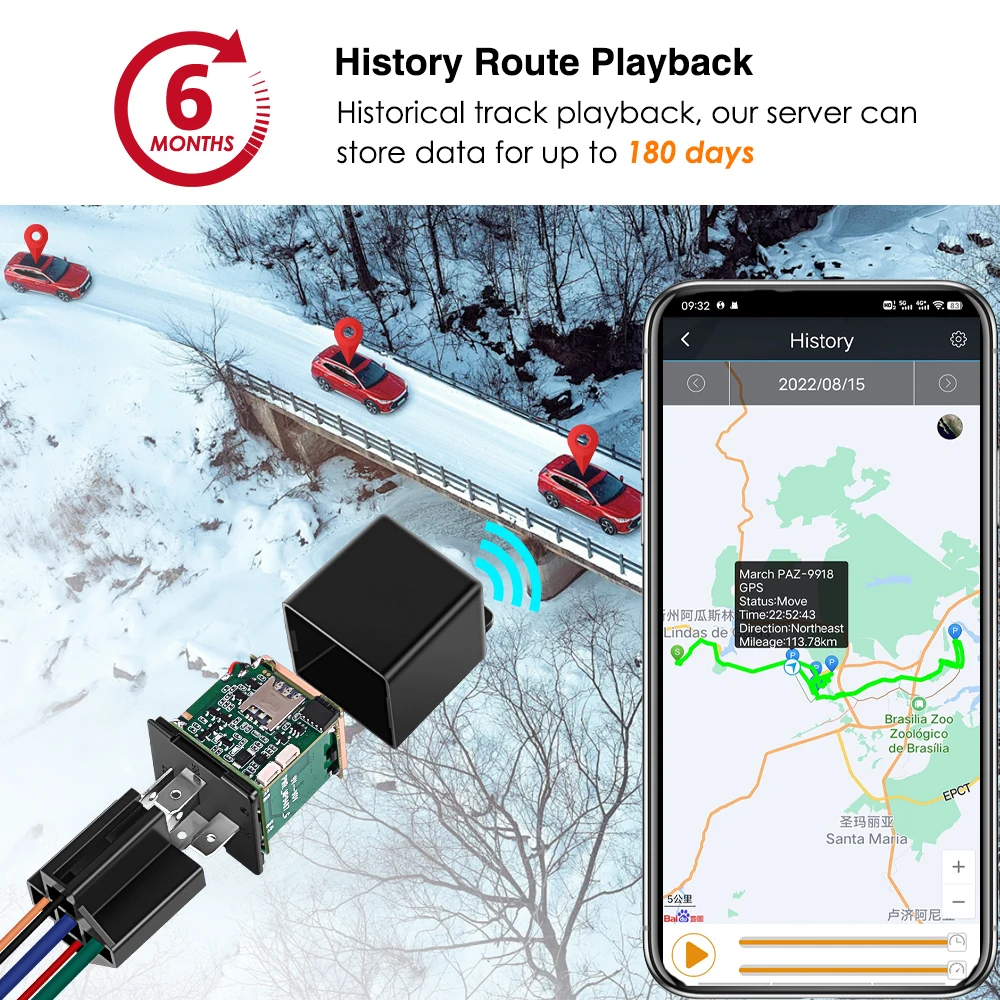
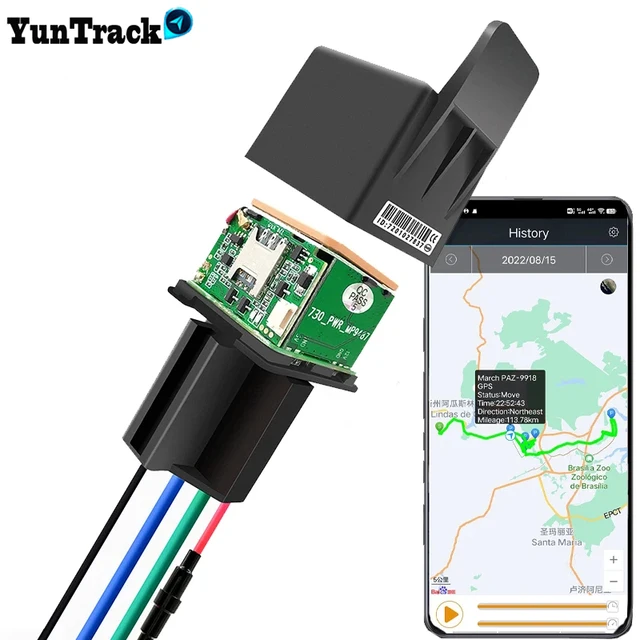
Historical trackmdash180 days
Free storage of the cloud, recording the car's 180-day driving trajectory throughout the
day, in case of special circumstances, do not worry, the phone can be seen
anytime, anywhere, it is so capricious.

Vehicle vibration alarm
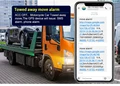
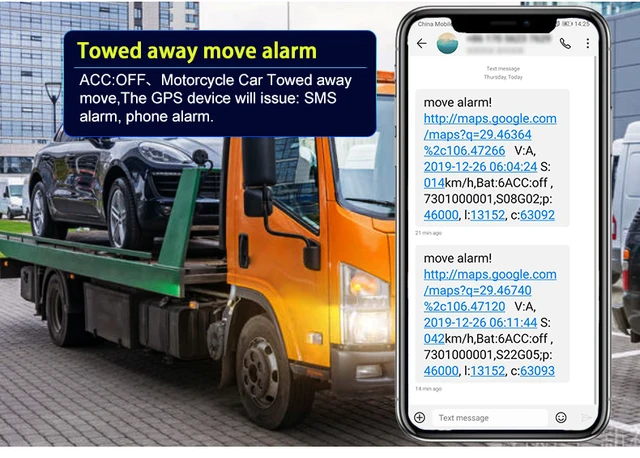
When the car is stationary, the positioner automatically enters the fortified state. When the car is moved or bumped, the positioner will immediately send an alarm message to the owner (sms, phone, APP, multiple alarm prompts)

Equipment removal alarm
The device is equipped with a sensitive sensor, and when the device is removed
or destroyed, the owner will immediately receive an alarm message.

How to use
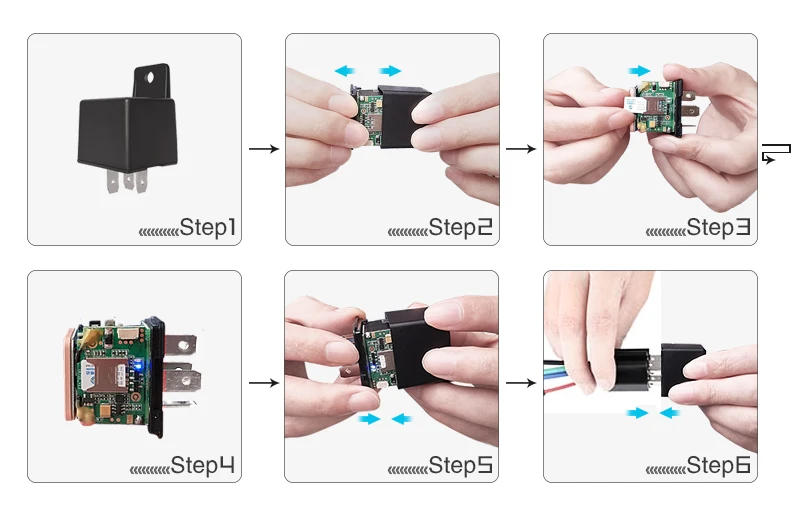
1. opend the cover,Insert a NANO SIM card support GSM/GPRS network into the slot and make sure the chip side is up、(blue light flashes, green light flashes,)
2.Set APN: APN123456 CMNET(please use your local APN instead of CMNET,if you do not know the APN content,you should contact your SIM card supplier)
3. Set admin number by sending a SMS command to the SIM card inside device
For example: admin123456+86186******(+86186*****should be youe phone number)
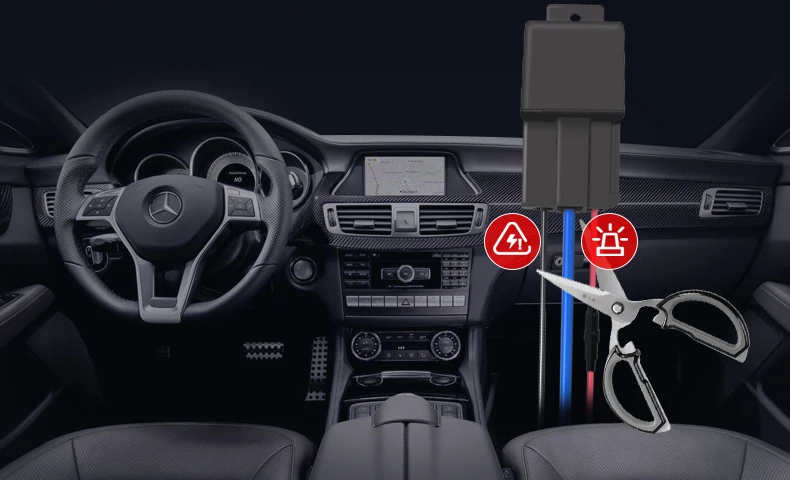
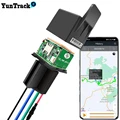
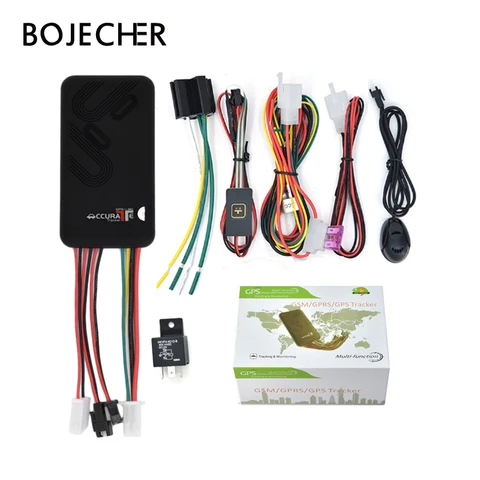
4.Connect cable follow the picture、(Oil cut test wiring video: https://www.youtube.com/watch?v=FiUN5nbAVMA)、
Special Note:
Oil pump line search
Need professionals.
Or auto mechanic repair shop to help find.
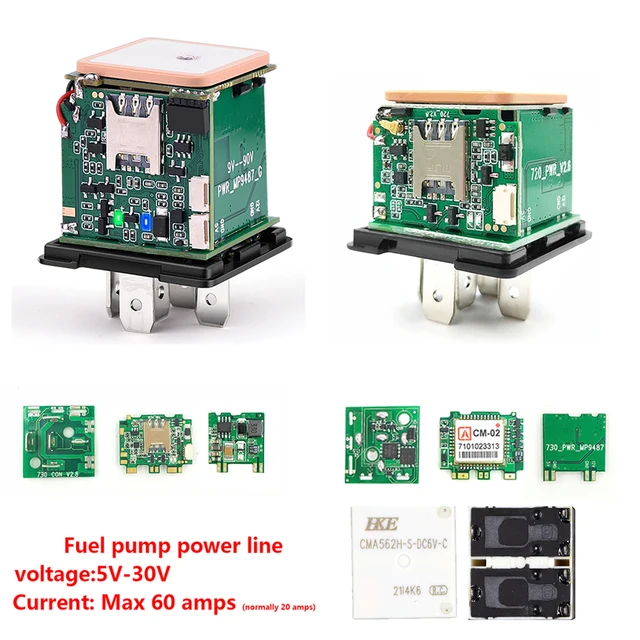
Power supply, fuel cut control line
(1) The standard power supply of this equipment is 10V-50VDC, the red line is the positive pole of the power supply, and the yellow (black) is the negative pole of the power supply; when installing the negative pole of the power supply, please select the grounding or grounding separately, and do not share with other ground lines;
(2) The oil cutoff control line (green/blue line) is connected to the oil pump line.
Send Command
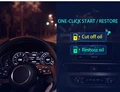
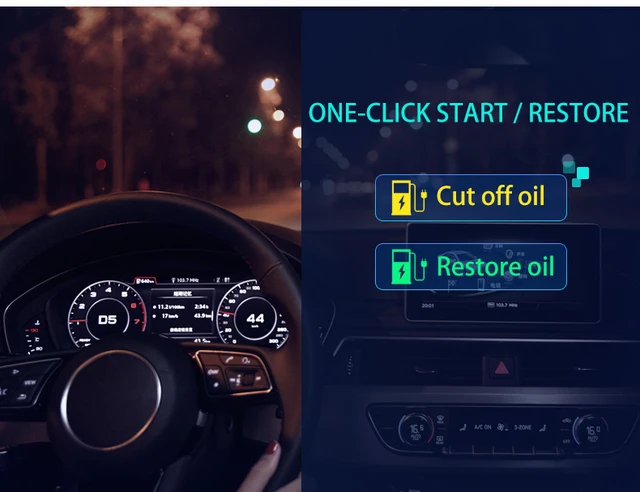
Cut off Oil(The car can't be started, it can only start normally after it needs Restore Oil, and the speed is 60KM/H Cut off Oil – it can go out normally after about 2 minutes.)
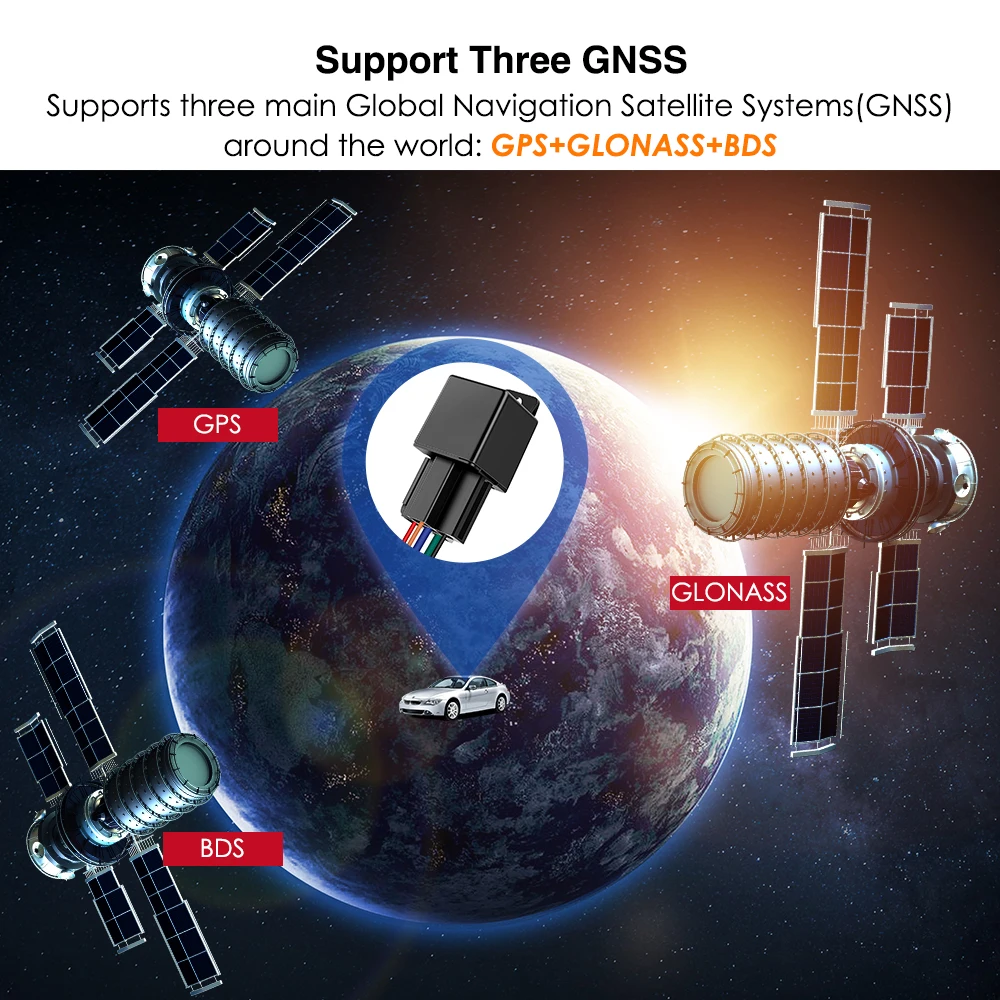
GPS and Russian GLONASS dual-mode positioning
◆ Real-time tracking ◆against pseudo base-station&detect
◆ Vibration/Displacement/Low battery/Power off/over speed alert
◆ Main power cut off alert ◆ Geo-fence
◆ History Route ◆ Cut and resume oil remotely ◆ AGPS locating
Functions and Product parameters (Relay GPS TrackerLK720/Off petrol and electricity)
Terminal size : 31x 31x 57mm
Weight:50g
Network: GSM/GPRS
Network Band: 850/900/1800/1900Mhz
GPS module: MTK2503
GPS sensitivity: -159dBm
GPS position accuracy: 10m
First positioning time: Cold start 45-120 seconds
Warm start: 35 seconds
Hot start : 1 second
Operating voltage: 10-50V input
Battery : Built-in lithium battery 3.7V 110mAh
Storage temperature: -40degC to +85degC
Operating temperature: -20degC to +55degC
Humidity :5% – 95% Non-solidified
LED Indicator Definition
Green Indicator:GPRS
|
Status of indicator
|
Meaning
|
|
Flash
|
GSM/GPRS conversation start
|
|
Continuously in bright status
|
No GPRS signal
|
|
Green Led off
|
Power off or in sleep mode
|
Blue Indicator:GPS
|
Status of indicator
|
Meaning
|
|
Flash
|
GPS location successful
|
|
Continuously in bright status
|
GPS signal searching
|
|
Blue led off
|
Power off or in sleep mode
|
Red Indicator:Power charge
|
Status of indicator
|
Meaning
|
|
Continuously in bright status
|
charging
|
|
Red led off
|
Power off or charged full
|
More Commands
|
Function
|
Command Format
|
Reply
|
Delete
|
for example
|
|
APN
|
apn+123456+space+content
|
apn ok
|
|
apn123456 cmnet
|
|
apnuser+123456+space+content
|
apnuser ok
|
|
|
|
apnpasswd+123456+space+content
|
apnpasswd ok
|
|
|
|
admin number
|
admin123456+space+admin phone number
|
admin ok
|
noadmin123456
|
admin123456 186********
|
|
time zone
|
timezone+123456+space+GMT No.
|
timezone ok
|
|
timezone123456 +1
|
|
Power save(default)
|
sleep123456 time
|
sleep time ok
|
|
|
|
shock sleep
|
sleep123456 shock
|
sleep shock ok
|
|
|
|
no sleep
|
sleep123456 off
|
sleep off ok
|
|
|
|
upload frequency
|
upload123456+space+time
|
upload ok
|
|
upload123456 10
|
|
Cut and resume oil
|
555
|
Cut oil OK
|
666
|
|
|
Arm&Disarm
|
111 or SF
|
Arm delay in 0s
|
000 or CF
|
|
|
Position
|
G123456# or where
|
Google map
|
|
|
|
Restart
|
rst
|
restart ok
|
|
|
|
Back to factory
|
format
|
No reply
|
|
|
Faults & The solutions
Q:Start up Fail?
A:Check the cable connect right or not.
Q:The device can not obtain location information?
A:Place the unit at the open area to test.
Q:How to choose SIM card?
A: the SIM card must support GSM&GPRS,and ensure that the
card has enough currency and credit.
Q: How to use in the foreign countries?
A:please set the APN before use,please edit the text ldquoAPN123456
CMNET ldquo and send it to the SIM card of the device,CMNET is
Chinese operatorrsquos APN, Replace the corresponding APN when
use in other countries, APN details, please consult your local SIM
card carrier.
Cautions
Please comply with the instructions to extend the unit life:
1. Keep the unit dry. Any liquid, i.e. rain, moisture, may destroy or
damage the inside circuitry.
2. Donrsquot use & store the unit in dusty places.
3. Donrsquot put the unit in overheated or over cooled places.
4. Handle carefully. Donrsquot vibrate or shake it violently.
5. Clear the unit with a piece of dry cloth. Donrsquot clean in chemicals,
detergent.
6. Donrsquot paint the unit, this may cause some foreign materials left in
between the parts.
7. Donrsquot disassemble or refit the unit.
8. Please use the battery and charger provided by manufacturer.
Using other batteries and chargers will cause unwanted situation











Follow us on: