Welcome to AKKO Official Store(Choice)!
We are committed to providing you with the highest level of service. If you encounter any issues related to our products or your order, please do not hesitate to contact AKKO official customer service team[email protected] . We are here to assist you and ensure your experience is seamless and satisfactory.
Your satisfaction is our utmost priority, and we will strive to address any concerns you may have promptly.
Thank you for choosing AKKO.
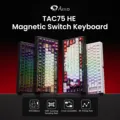
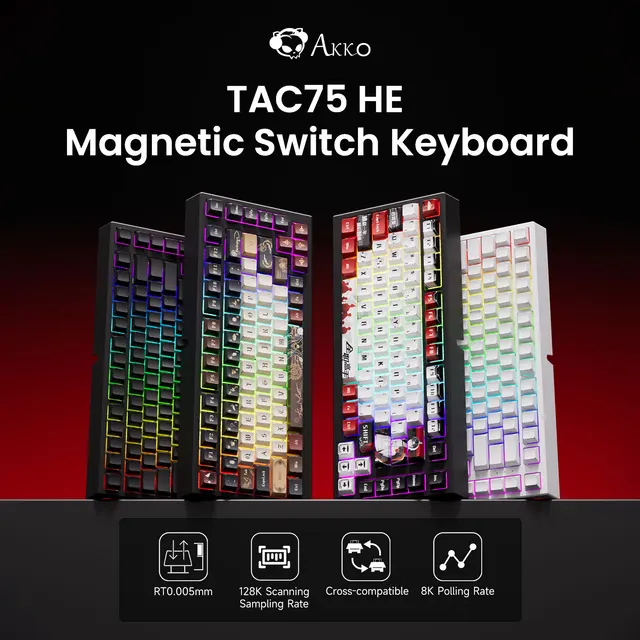
AKKO TAC75 HE Magnetic Switch Keyboard 75% Gaming Keyboards Rapid Trigger 0.005mm 8K Wired Mechanical Custom Keyboard
Introducing AKKO TAC75 HE Magnetic Switch Keyboard!
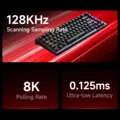
0.125ms Latency, Elevate your game.
NOTE:This product does not support wireless connectivity; it only supports wired cable connections.
Highlights:
✔️ Cross-compatible with Major Magnetic Switches
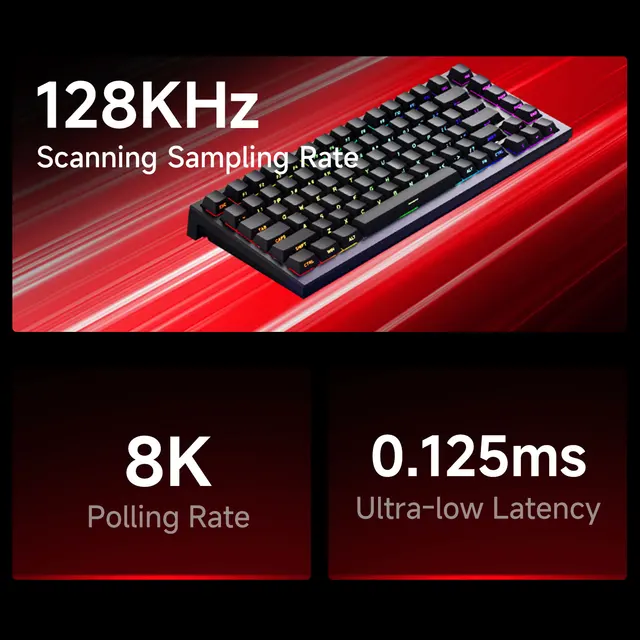
✔️ 8K Polling Rate, 128KHZ Scaning Sampling Rate
✔️ 0.005mm RT for Superior Gaming
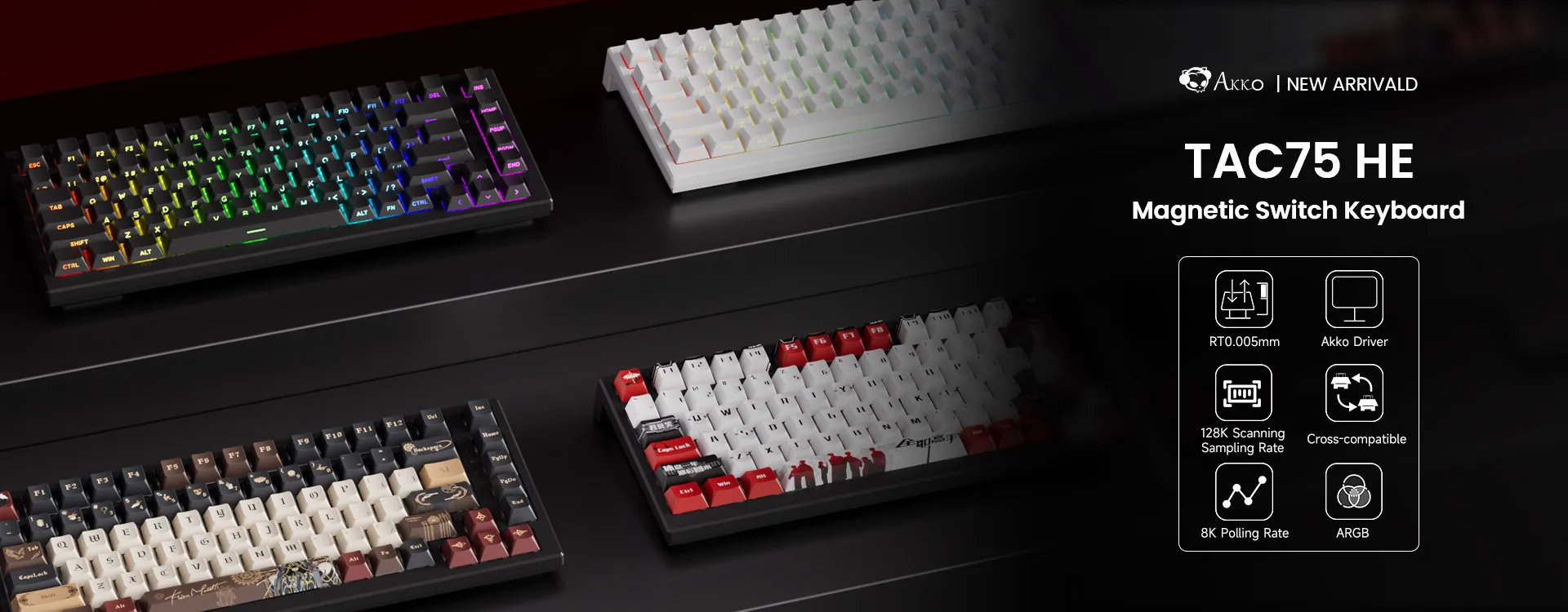 75% Layout Out
The perfect 75% balance: ditch the numpad for more desk space while keeping essential F-keys, arrows, and nav cluster instantly accessible – ideal for both gaming agility and productive efficiency, powered by customizable magnetic switches.

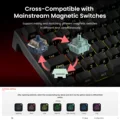
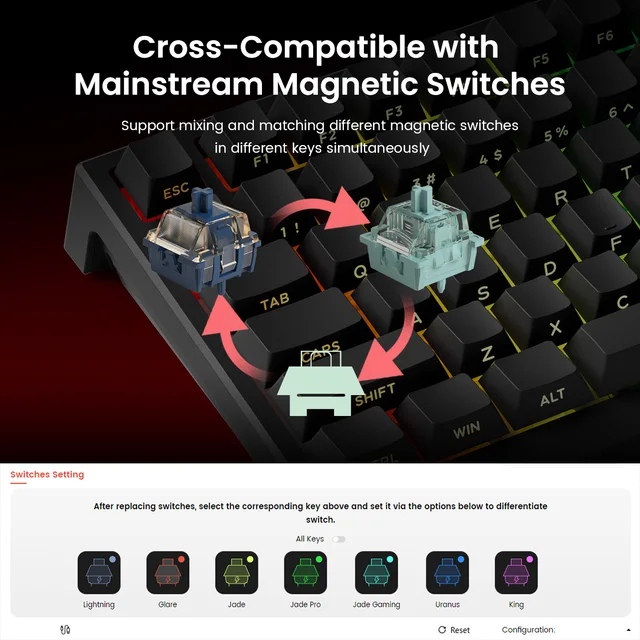
Cross-Compatible with Mainstream Magnetic Switches
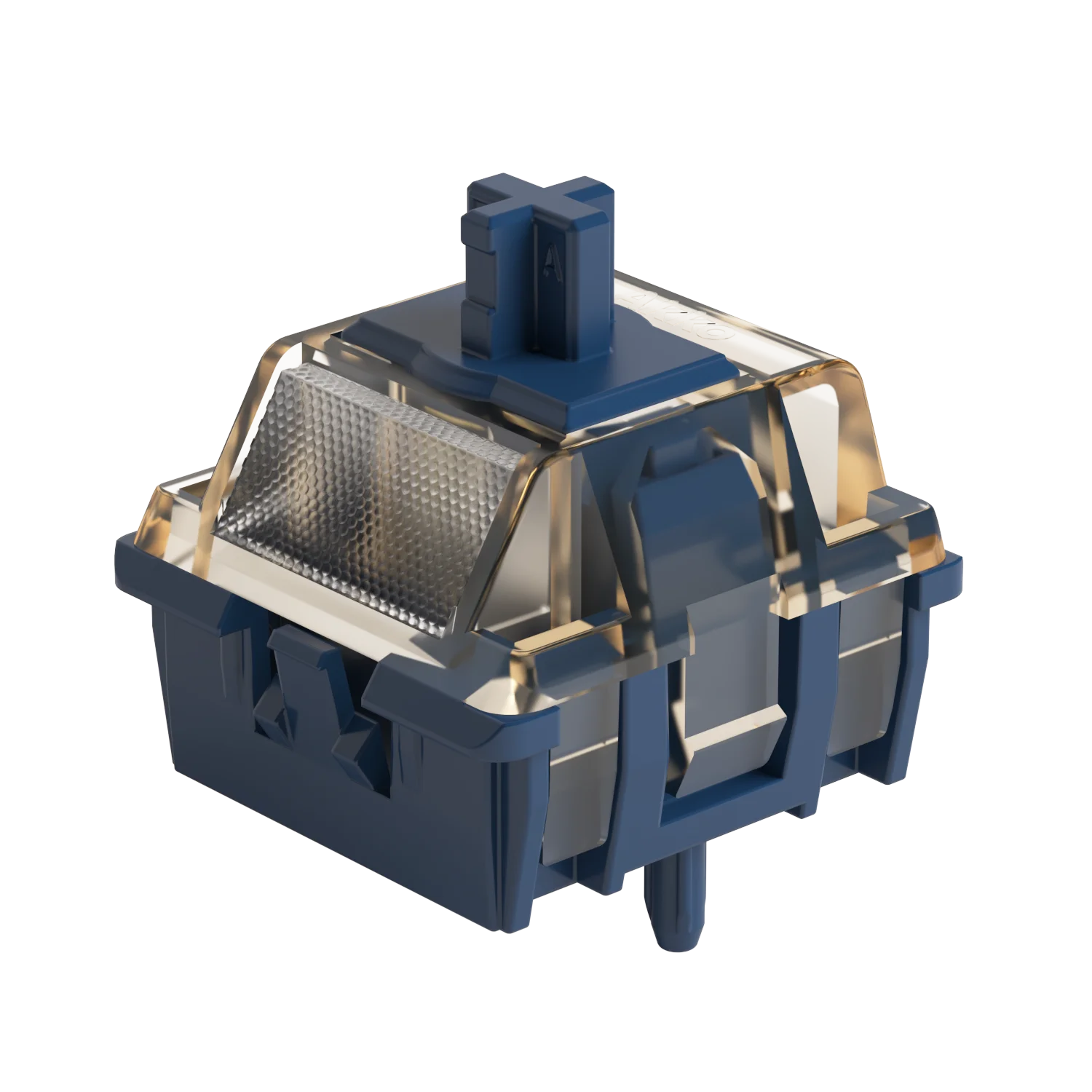
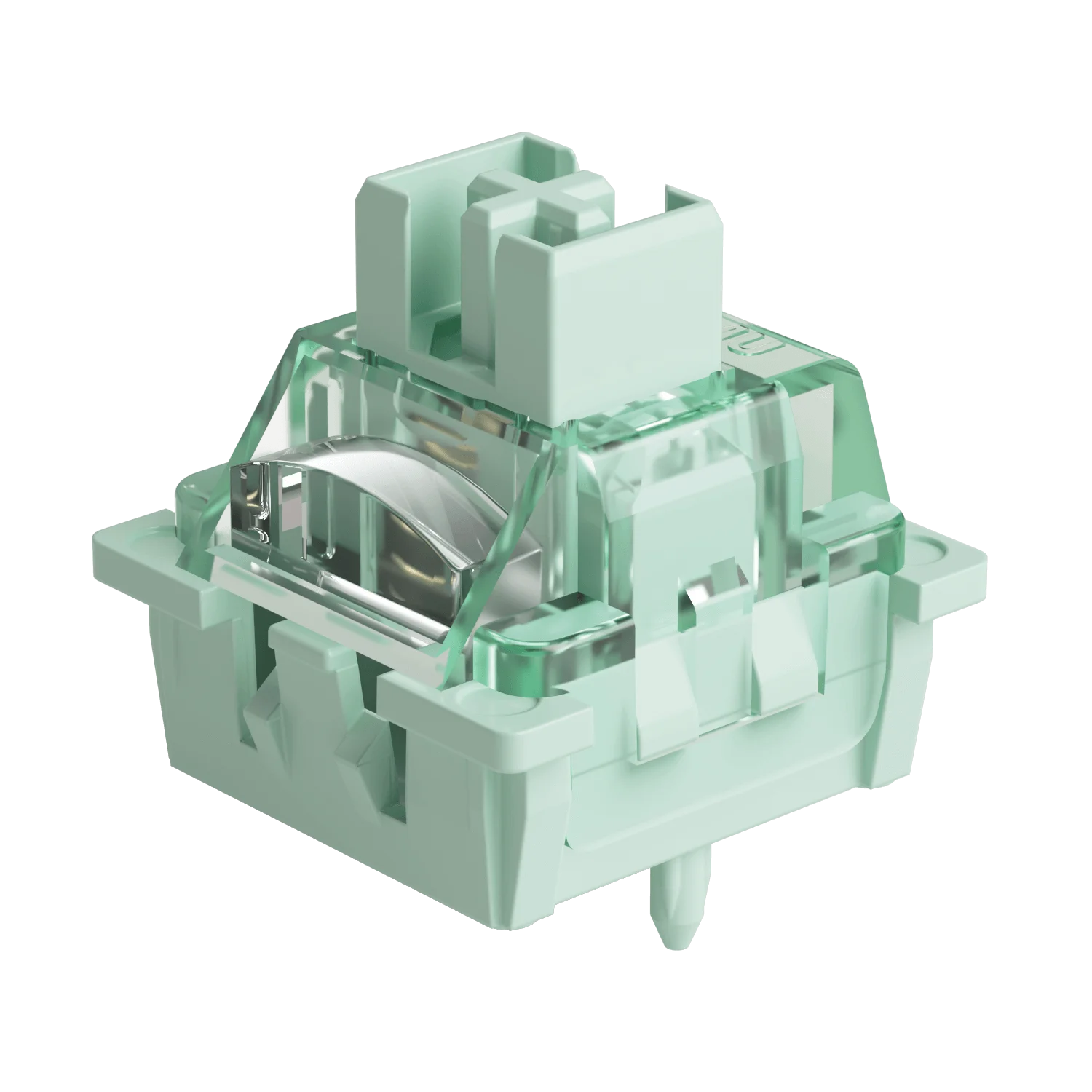
The TAC75 HE Rapid Trigger Keyboard offers cross-compatibility with 5 third-party magnetic switches. Users can select the corresponding switch from the list in the AKKO Driver and easily calibrate the keyboard after replacement. You can also mix and match them in different keys simultaneously.
Disclaimer: High-percision switches require tuning and experimenting with the keyboard. The six switches (including Akko Glare Switches) listed on AKKO Driver are guaranteed for 0.005mm precision. Other switches may perform at 0.1mm precision. We’ll need to periodically test switches in our lab to verify advertised accuracy and update our compatibility list accordingly.

|

|
|
|
|
Akko AstroAim Magnetic Switch
Type: Magnetic
Initial Force: 35gf
Total Travel: 3.5 ± 0.1mm
End Force: 55gf
|
Akko Astrolink Magnetic Switch
Type: Magnetic
Initial Force: 36 ± 5gf
Total Travel: 3.4mm
End Force: 50 ± 5gf
|
Akko Glare Magnetic Switch
Type: Magnetic
Initial Force: 25gf Min
Total Travel: 3.4mm
End Force: 48gf Max
|
|
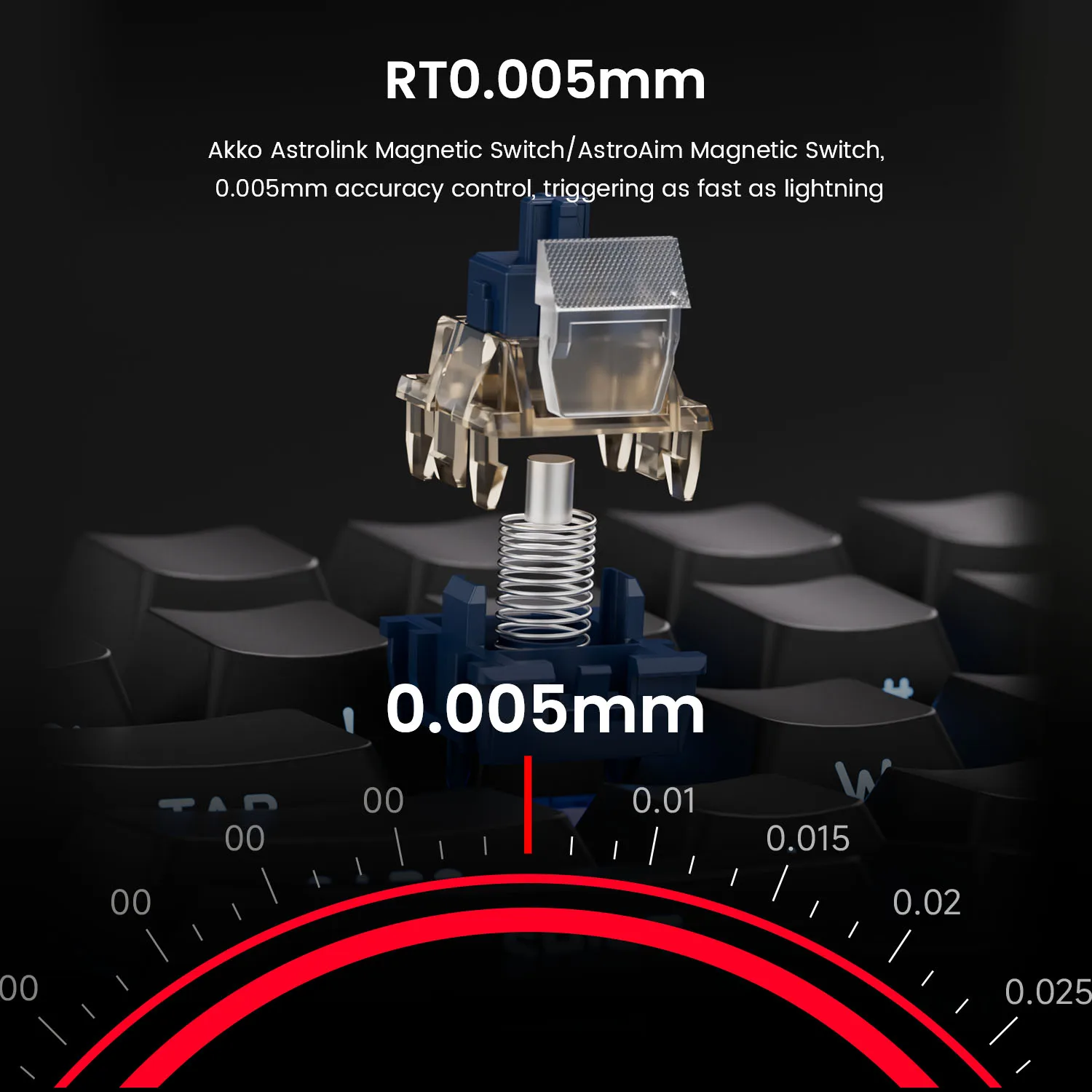
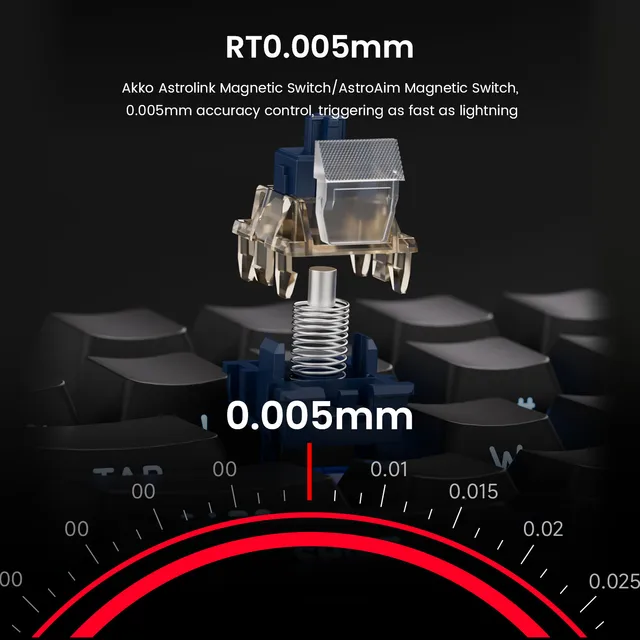
RT0.005mm
Achieve ultra-accurate 0.005mm Rapid Trigger and adjustable
actuation distance in 0.005mm step. This allows users to
fine-tune their typing or gaming experience, ensuring optimal
actuation for faster response times with enhanced precision,
ideal for competitive gaming.
|
|
|

|
Universal 8K Polling Rate
With an 8000Hz polling rate for all keys in wired modes, enjoy ultra-fast
response times and smoother, more precise inputs—perfect for gaming
and high-performance tasks.
|
|
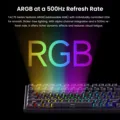
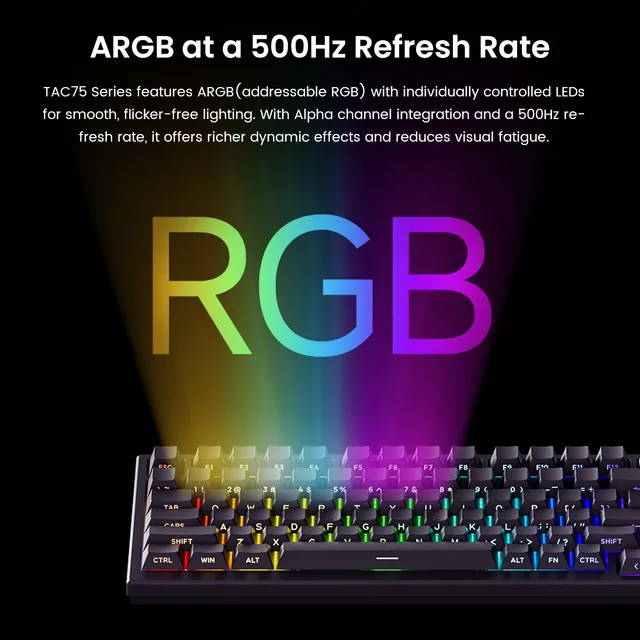
ARGB at a 500Hz Refresh Rate
TAC75 Series features ARGB(addressable RGB) with individually
controlled LEDs for smooth, flicker-free lighting. With Alpha channel
integration and a 500Hz refresh rate, it offers richer dynamic effects and
reduces visual fatigue—perfect for gaming and aesthetic builds.
|

|
|
|
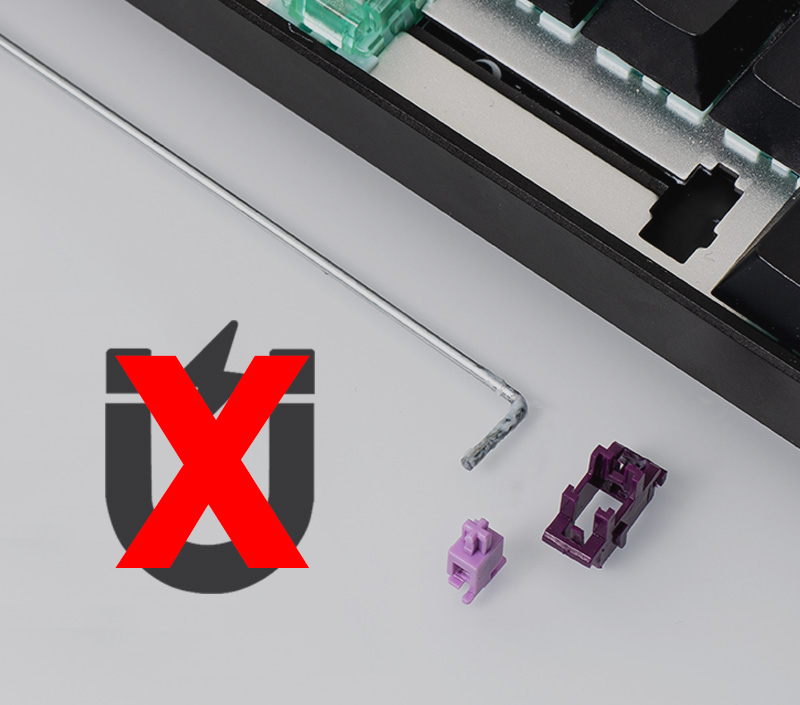
Demagnetized Stabilizer
Compared to traditional mechanical keyboard stabilizers, the TAC75’s Stabilizer Wire is demagnetized, reducing magnetic interference, improving trigger accuracy, optimizing feel, and enhancing long-term stability—essential for precise and consistent performance in magnetic switch keyboards.
|
Classic Features
|
|
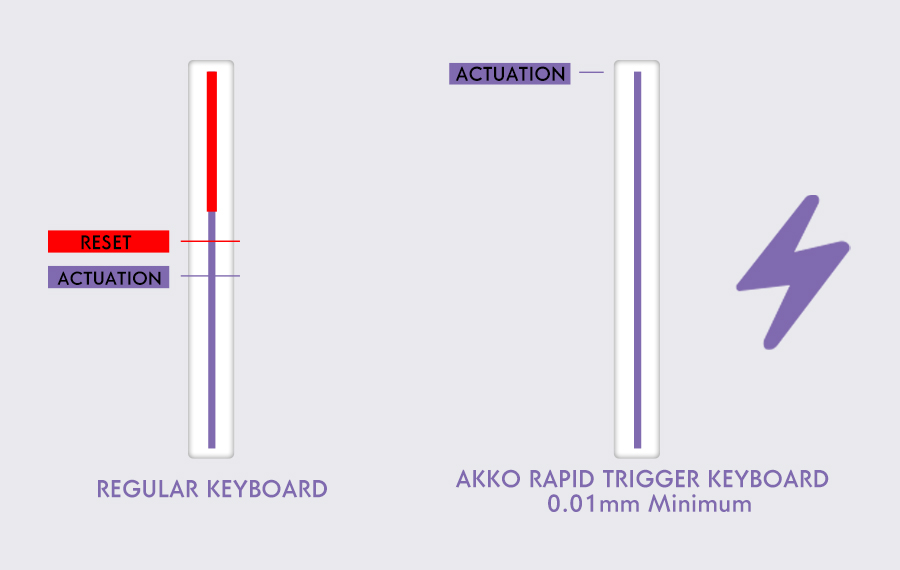
Rapid Trigger (RT)
Rapid Trigger dynamically changes the keys’ actuation and
deactivation points. Through the MonsGeek Driver, users can
choose “All Buttons” or “Per Button” customization modes, as
well as activate “Non-stop Rapid Trigger” for near-instant key
response. This gives FPS gamers a competitive edge in
fast-paced gameplay.
For example, when gamers enable RT, they can achieve
“Counter-Strafe“in VALORANT games.
|
|
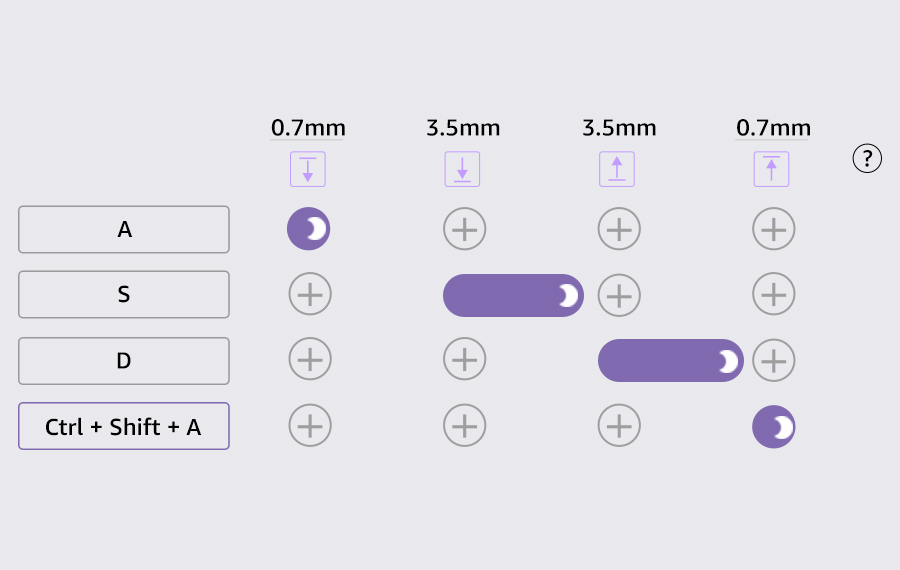
Dynamic Keystrokes (DKS)
Pressing a key can trigger four different key operations.
Depending on your keypress force: a light press triggers
action 1, a deeper press activates action 2, and releasing
the key also supports a two-stage key setting.
|
|
|
|
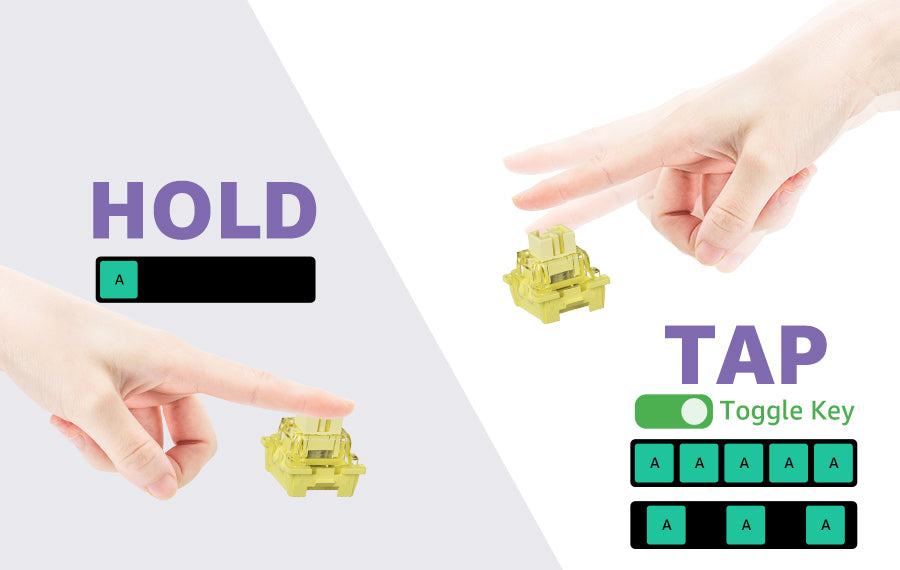
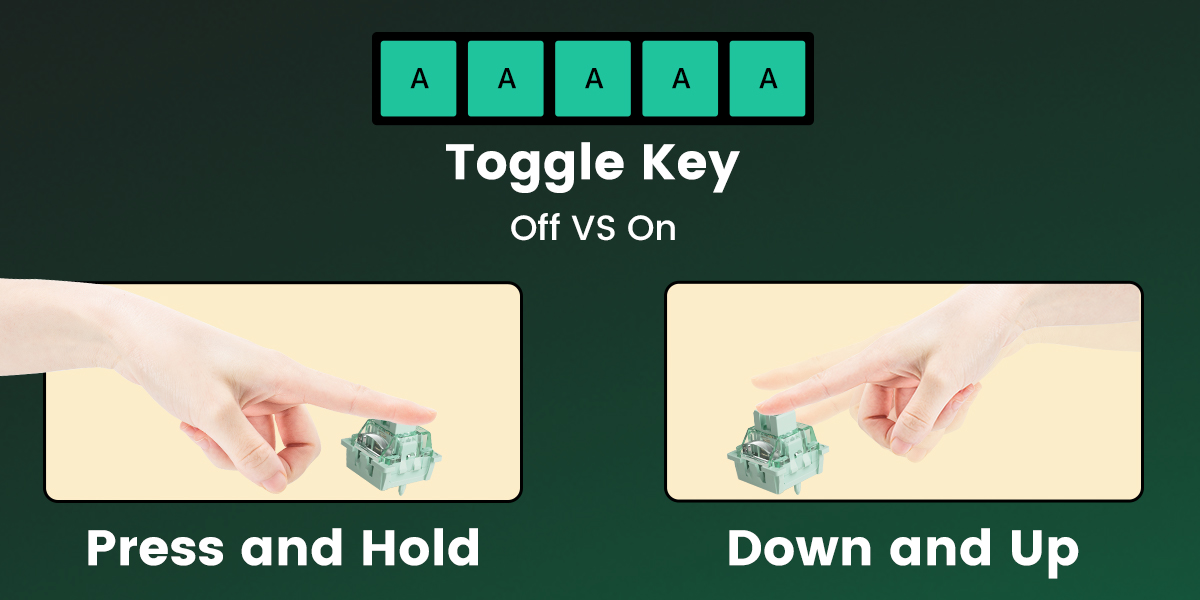
Toggle Key (TGL)
TGL, or Toggle Key, transforms a key into a toggle switch. When
you press this switch, you can activate one of two scenarios: either
continuously hold down the key/function, or trigger the key/function
multiple times at a high frequency.
|
|
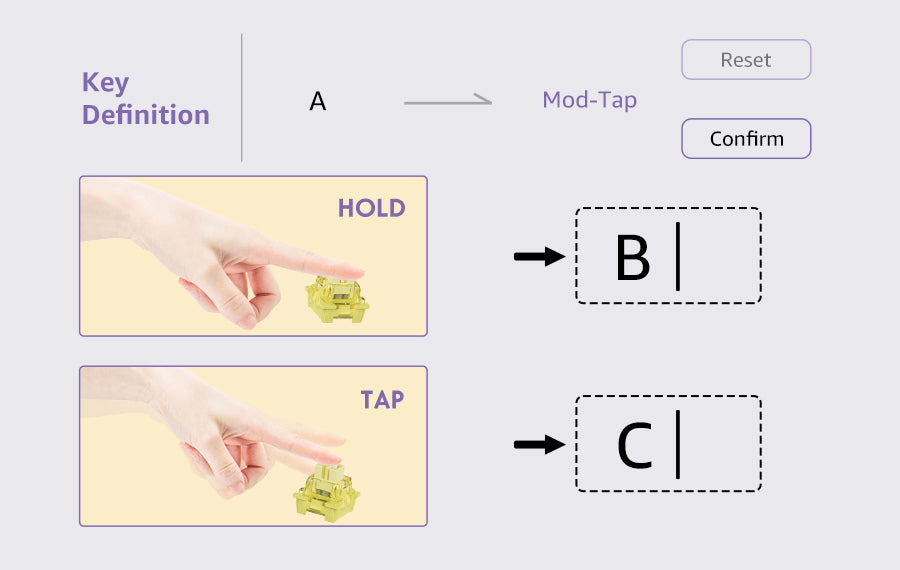
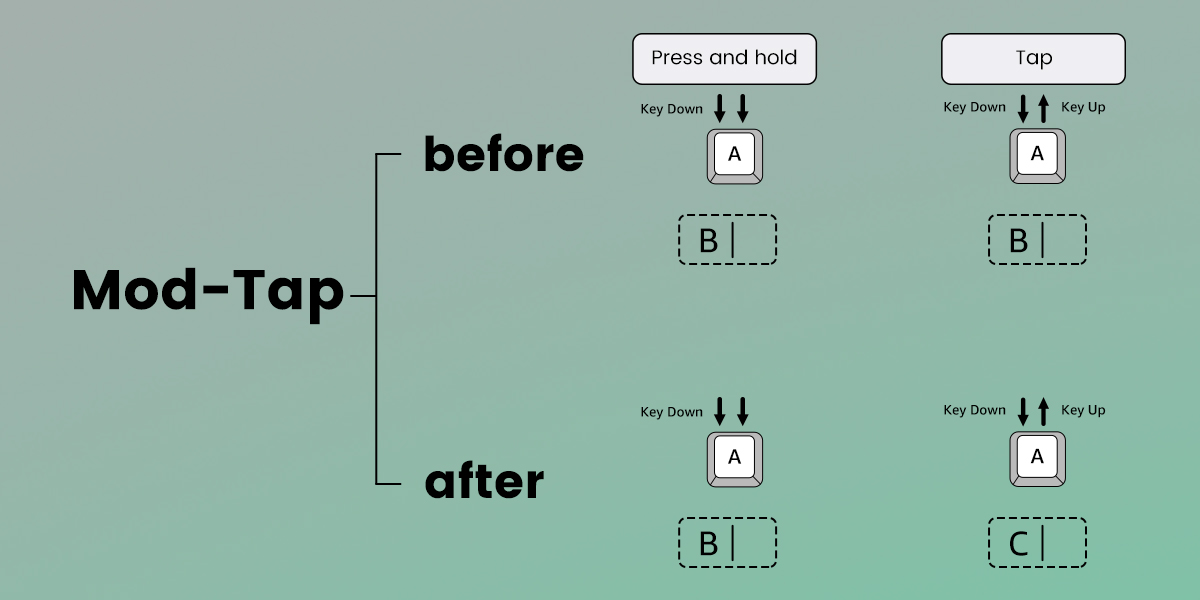
Mod-Tap
Mod Tap is a design that provides convenience for gaming. It
enables the creation of dedicated or dual-functional keys based
on key press behavior.
A single keypress can achieve two functions: holding down the
key for one function, and press the key for another.
|
|
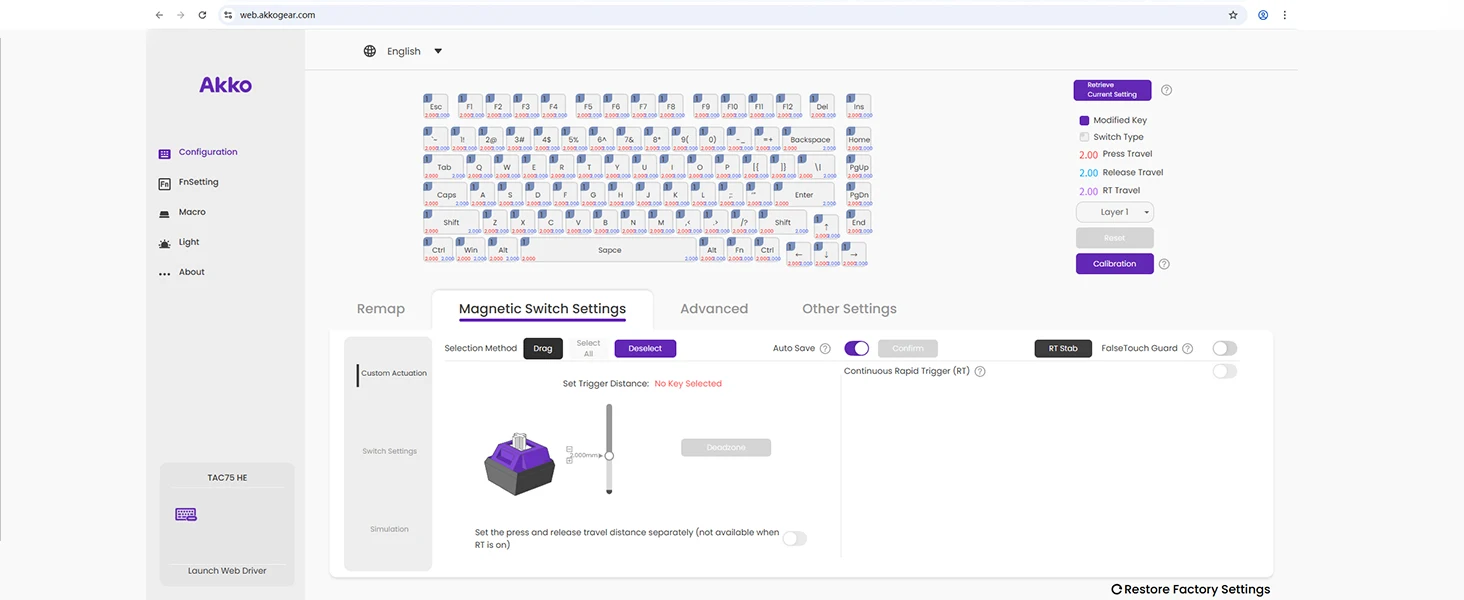
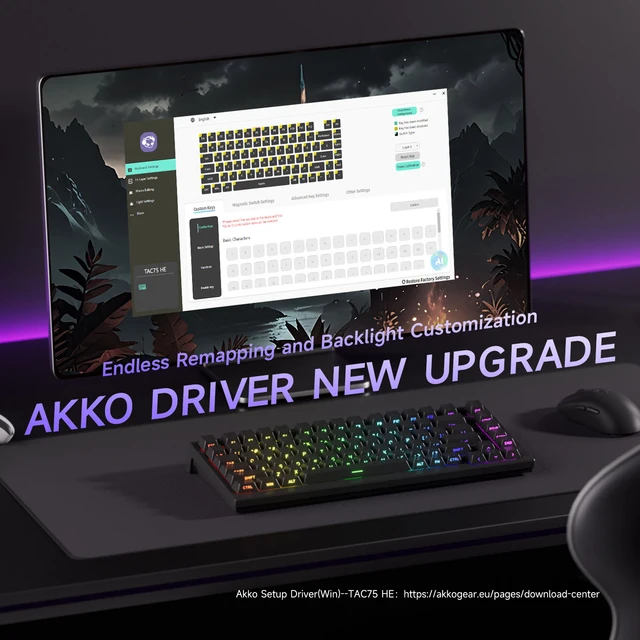
 Web-based Online Driver
Endless Remapping and Backlight Customization
Typing Pleasure
✔️ Keys Remapping
TAC75 supports key remapping, which enhances customization, allowing users to optimize layouts for efficiency and comfort.
✔️RGB Backlight
TAC75 provides around 16 preset backlighting effects and customization with brightness and speed control.
✔️Tray-mounted
The tray-mounted structure provides better stability, reduced flex, and a more consistent typing experience.
✔️Aluminum Plate
The aluminum plate boosts durability, stability, and sound quality, while optimizing performance with magnetic switches.
✔️Lubed Stabilizers
TAC75 has lubed stabilizers that reduce rattle, enhance key stability, and deliver a smoother typing experience.
TAC75 Series Product Display
 FAQ
FAQ
Q1. Switch click problem
A1. To ensure optimal performance of magnetic switch keyboards, always use the latest firmware, especially for Rapid Trigger RT modes, as outdated versions can cause typing issues. Upgrade via the Akko Driver on our official download page.
For unresponsive or inconsistent keys, recalibrate by accessing the calibration button in the Akko Driver. Click "Start Calibration," apply moderate force on each key, and confirm after pressing each key to its lowest point.
Q2. RGB Instructions
A2. If you need to use lights and lighting effects, please use Fn+L to turn on the lights first, otherwise you will not be able to set the lighting effects in the driver.







Follow us on: