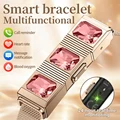
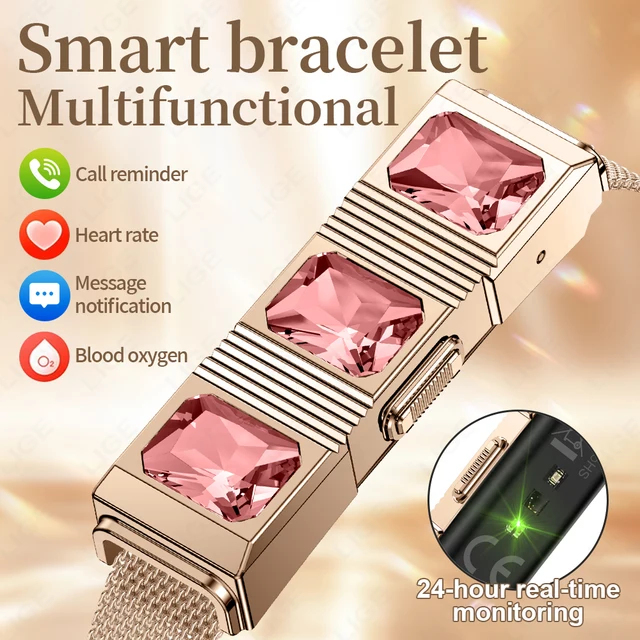
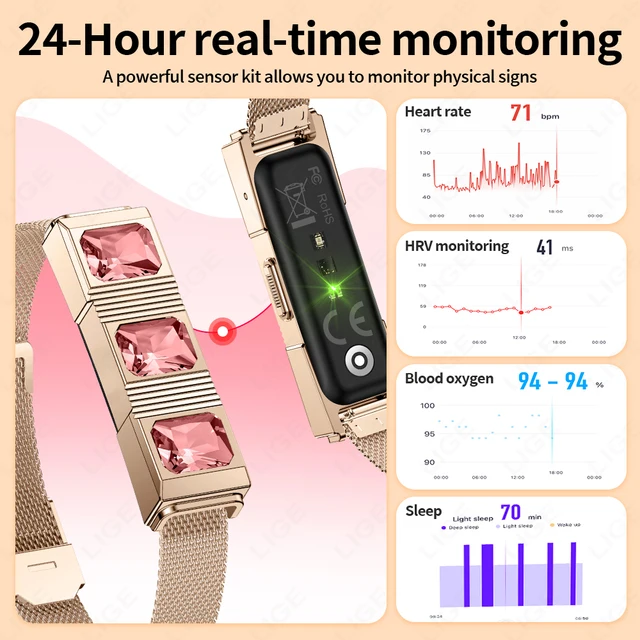
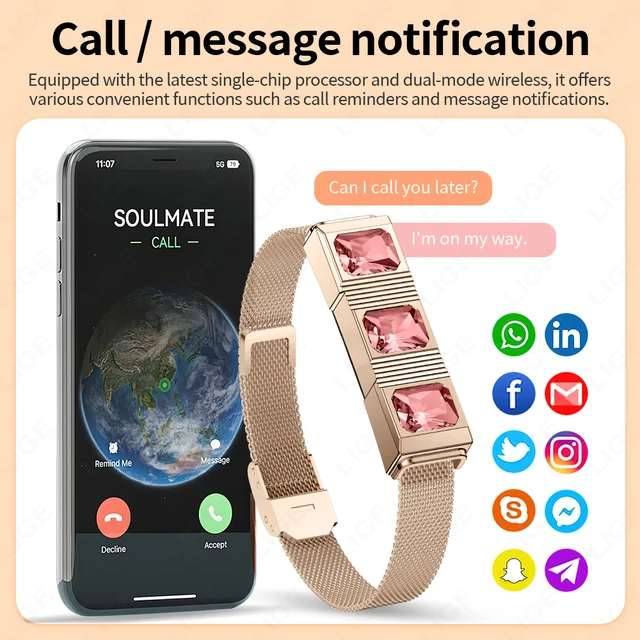
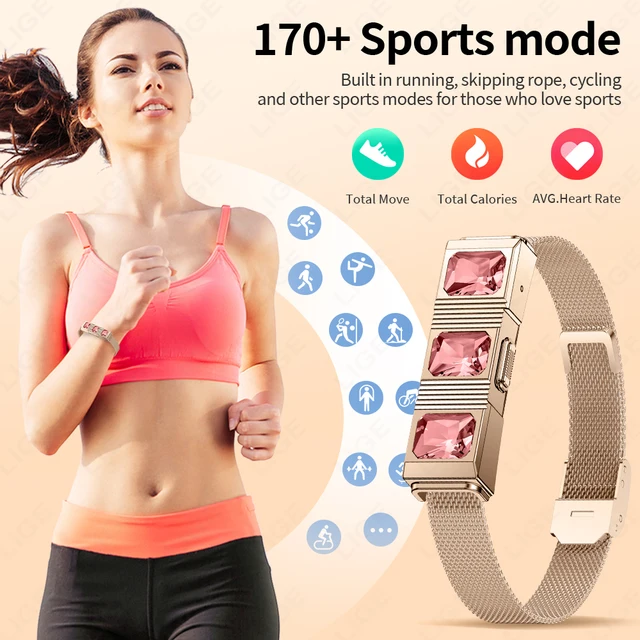
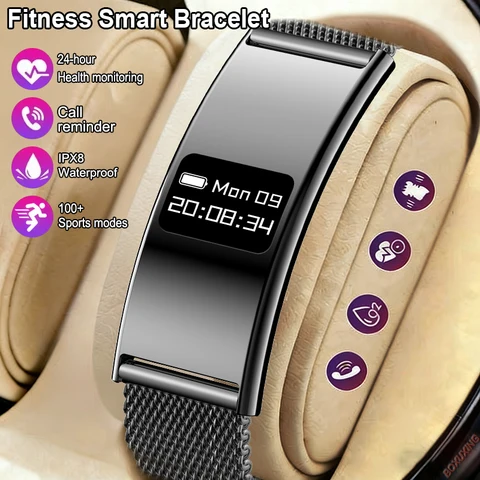
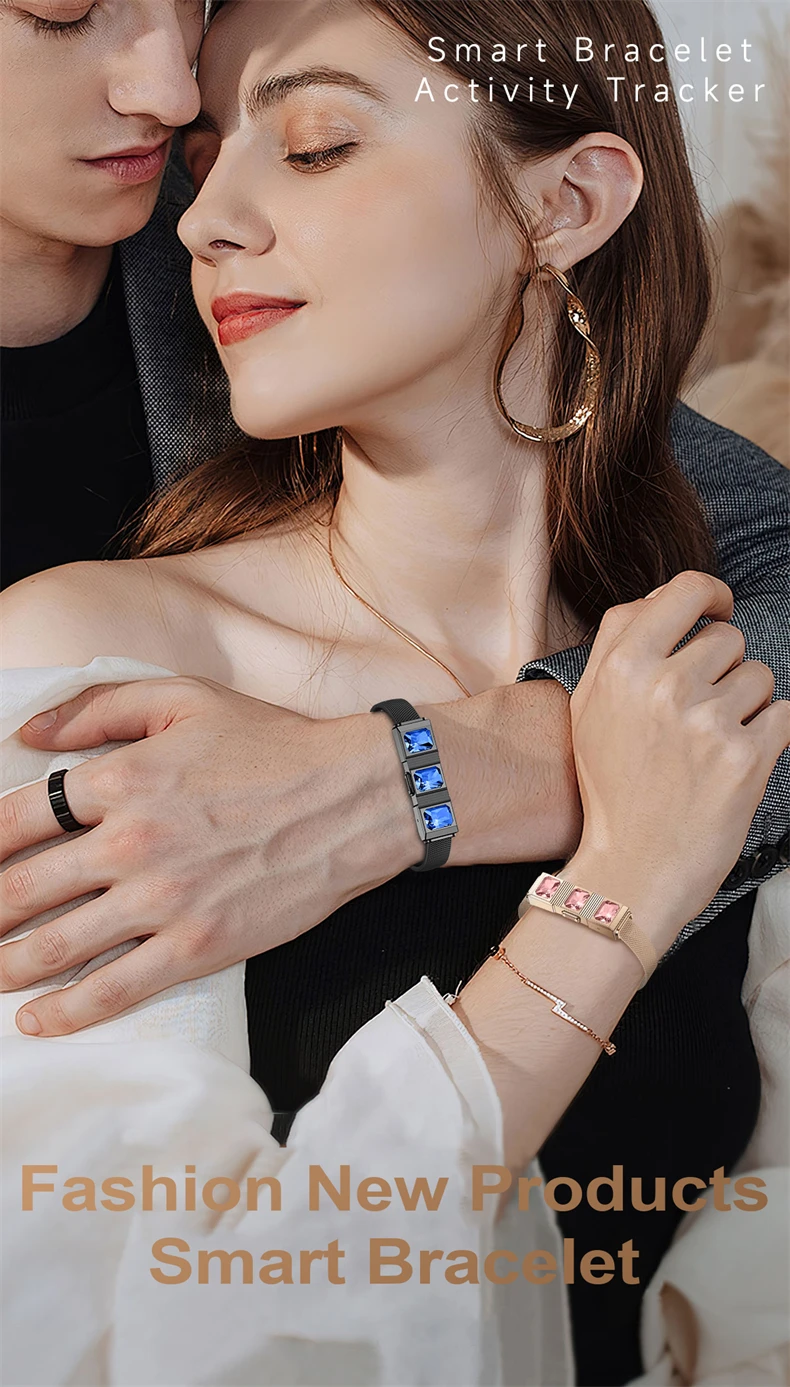
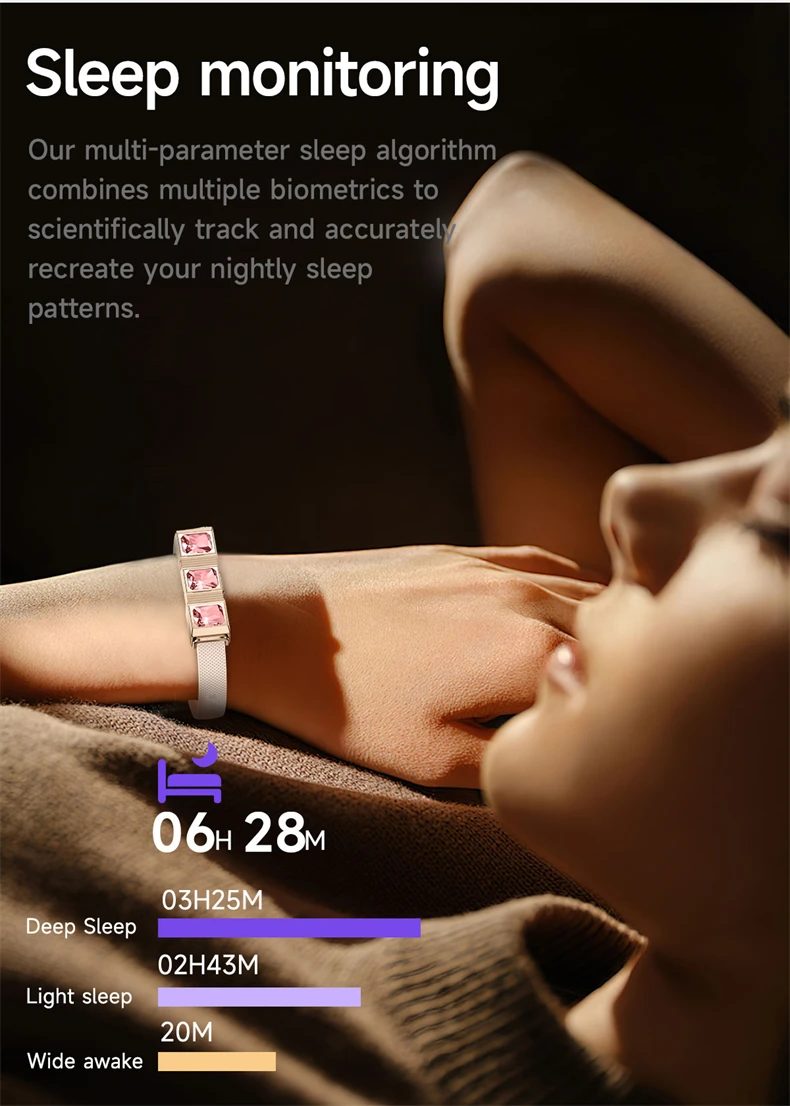
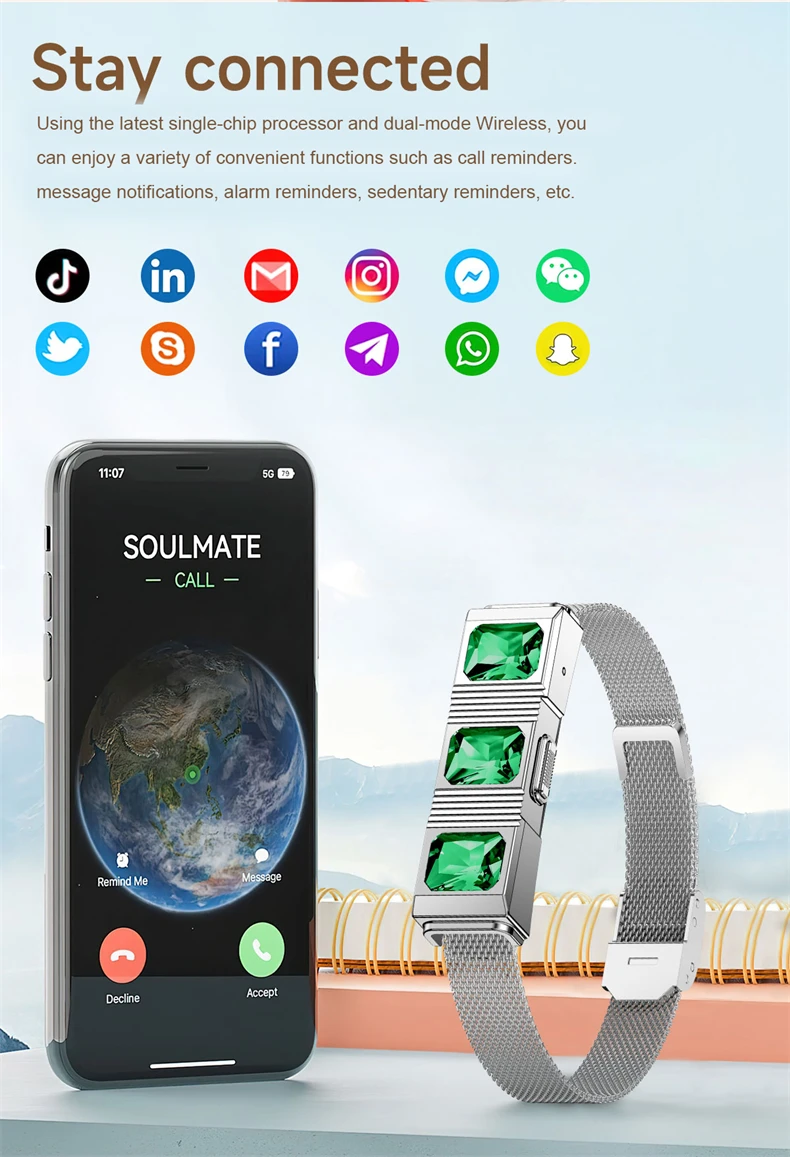
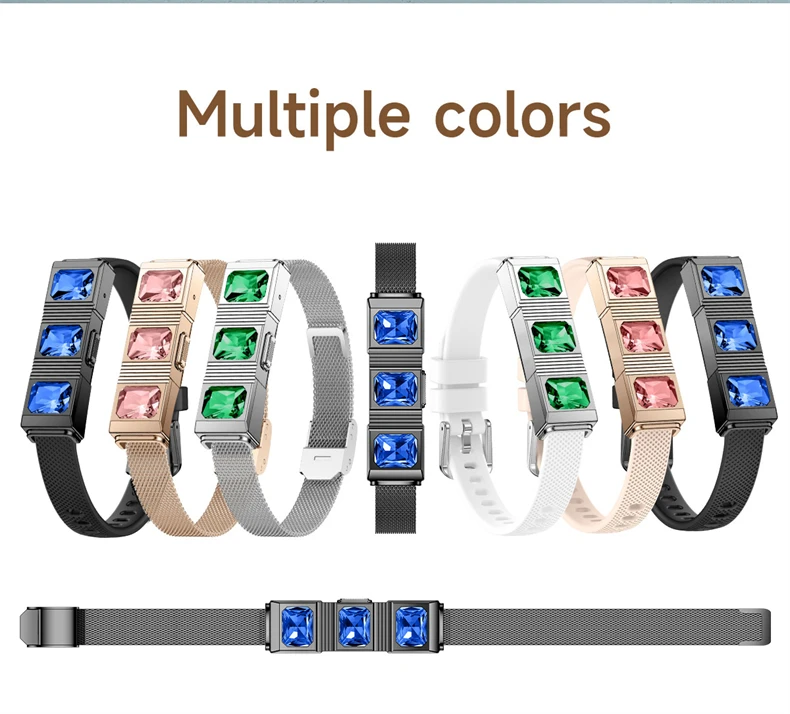
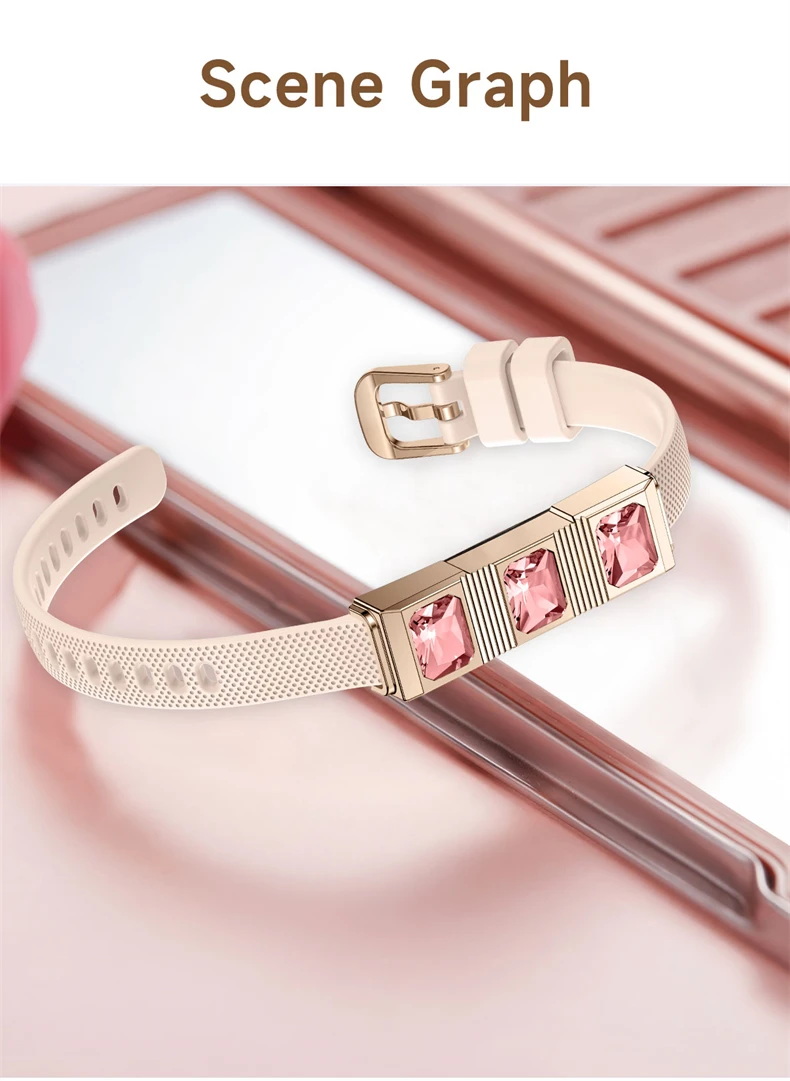
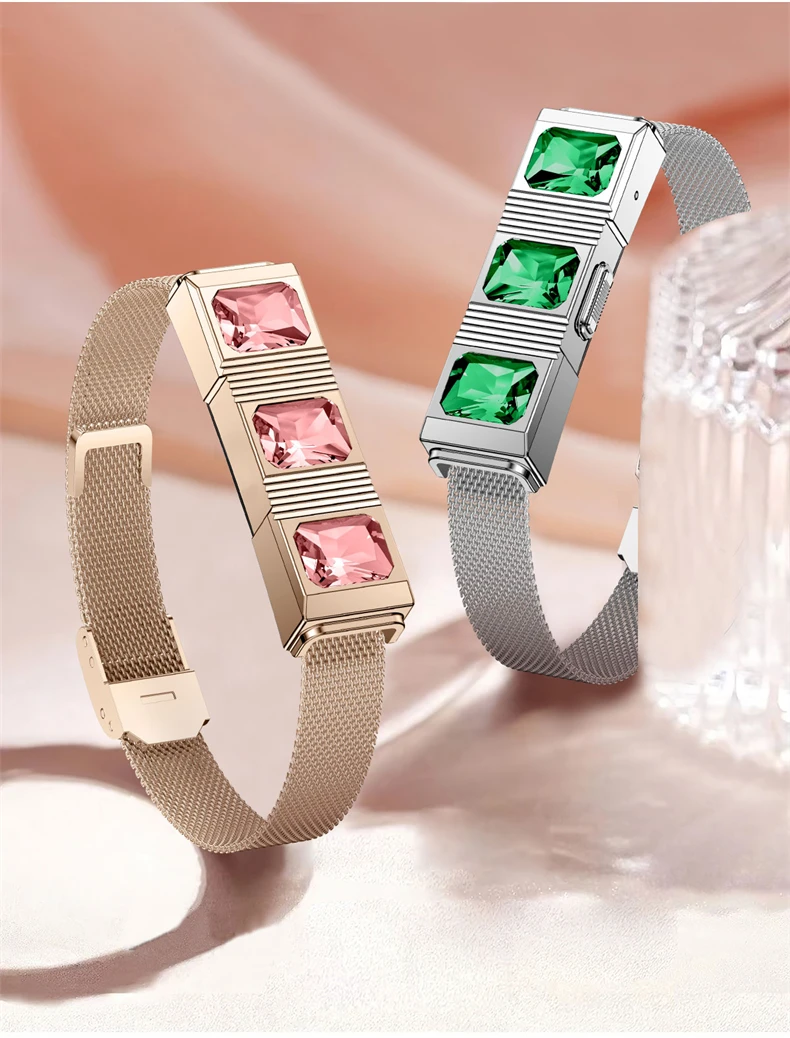
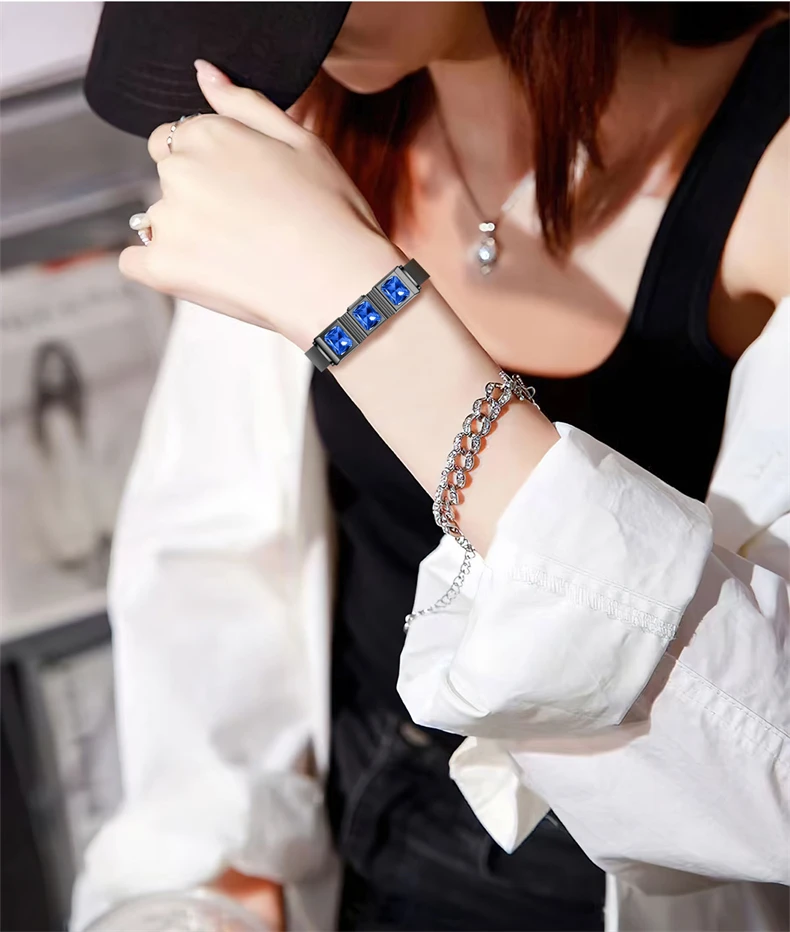
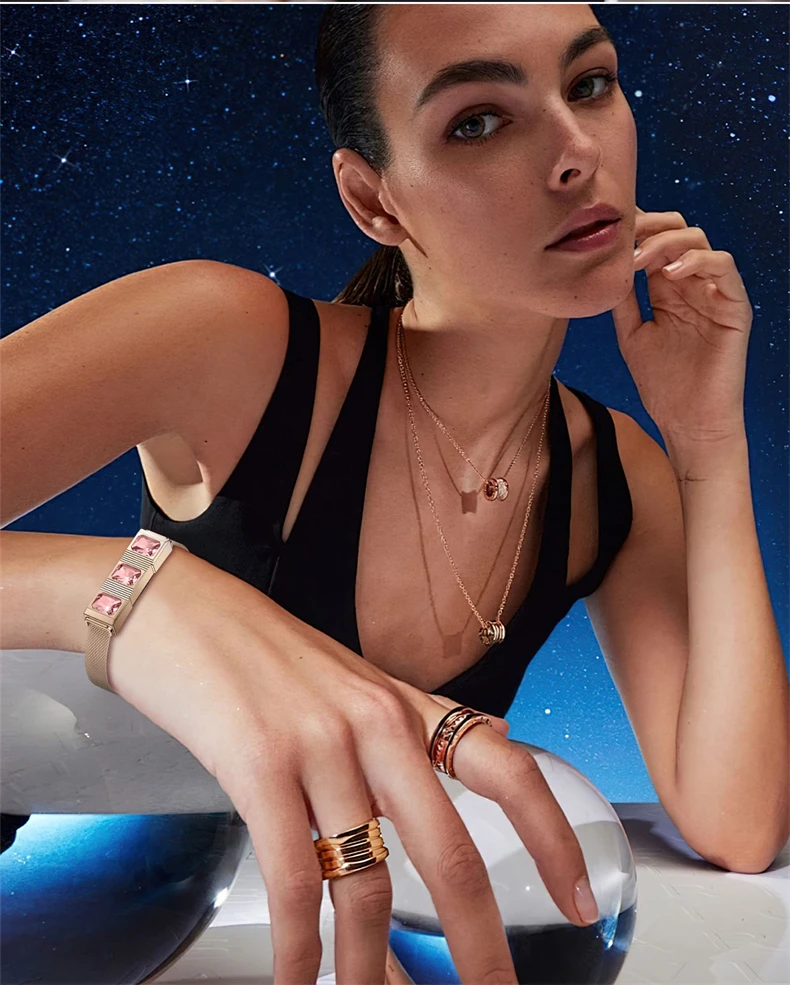
Stay in style with the LIGE Gem Smartwatch, designed for women with sports, fitness, and health monitoring features. This sleek smartwatch offers call reminders, sleep monitoring, blood oxygen monitoring, and more to keep you on track and stylish every day.
Product Description
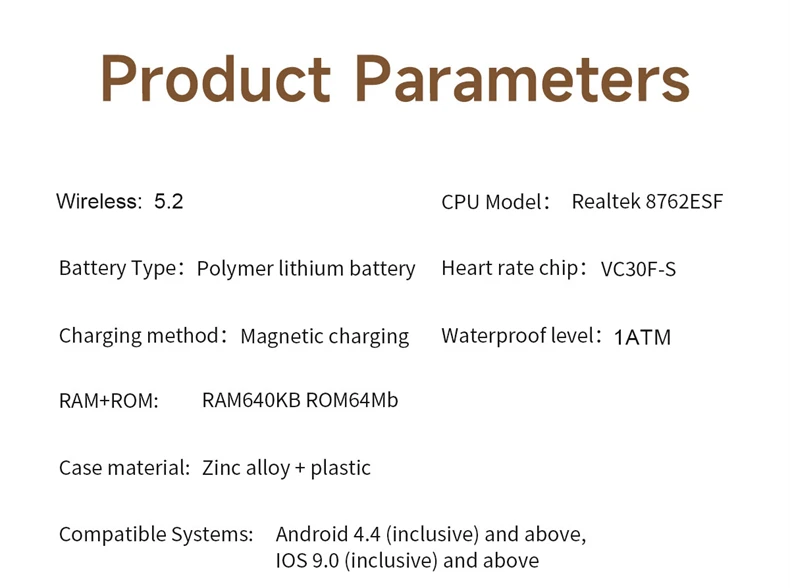
Product parameters:
APP Name: Qwatchpro
Bluetooth version: BT5.2
Battery capacity: 55mAh
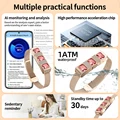
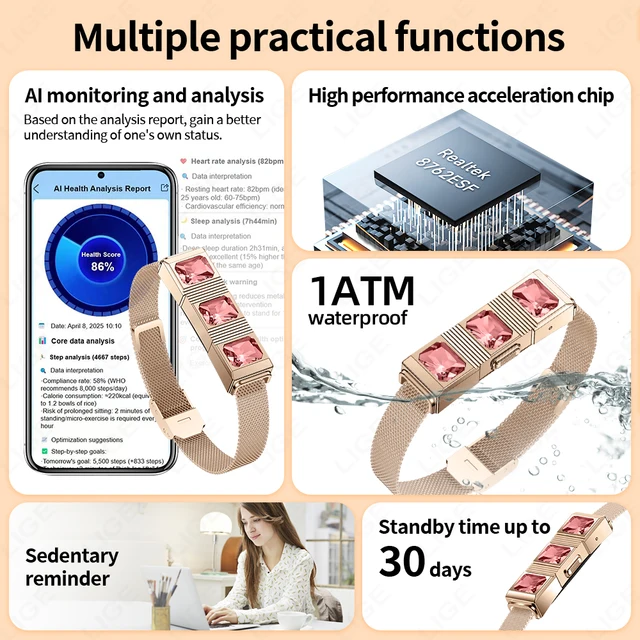
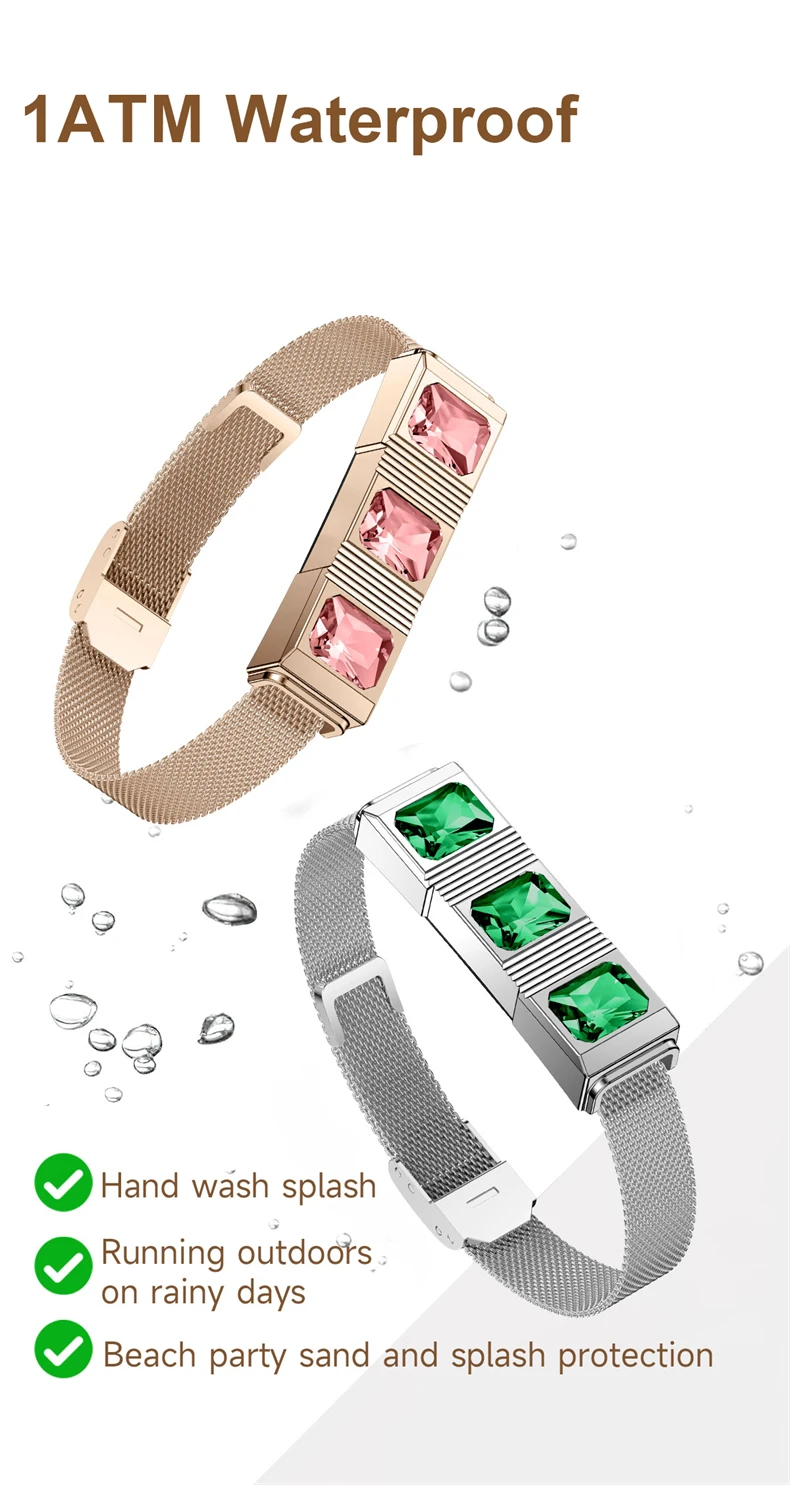
Waterproof grade: 1ATM waterproof
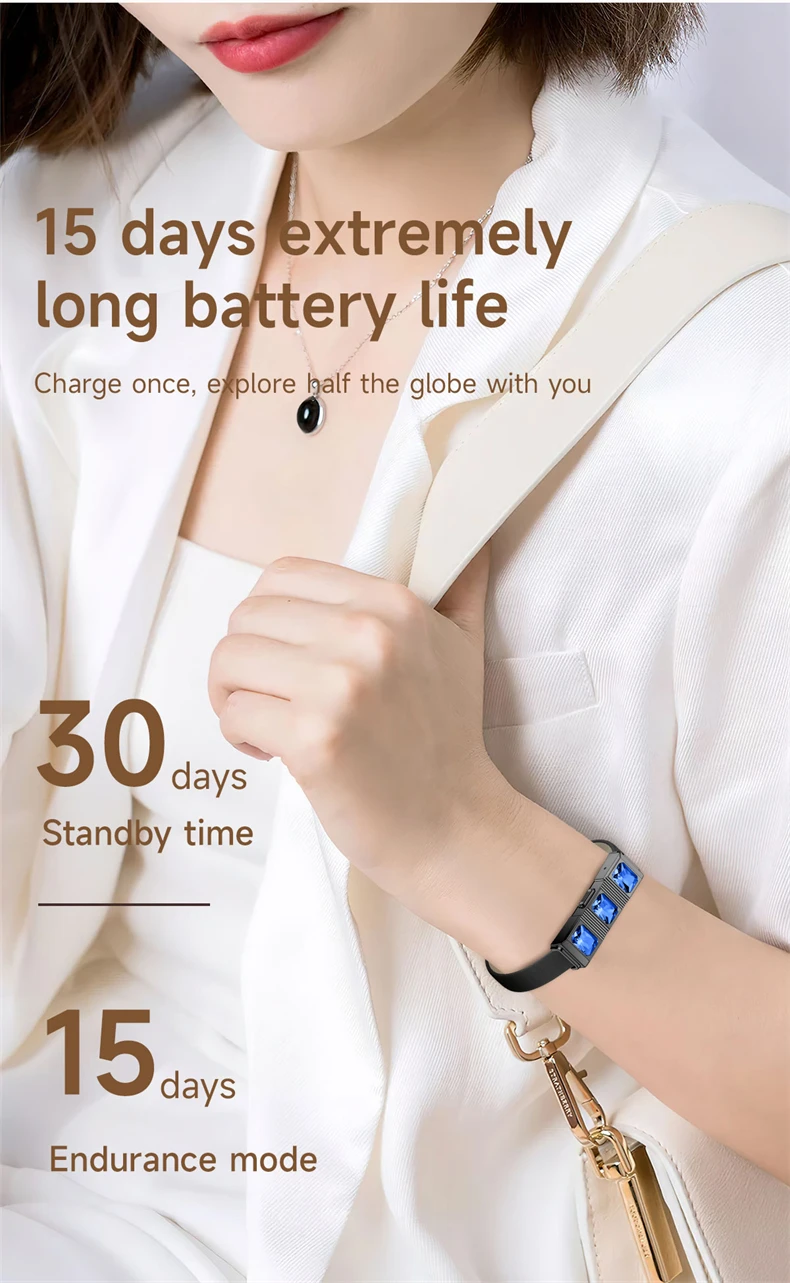
Standby time: about 45 days
Typical usage duration: 20-30 days
Compatible systems: Android 4.4 (inclusive) or above, iOS 9.0 (inclusive) or above
Bracelet Functions:
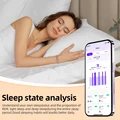
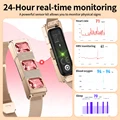
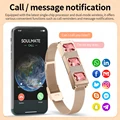
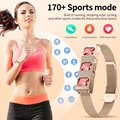
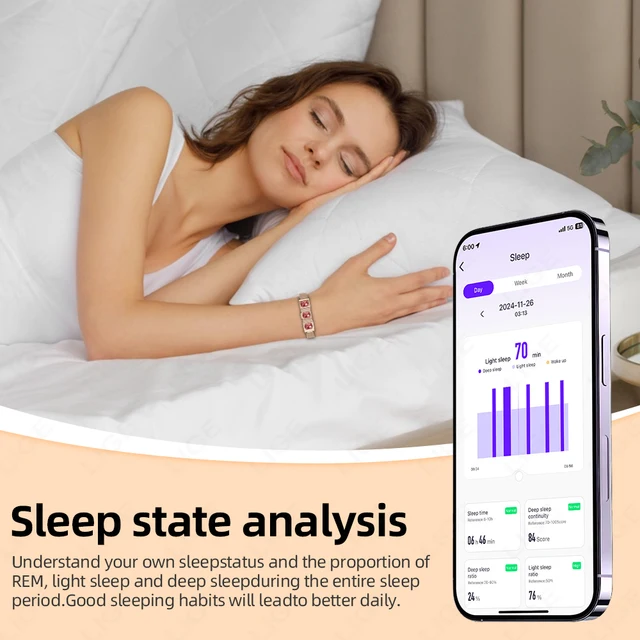
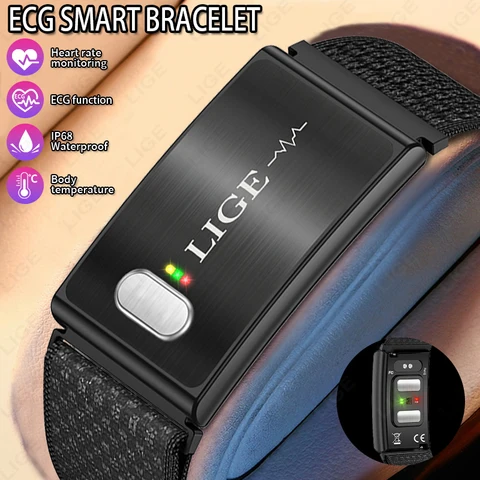
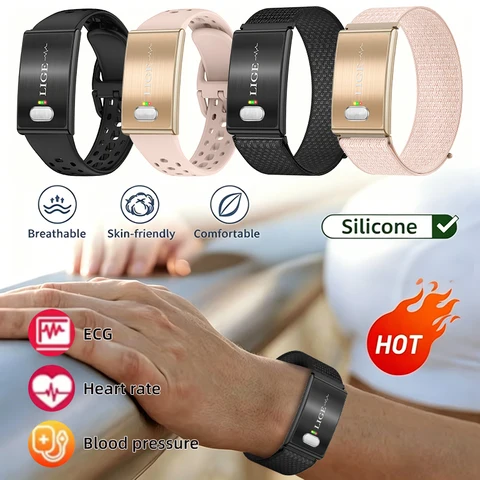
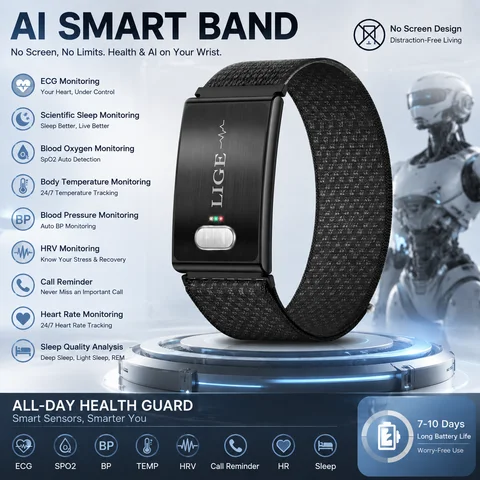
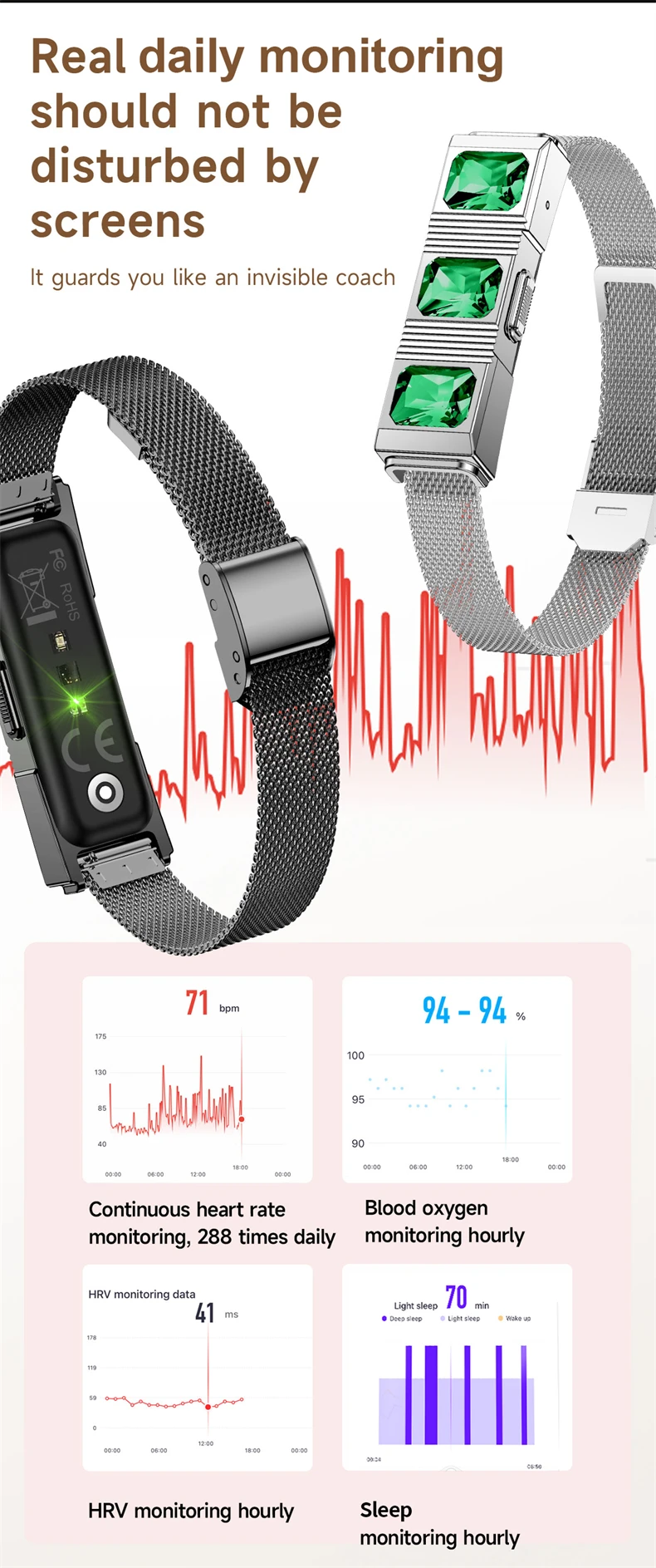
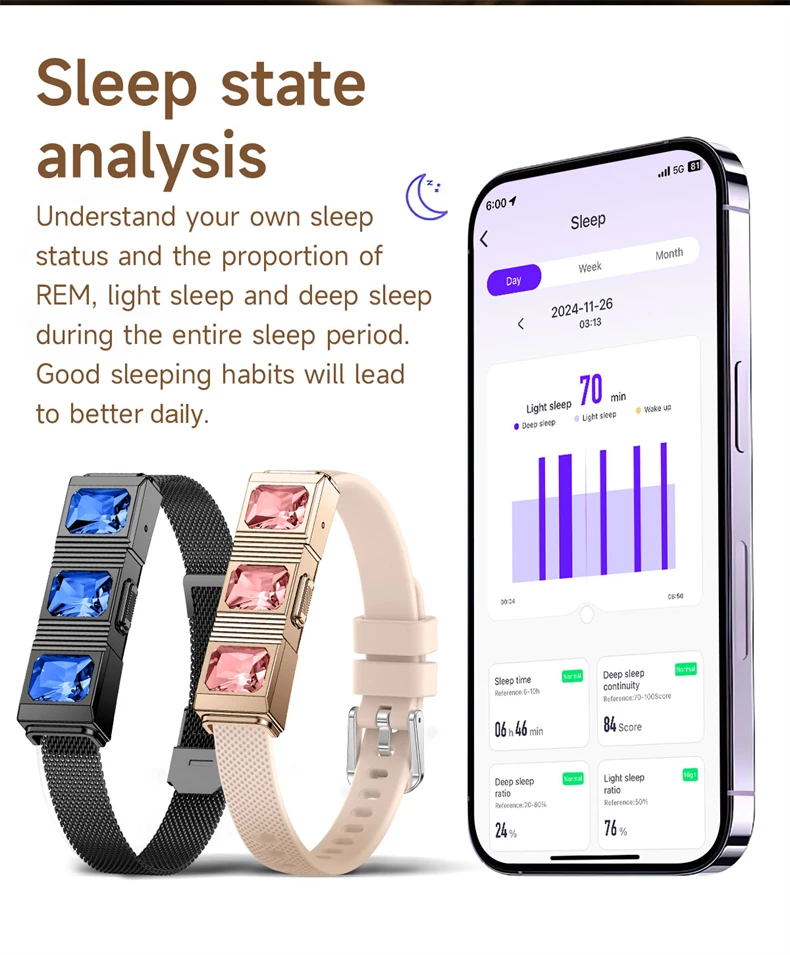
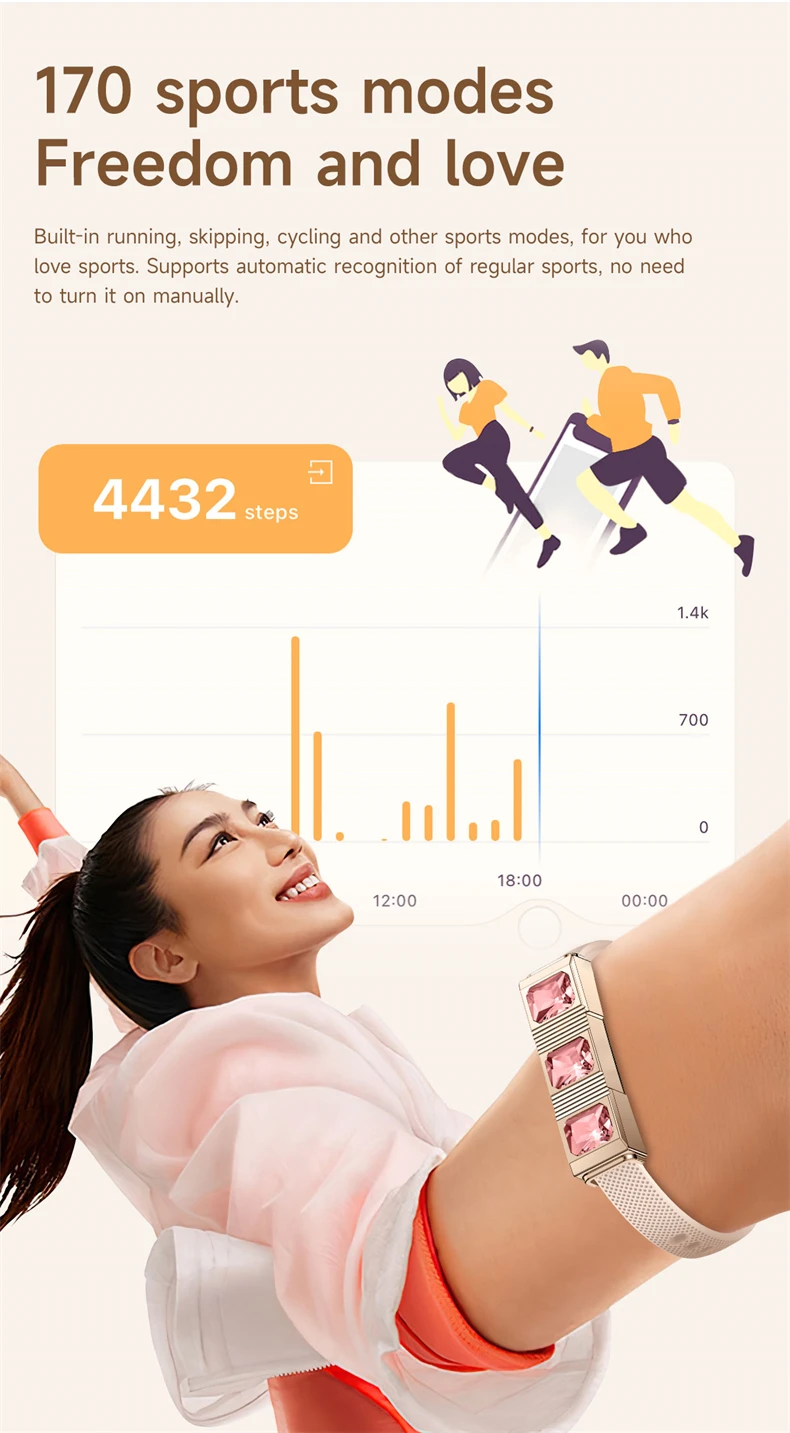
Call reminder, find wristband, alarm clock, photo control, do not disturb mode, OTA, All day blood oxygen monitoring, all day blood pressure monitoring, all day heart rate monitoring, sleep monitoring, sedentary reminder, QR code download, factory reset, over 170 exercise modes, message notifications
APP supports languages:
English, Simplified Chinese, Japanese, Korean, German, French, Spanish, Arabic, Russian, Traditional Chinese, Ukrainian, Italian, Portuguese, Dutch, Polish, Swedish, Finnish, Denmark, Norway, Hungary, Czech, Bulgaria, Romania, Slovakia, Latvia, Indonesian, Thai, Türkiye, Vietnamese, Hindi, Pashto, Lithuanian, Estonian, Slovenian, Croatian, Greek, Filipino, Hebrew, Malay, Serbian, Bosnian.
Q&A
【1】Q: Does the watch have a call reminder message reminder function?
Answer: After connecting the watch to the mobile application, the watch will display information reminders and call reminders
【2】Q:What application is used when connecting to a smart phone?
A:The app is designed by the supplier. You can scan the QR code on the package or manual to download it when you get the item.
【3】Q:Why does the pedometer not count steps when I have already started walking?
A:To reduce errors, smart watch usually sets an initial value of 10, it will count steps when we walk more than 10 steps. The APP will show the real walking steps and start counting from step 10.
【4】Q:Why the device cannot boot or start up properly?
A:Please charge your new device for at least 10 minutes or more before the first usage, this ensures normal device boot and optimal operation. For devices with removable batteries, ensure they are properly installed before charging.
【5】Q: Can not find device when pairing device?
A:Please make sure the distance between phone and device less than 0.5m, Please make sure the device is not under low battery. if there is still problem after 1.5 hours charging,Please contact us.
【6】Q:Can not connect the device with app?
A:Some smart phone bluetooth service will be abnormal when reboot.Please reboot the smart phone for pairing device.
【7】Q:Why the android mobile disconnect?
A:Android mobile phone system memory management will be forced to turn off the background app,you need to turn off the power saving mode or pull the app into the system housekeeping green background inside,app will not be forced to close.app must be running in the background, bluetooth will not automatically disconnect.
【8】Q: Why couldn’t I connect the Bluetooth?
A: 1.Please download the app firstly
2. Search Bluetooth name on your APP and then connect it.
3. You can see request to connect on the phone, click “pair.
If you had connected the Bluetooth before, please clear all your phone's Bluetooth devices.
Notes: Although the bracelet can monitor your heart rate, it cannot be used for any medical purpose,it is only to help people live a healthier life.All measurements results are for reference only.They are based on scientific algorithms and sensors.So please don't compare them to medical devices,we appreciate your understanding.





Follow us on: