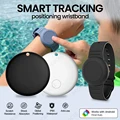
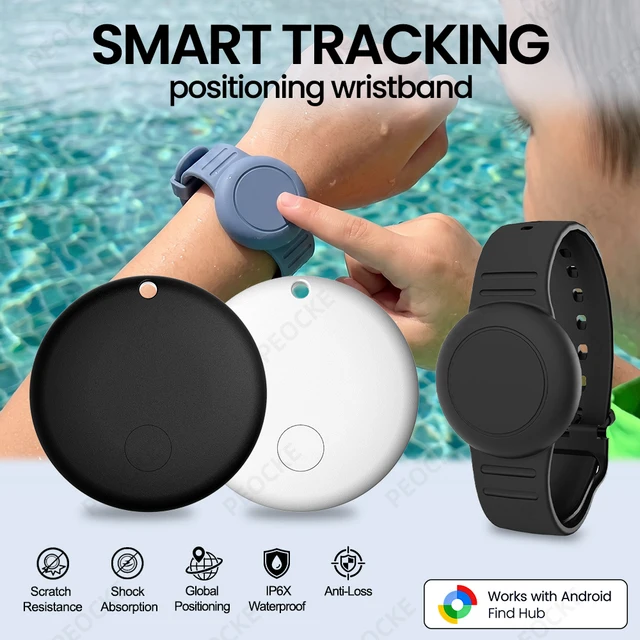
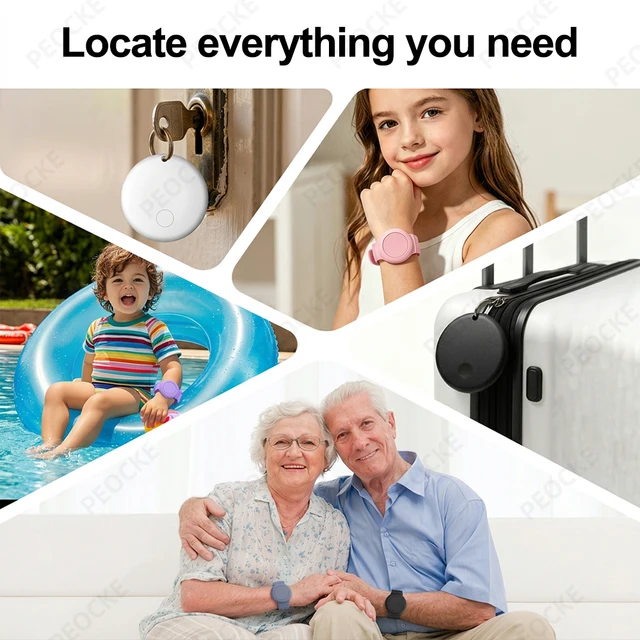
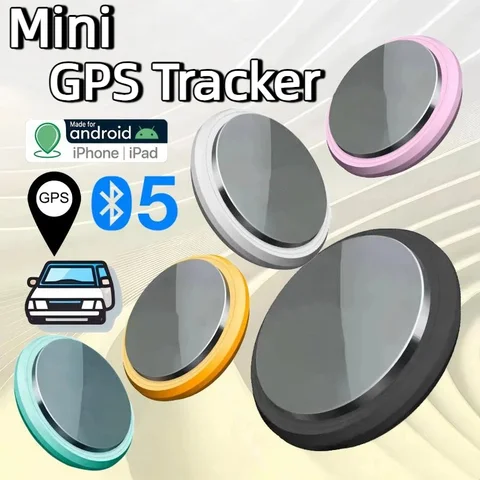
Locate and search with ease using this GPS Tracker Holder Bracelet designed for Android devices. Not just a watch, but a smart tag that ensures accurate location tracking with nearby Android devices. Stay connected and worry-free with this innovative accessory.
Please note before purchasing:
🍮.This product is only suitable for the Android system.It is not applicable to Huawei series products and Apple products. Only suitable for overseas versions of Google phones, not compatible with domestic Android phones
🍮.This product is a locator Tag +watch ring, which is used for locating and searching, not a watch that checks time
🍮.And it is not available in the Russian region. Please place your order with caution.
🍮.If your mobile phone is from Apple or Huawei or a domestic version of Android phone in China, please do not place an order as this product is not supported.
🍮.Please note that when connecting, first make sure that your phone can be downloaded from Google and the Android system is above 9.0. Turn on your phone's Bluetooth and WiFi
🍮.Connect to the device in Google Find Hub device instead of searching for pairing connections in the phone's Bluetooth list
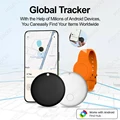
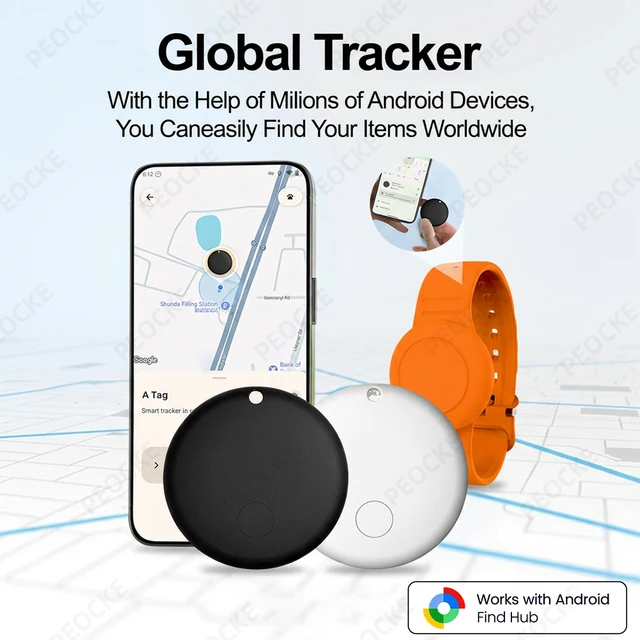
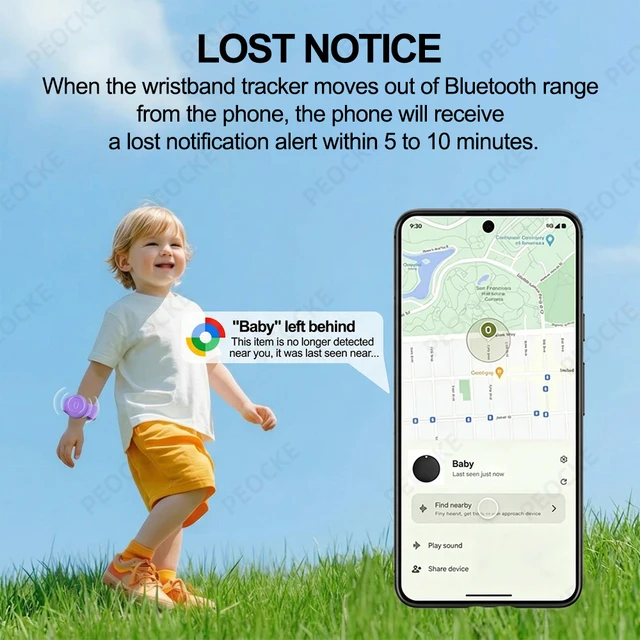
🍮.The update of the device's location information depends on the surrounding population using Android devices, and updates are transmitted through Bluetooth of nearby Android devices. Therefore, the more nearby Android devices, the more accurate the information, and the faster the update.
🍮. It is more suitable for use in densely populated areas. If you are in a village or farm, you will not be able to display your location in real time.This is normal, if you mind, please don't buy it
Packing List
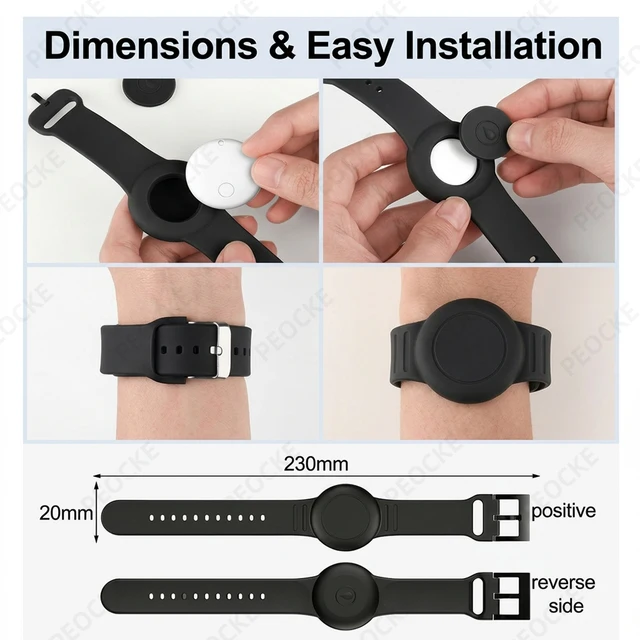
1*Smart Tag
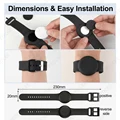
1*Silicone watch ring
1*instruction manual


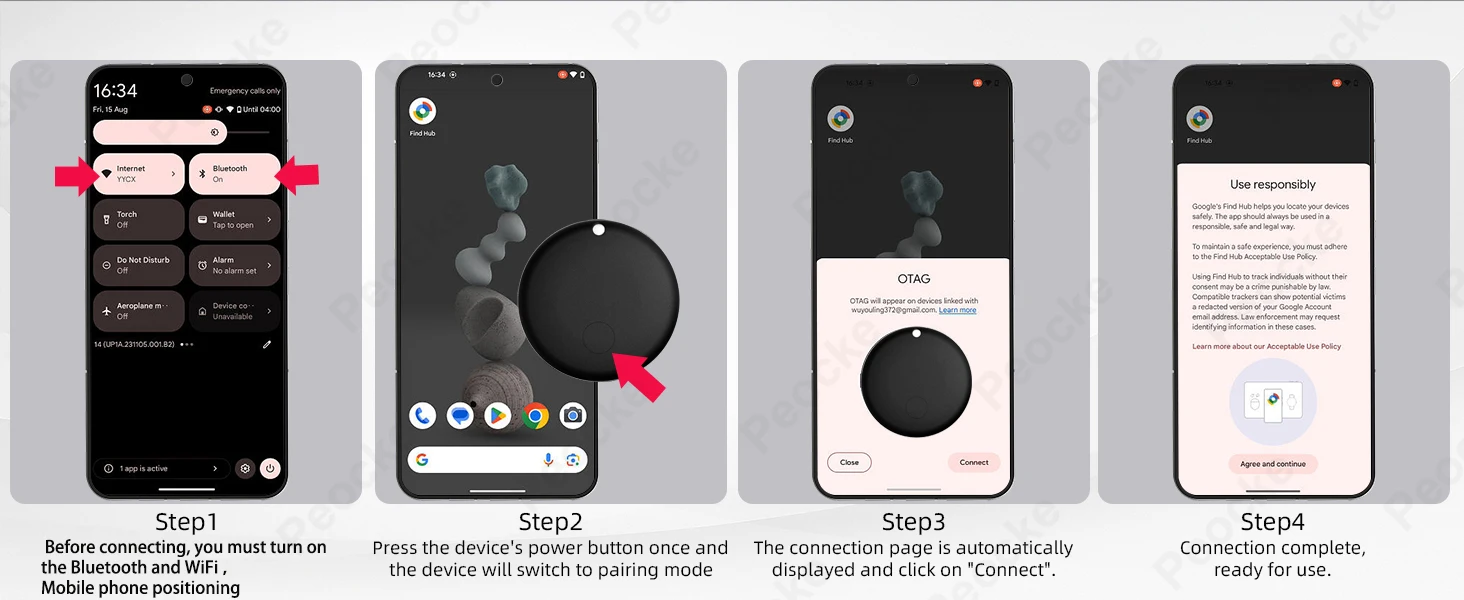


Note
Please use it with Google Find My APP Device.
Please confirm that your phone can download the Google Find My Device APP before placing an order. Thank you.
This tracker basically works like AirTags. It needs to update the location effectively when there are other Android phones nearby, and the phone must also register or use Google Find My Device to report the last tracker location to you.
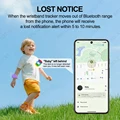
Tips: If the surrounding Android device is far away, the product will be updated within 15 minutes, if the locator is mobile, the surrounding signal is strong in order to achieve real-time updates (50 metres within the scope of the Android device can be updated with the location, such as the distance is closer to update the time faster)
FAQ & A
FAQ: Why can't my Android phone connect to Tag ?
A: This is usually because the user missed the automatic pop-up window of Tag, you can try to restore the factory settings. The steps are as follows
How to reset: Please refer to the paper manual for the reset operation
Step: Manual Connection Steps(Please refer to the video below)
If the automatic popup doesn't appear, follow these steps to connect manually:
1. Open phone settings
2. Go to Google
3. Select All services
4. Go to Devices
5. Turn on Scan for nearby devices
6. View Available devices nearby





Follow us on: