
• Image 1
  • Image 2
  • Image 3
  • Image 4
  • Image 5
  • Image 6

Melery Smart Tuya WiFi Dual UK Socket USB Type-C PD 20W – Control, Monitoring, Alexa, Google Home

From R900.83
  • Type:

Categories:

Buy With Confidence

100% Safe Payment


;

  • Description

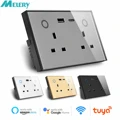
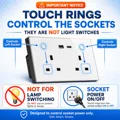
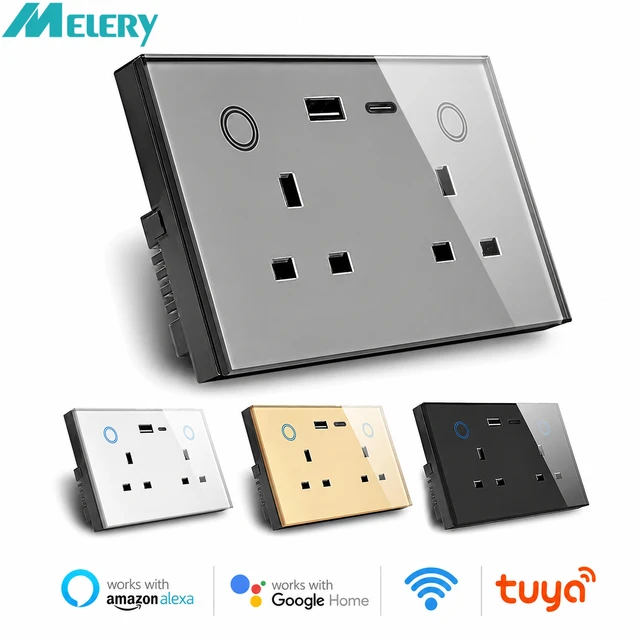
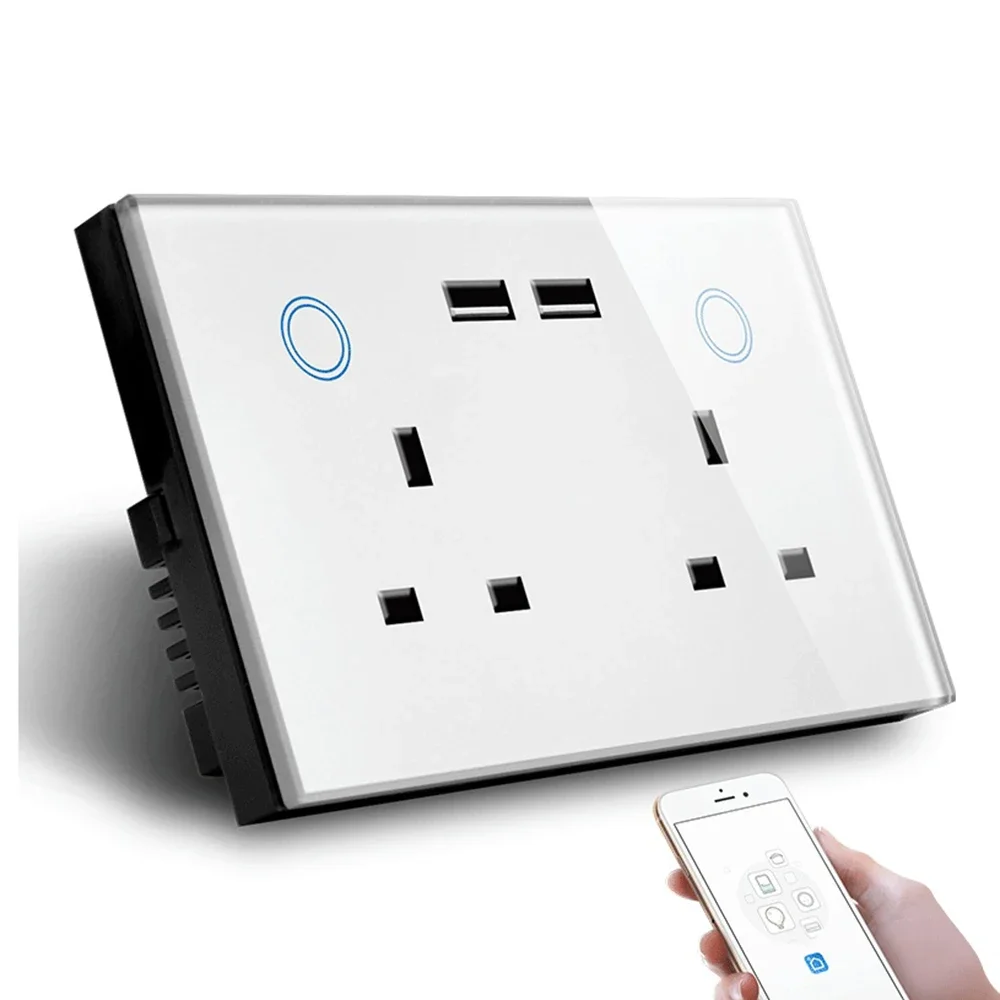
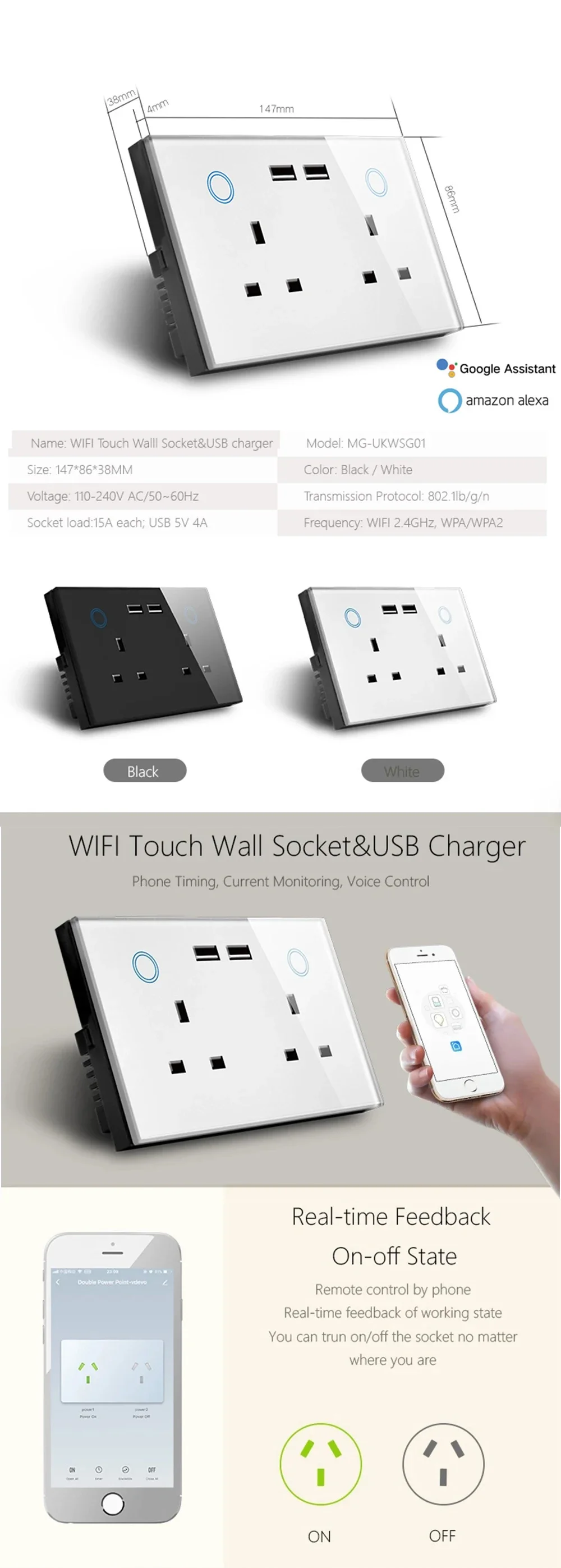
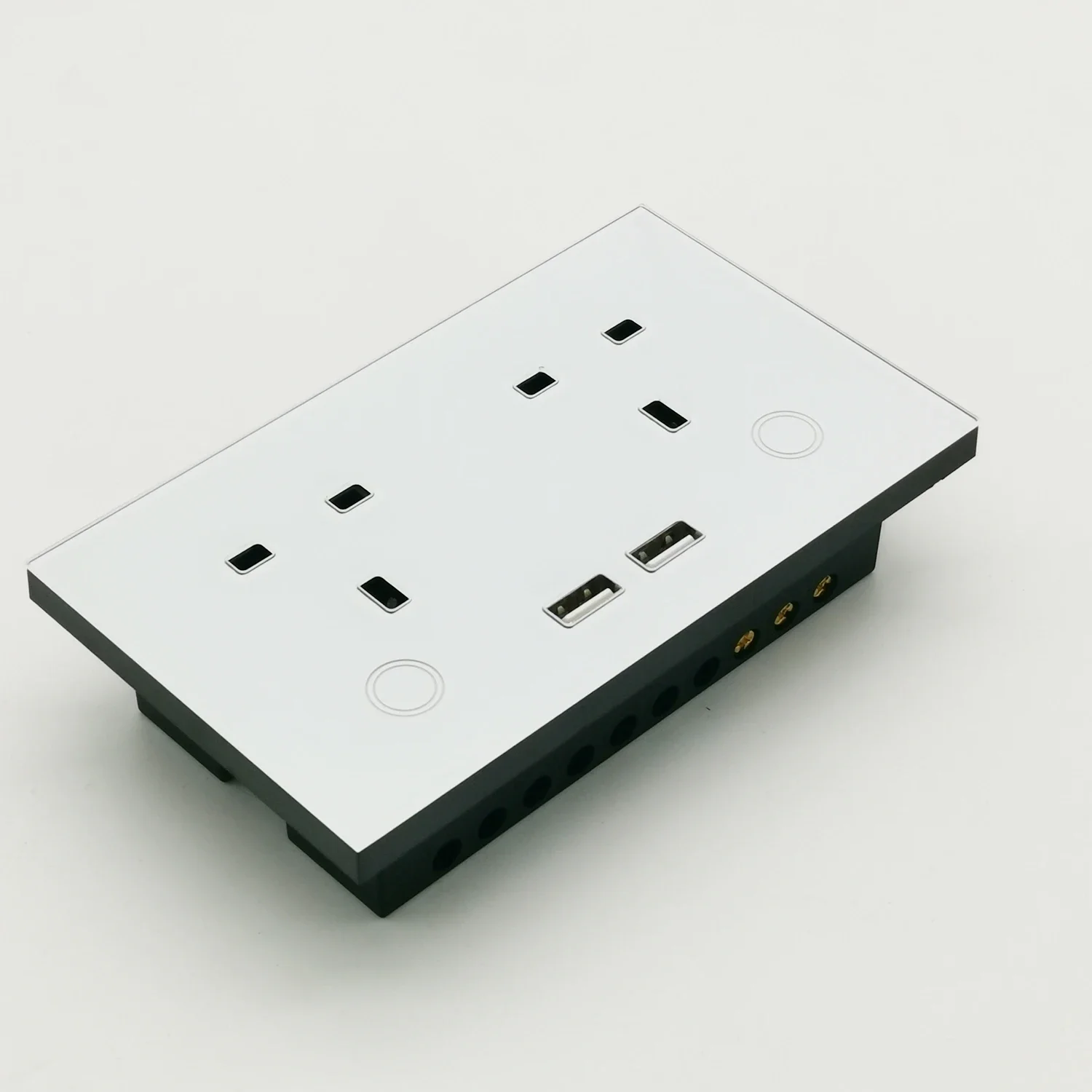
    Melery Smart Tuya WiFi Dual UK Socket with USB Type-C PD 20W offers convenient touch control, voice commands, real-time electricity monitoring, and seamless integration with Alexa and Google Home.


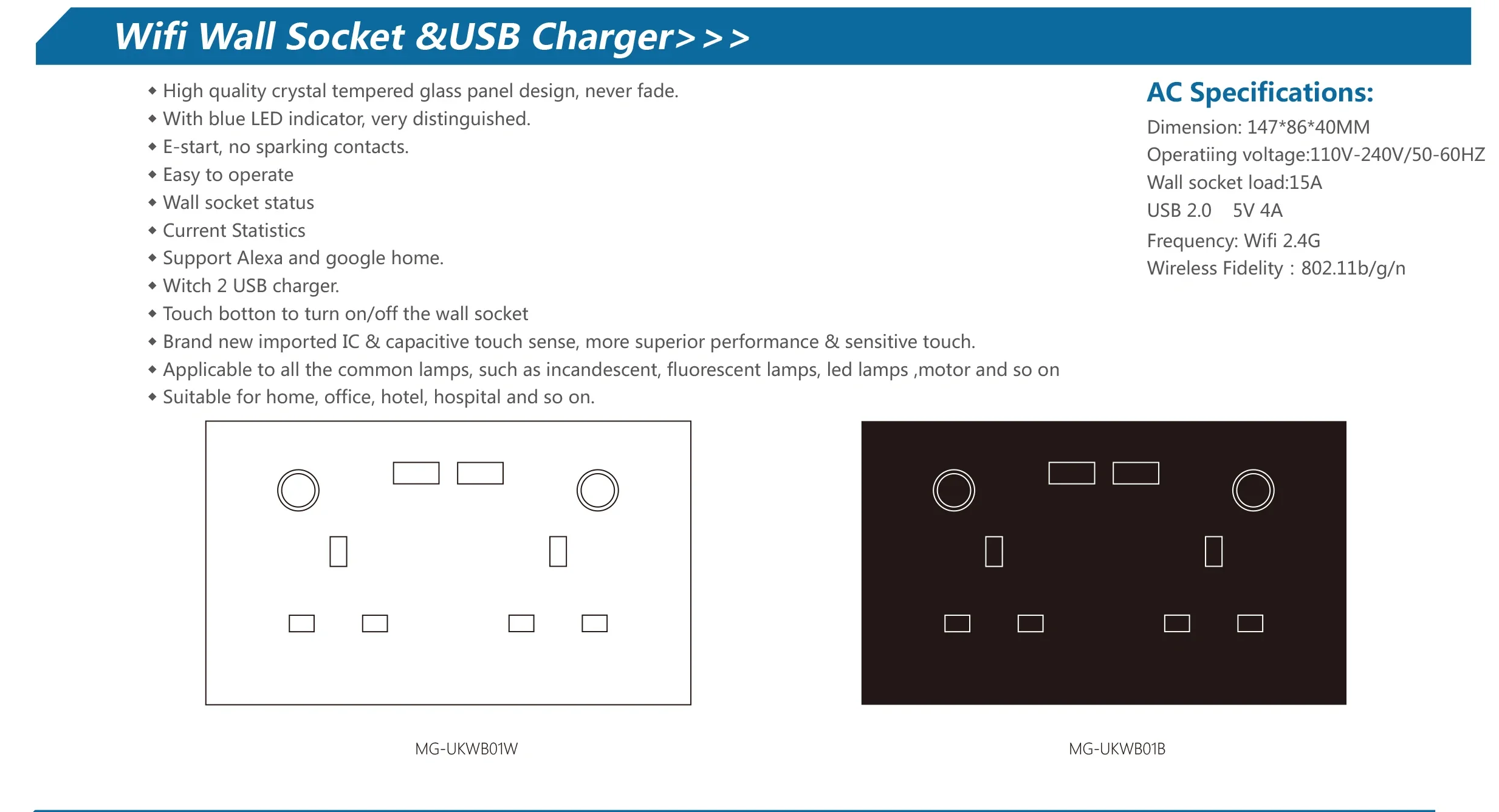
    Melery Smart WiFi Wall Socket (UK Plug) Product Description

    Item
    Details
    Color
    White
    Size
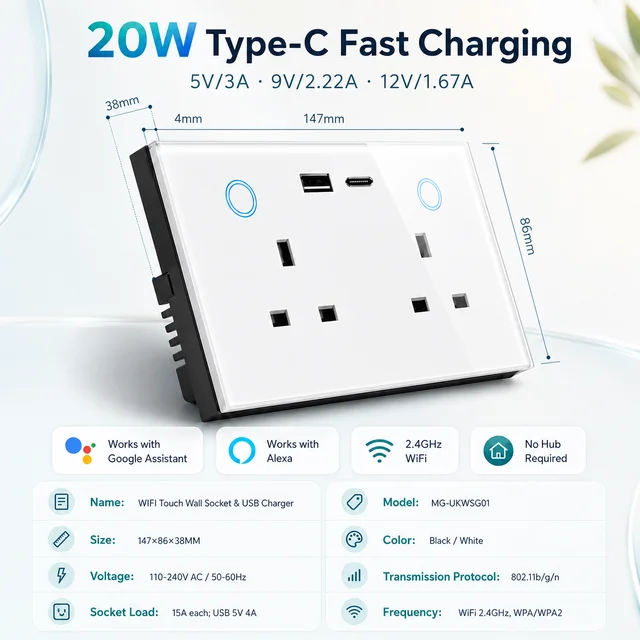
    (L) 147*(W)86*(H)38mm
    Weight
    340g
    Material
    PC
    Voltage range
    90-250V AC
    Max current
    15A each
    USB Port Parameters
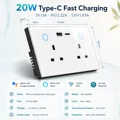
    USB A Outlets: 5V/3A, 9V/2A, 12V/1.5A; TYPE-C: 20W Max, 5V/3A, 9V/2.22A, 12V/1.67A; Total 5V/3.4A
    Wireless frequency
    2.412~2.484GHz
    Wireless IEEE standards
    IEEE802.11b/g/n
    Security type
    WEP61/WEP/128/TKIP/CCMP(AES)
    Security mechanism
    WEP/WPA-PSK/WPA2-PSK
    Wireless consuming
    <=0.3W
    Working condition
    Temp: -30~60 degree

    Key Features

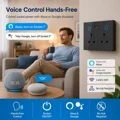
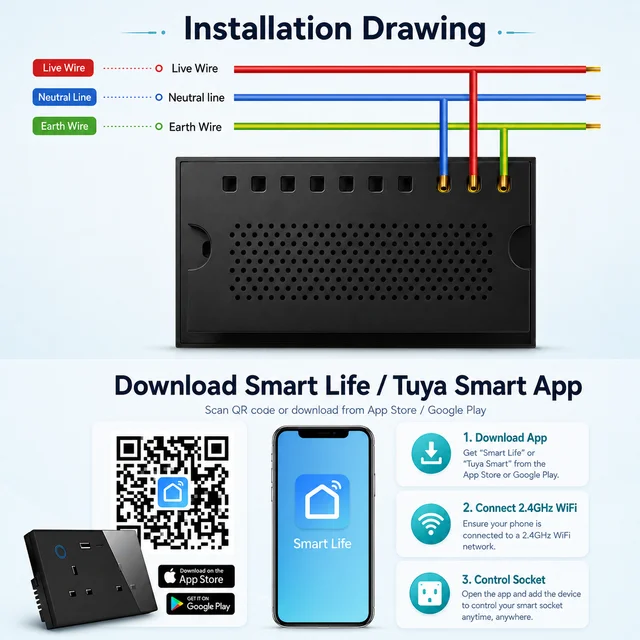
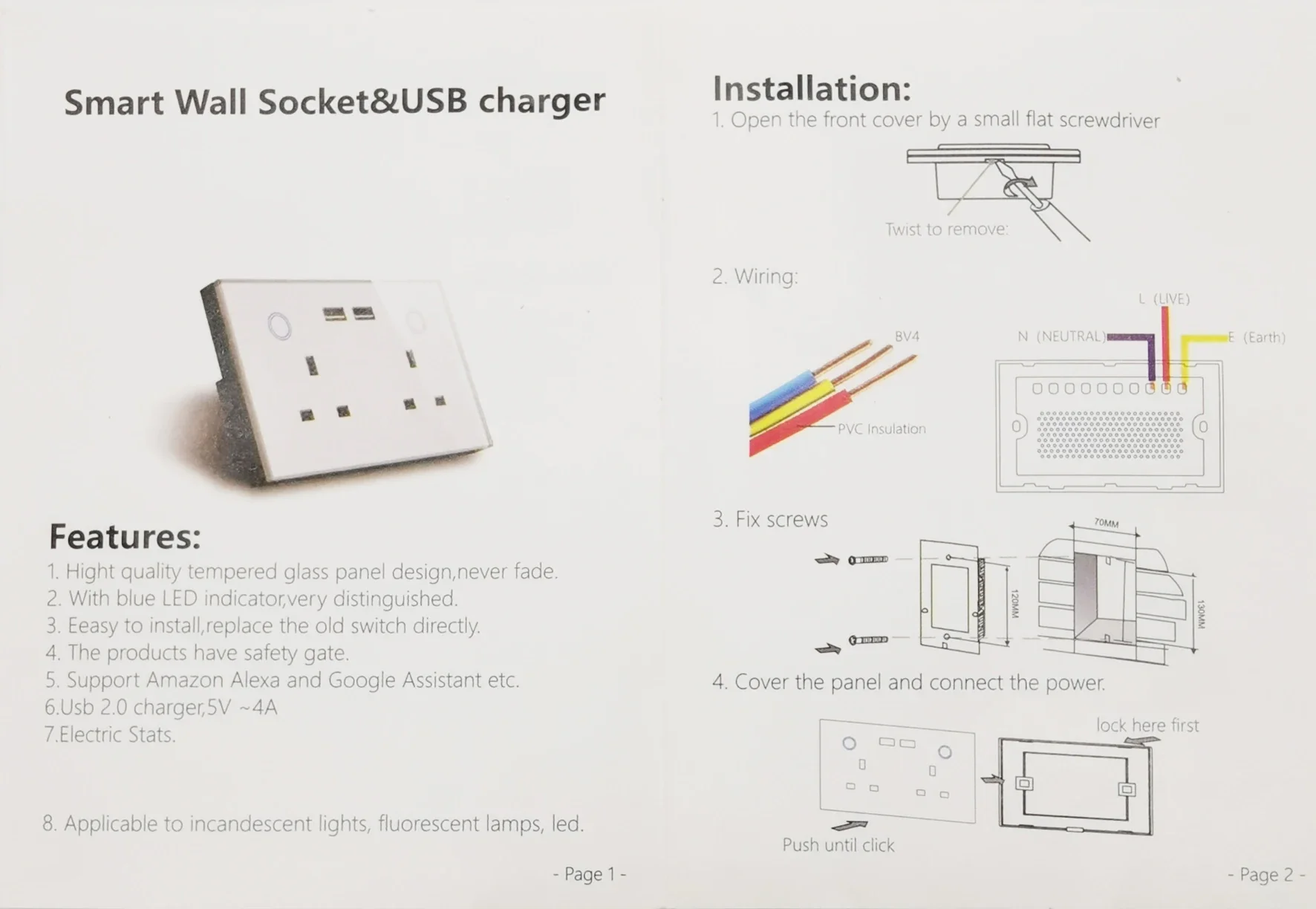
    • WiFi Connectivity: Easily connects to your home WiFi network (2.4GHz), no extra hub required for setup.
    • Smart App & Voice Control: Compatible with
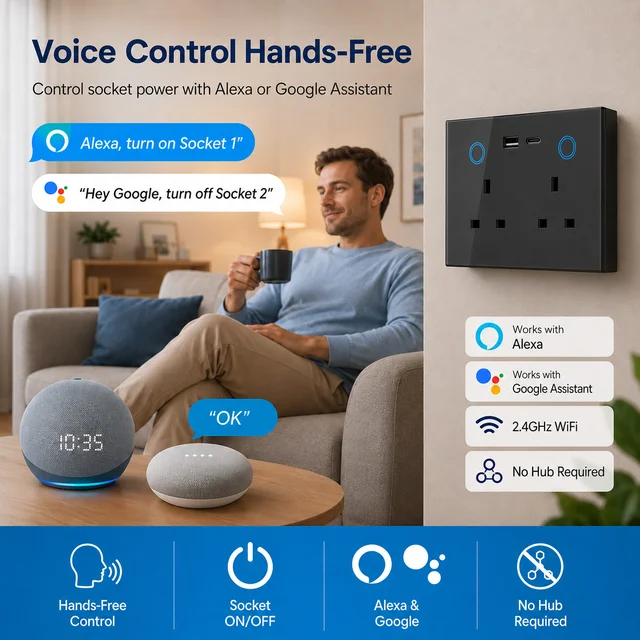
      Tuya Smart Life App (also fully compatible with TUYA App), Amazon Alexa, Google Assistant, and Nest. Control your devices via voice commands or mobile App anytime, anywhere.
    • Easy Configuration: Supports Smart Link net technology, allowing quick and simple WiFi setup without complicated operations.
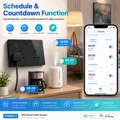
    • Real-Time Status Tracking: Timely feedback on the status of your home appliances to your mobile device, so you can check if devices are on/off even when away from home.
    • Multi-Device Control: One smartphone can support up to 150 WiFi smart devices, meeting the needs of a whole smart home.
    • Easy Installation & Stable Performance: Simple to install, easy to operate, and activates immediately with stable connection.
    • Safety & Certification: FCC, CE, ROHS, RED approved, made of high-quality PC material, ensuring safe use for you and your family.
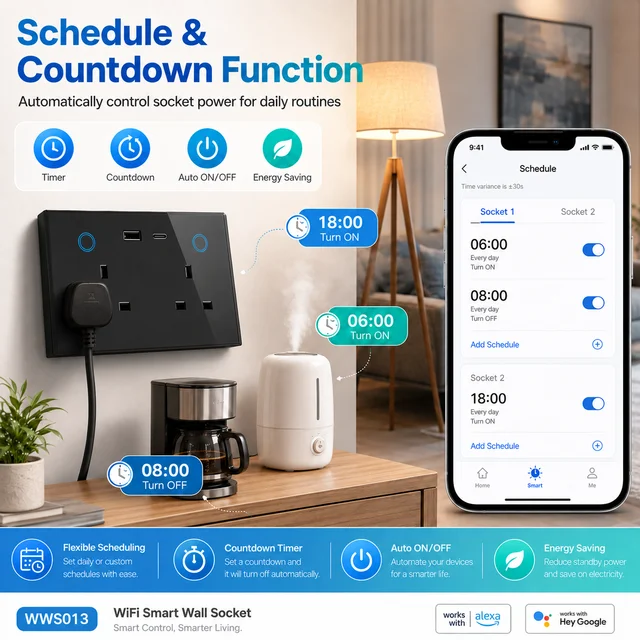
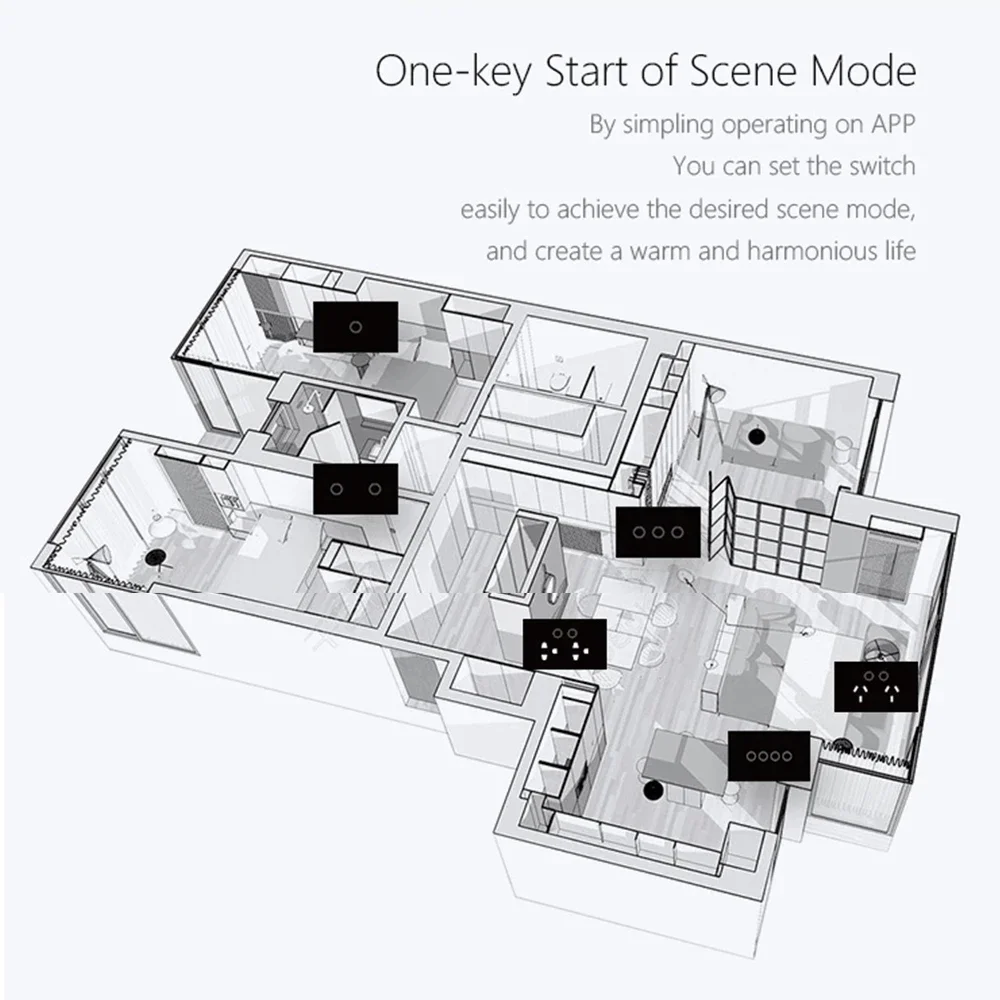
    • Timing & Energy Saving: Set personalized schedules to automatically turn devices on/off, reducing unnecessary power consumption and saving energy.
    • Glass Panel & Multiple Configurations: Sleek glass panel design for a modern look; available in Single/Dual Plug and with/without USB TYPE-C, adapting to different usage scenarios.

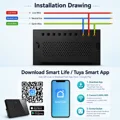
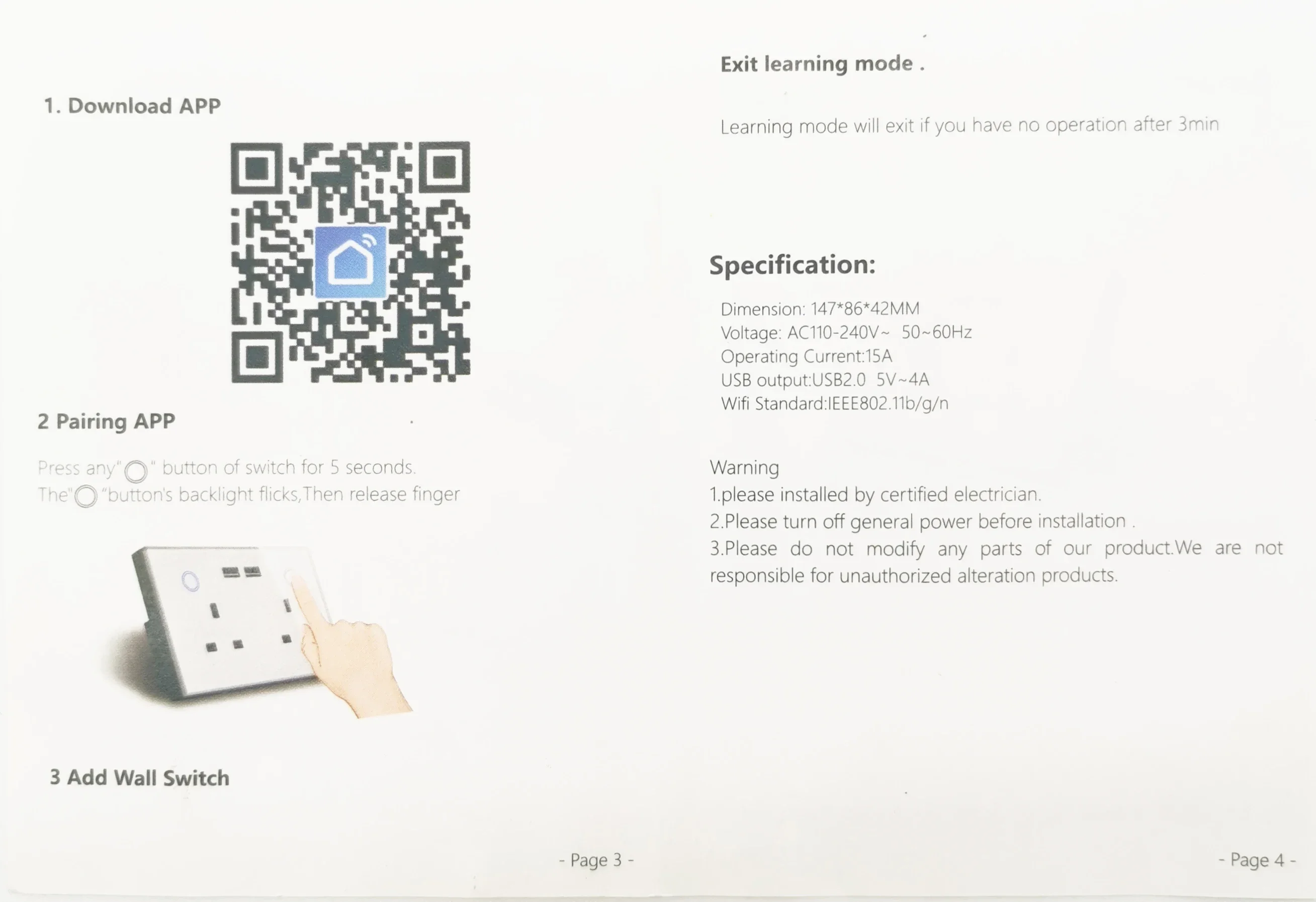
    4 Easy Setup Steps

    1. Download the
      Tuya Smart Life App (or TUYA App, fully compatible) from the App Store (iOS) or Google Play Store (Android), then register and log in to your account. (Smart Life is Tuya’s official smart home App, more user-friendly for daily control.)
    2. Plug the Melery Smart WiFi Wall Socket into a UK standard power outlet, and wait for 3-5 seconds until the indicator light flashes (this means the device enters pairing mode, supporting Tuya’s fast pairing technology for 15-second quick configuration).
    3. Tuya Smart Life App Pairing Steps: Open the Tuya Smart Life App, click the "+" icon in the upper right corner of the homepage, select "Add Device", and choose "Socket" from the device list. Ensure your mobile phone is connected to a
      2.4GHz WiFi network (5GHz WiFi is not supported), enter your WiFi password, and click "Next". The App will automatically search and pair with the socket; wait 10-20 seconds until the pairing is successful (the indicator light stops flashing and stays on). You can rename the device (e.g., "Living Room Socket") for easier control later.
    4. Integration with Amazon Alexa: ① Open the Amazon Alexa App, click "More" in the bottom right corner, select "Skills & Games", search for "Smart Life" (Tuya’s official skill) and enable it. ② Log in to your Tuya Smart Life App account in the skill to link your devices. ③ After linking, Alexa will automatically discover the Melery smart socket; you can also click "Add Device" in Alexa App to search manually. ④ Assign a name to the socket and control it via voice commands (e.g., "Alexa, turn on the living room socket").
    5. Integration with Google Home: ① Open the Google Home App, click "+" in the upper left corner, select "Set up device", then choose "Works with Google". ② Search for "Smart Life" (Tuya’s official service) in the list, log in to your Tuya Smart Life App account to link devices. ③ Google Home will scan and add the paired socket; follow the prompts to complete the setup. ④ Control the socket via voice commands (e.g., "Hey Google, turn off the bedroom socket").


Follow us on:

Subscribe to our Newsletter
Please wait...