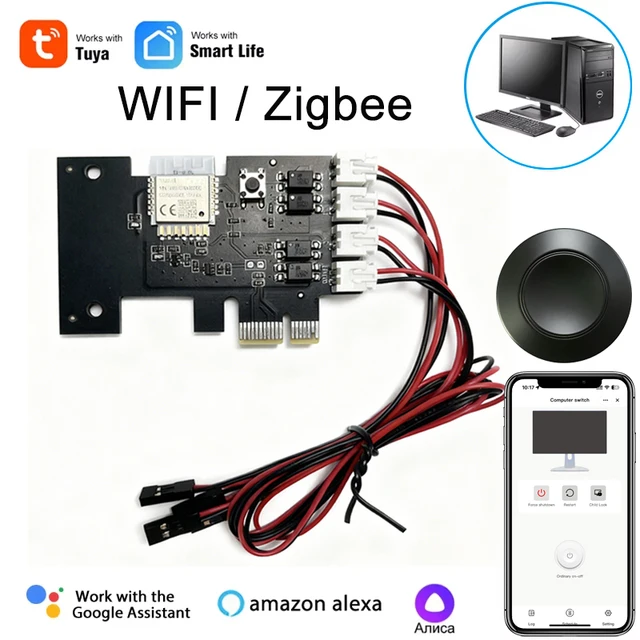
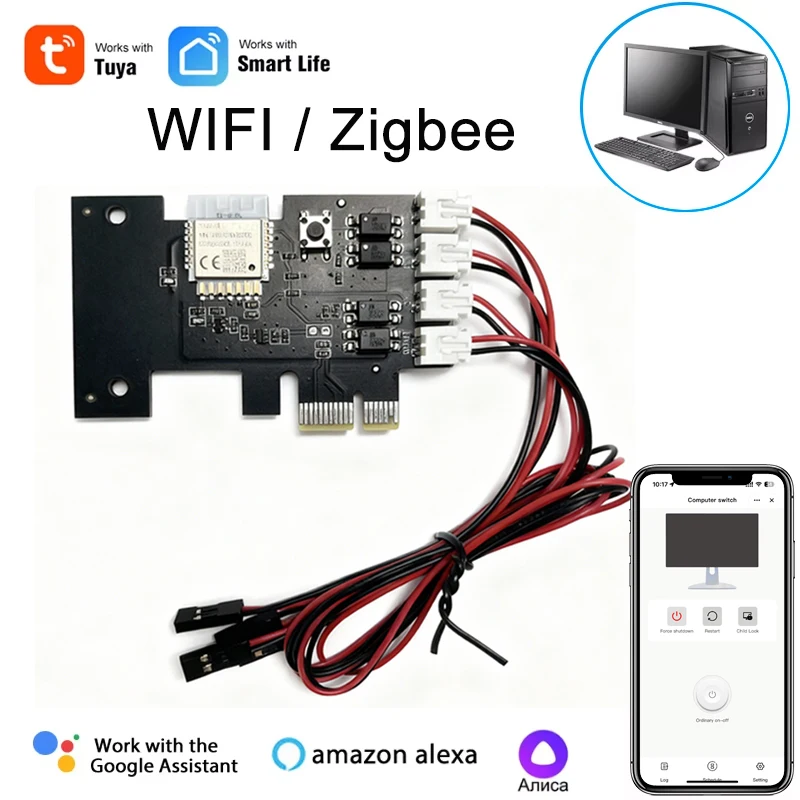
Transform your desktop computer using this innovative Tuya Wifi PC Power Switch. Control your computer remotely through the Tuya Smart App or Smart Life App, manage power status, and utilize voice commands for seamless operation.
Note:
1.it doesn't work with branded desktop computer,Like Apple,DELL and HP et.
2.Before purchasing, On the computer, enter BIOS Settings/Advanced/APM Configuration and change the option "ErP Ready" to "Disabled". If it cannot be changed, please do not buy it, otherwise it cannot be used.
Wifi Remote Switch for Desktop Computer
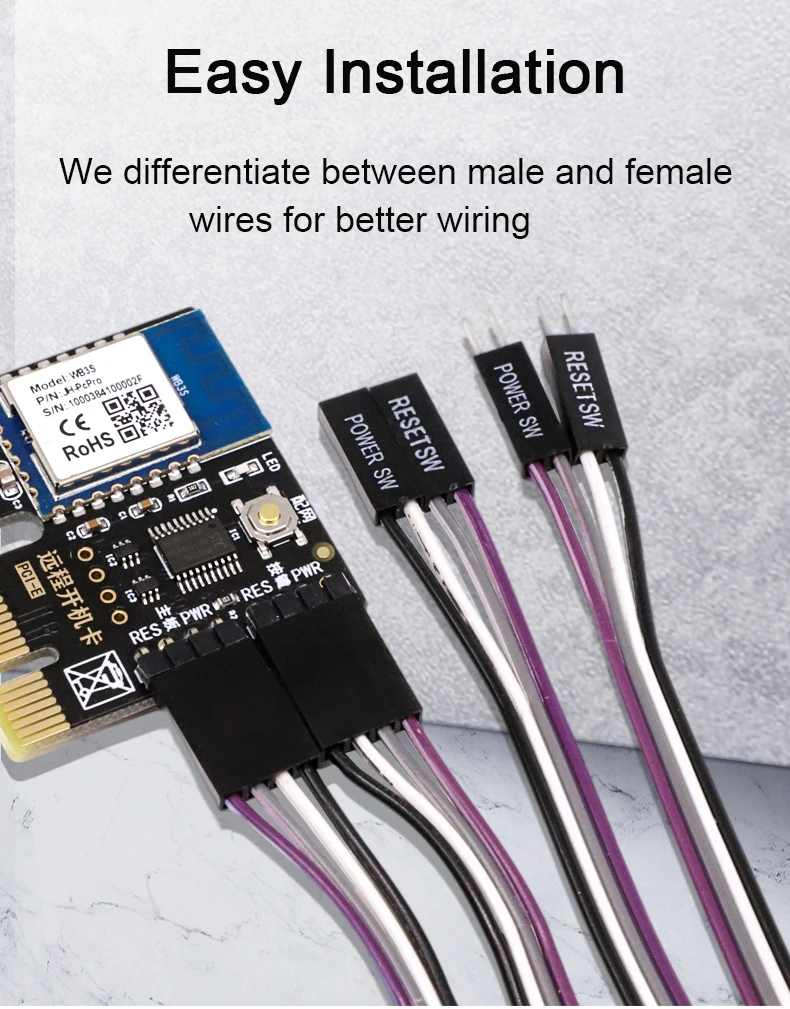
1. Easy Installation
Standard PCIe port, compatible with most destop computer. Install to use, don't need any driver software.
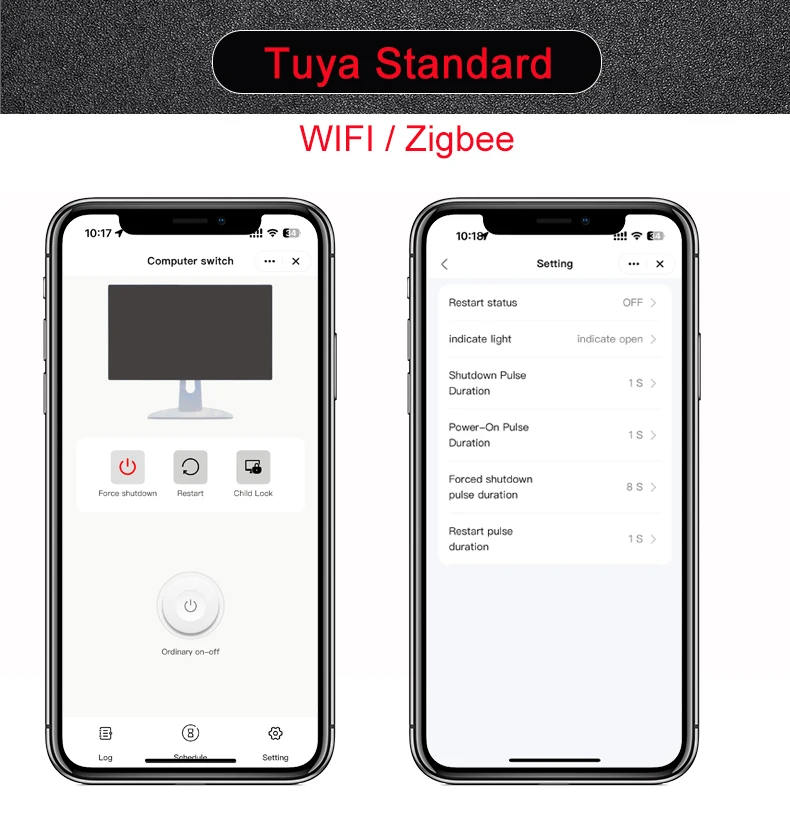
2. App Remote Control
Control your computer on Tuya Smart App or Smart Life APP anytime any where. Always know the computer status on App.
3. Wifi+Bluetooth Connection
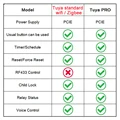
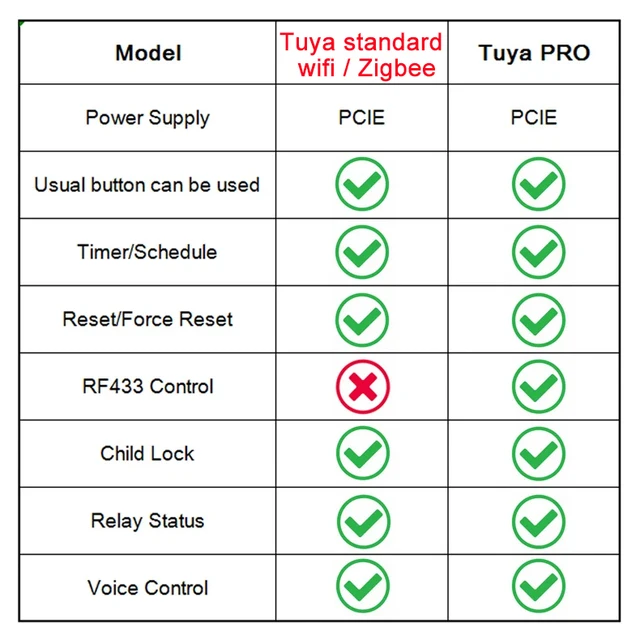
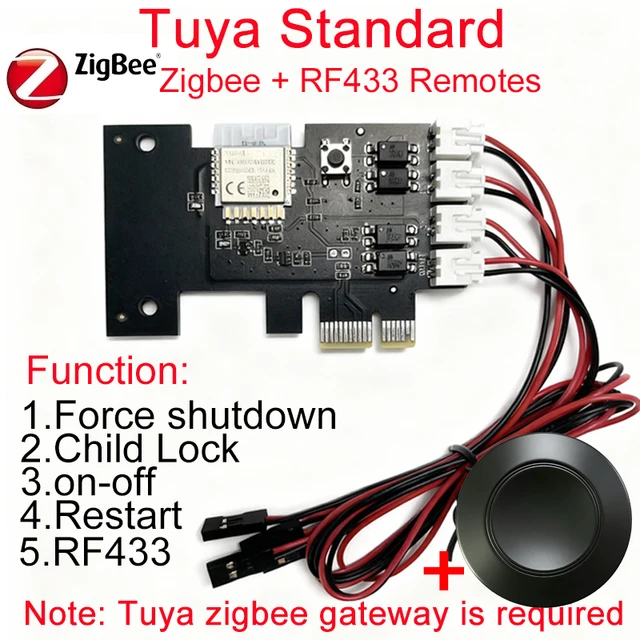
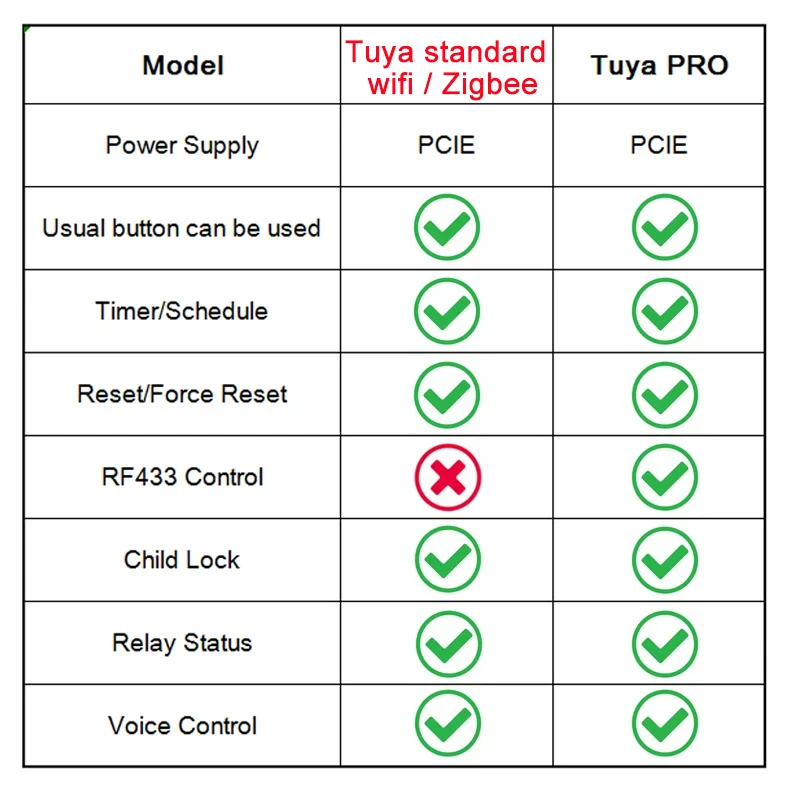
"Tuya Standard (wifi version / zigbee version)" and "Tuya PRO(only wifi version)" Card support wifi and bluetooth connection. When wifi is disconnected, you can still control your PC on Tuya App through bluetooth connection, don't need any setup.
4. Voice Control
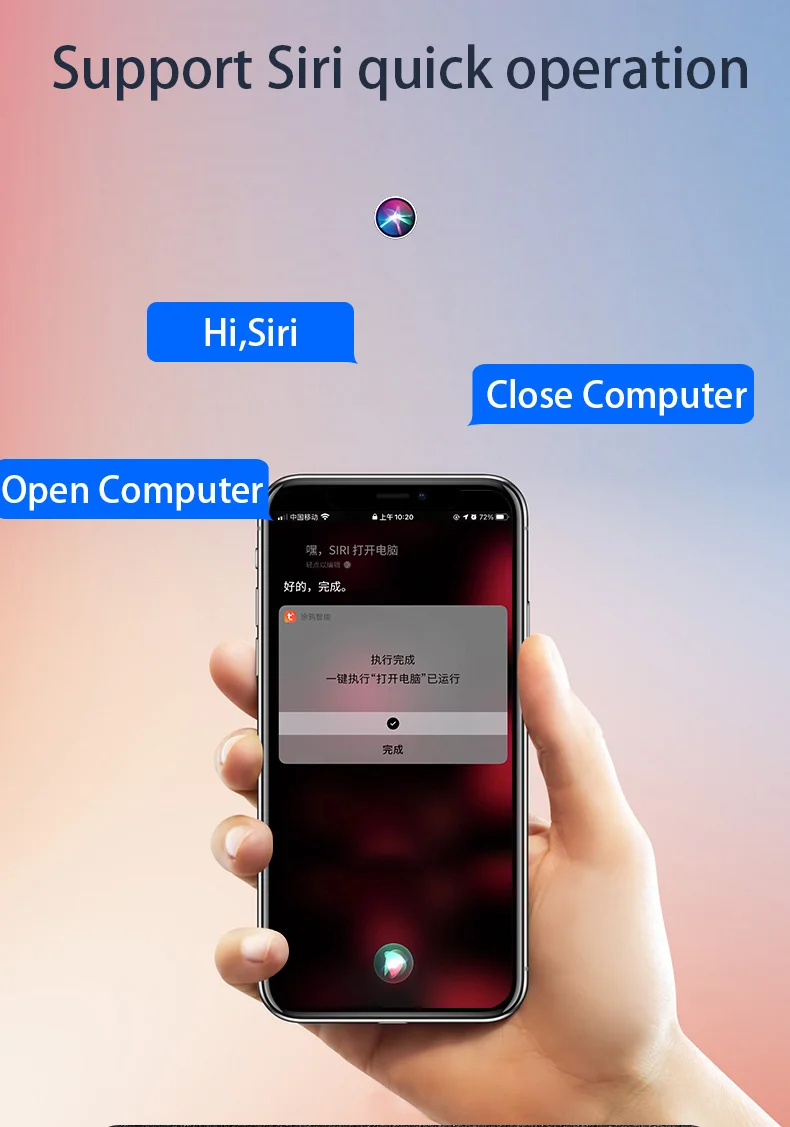
Work with Alexa Echo, Google Home Assistant, Yandex Alice, easy to control your PC with simple voice command.
5. Timer and Schedule
Set a timer to power on/off, or make a weekly schedule to power on/off the computer, automate your PC.
6. Reset And Force Reset
Not only "Power on/off" function, it also support "Reset and Force Rest" function, avoid harm to your computer system.
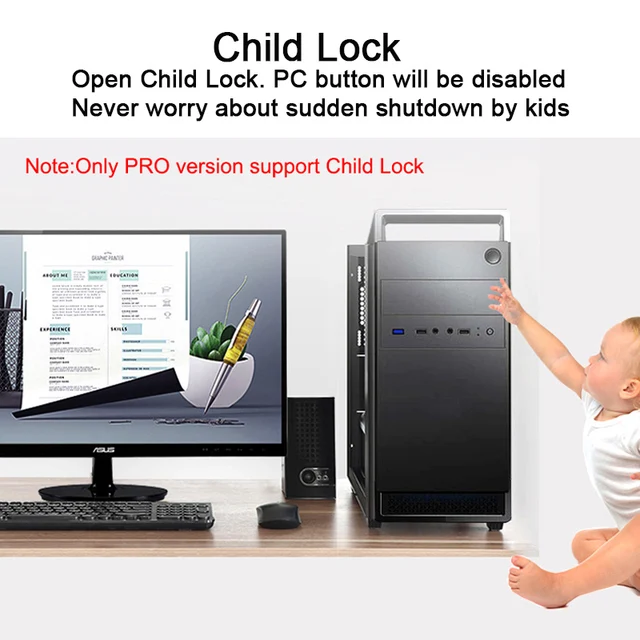
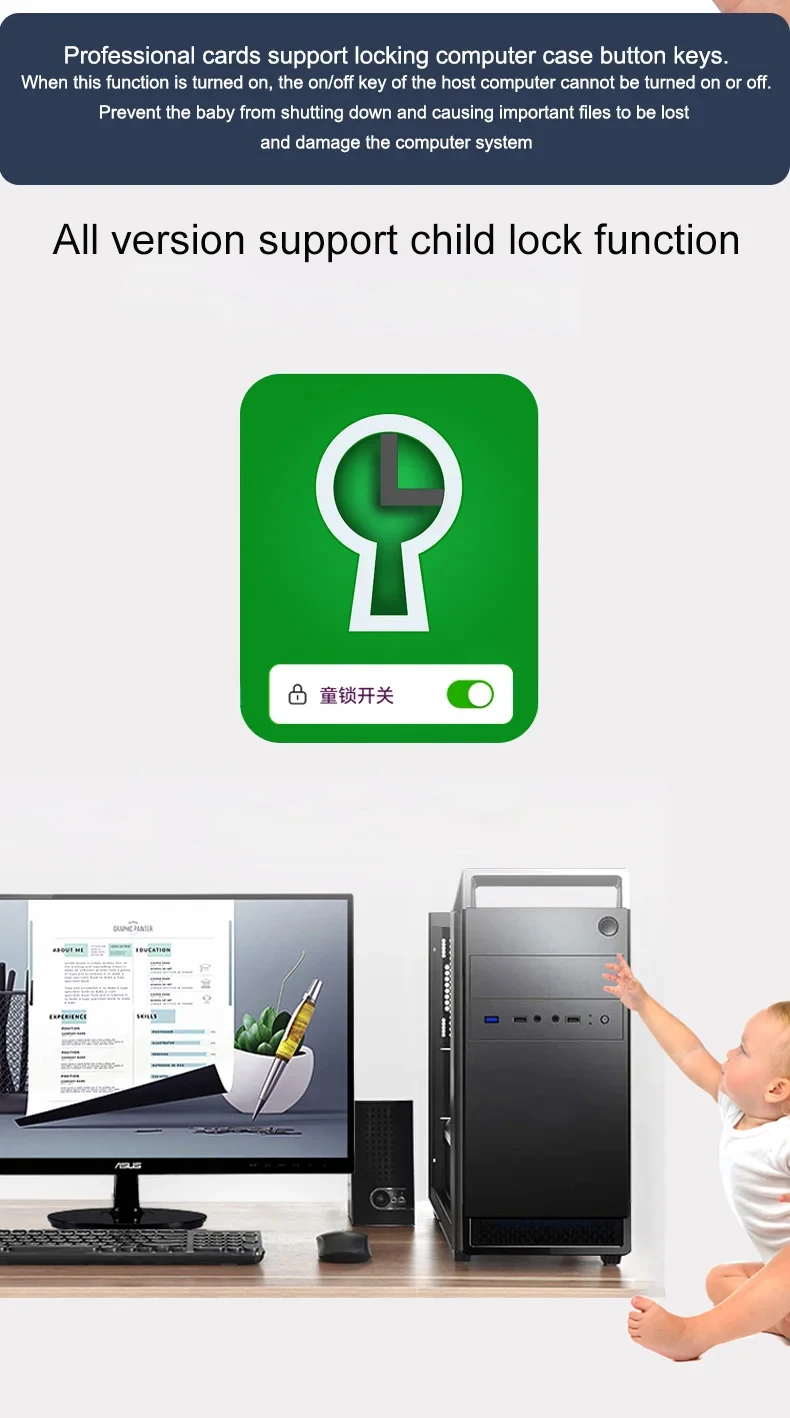
7. Child Lock
Make the PC Button out of function,do not need to worry about sudden shutdown or mistaken touch, avoid important date loss.
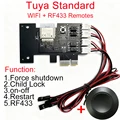
8. RF433 Remote Control (only "Tuya PRO" support)
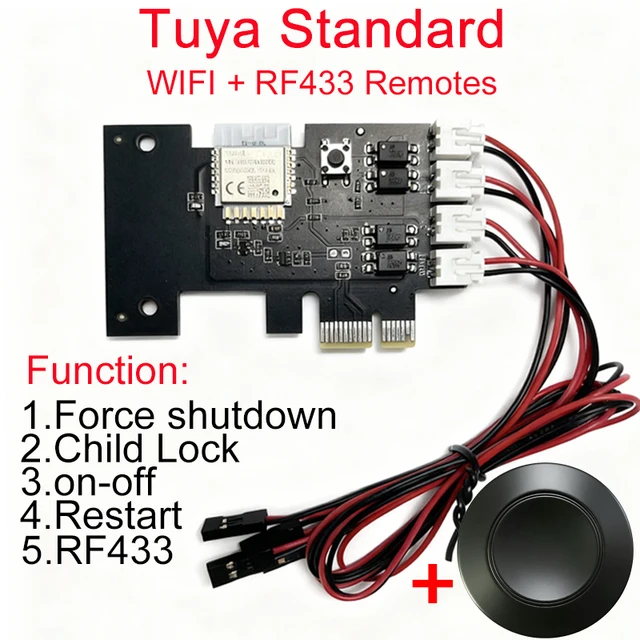
Hard to reach the computer power button? The "Tuya PRO" card come with a RF 433 Remote Control, just put it on the table or anywhere you want.
9. Power Relay Status
You can set the computer to power on or keep power off status, when power up again after power failure.
Specifications
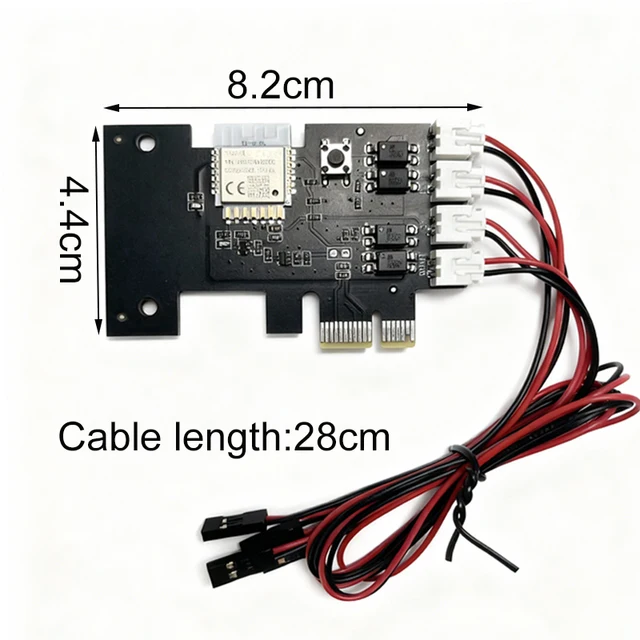
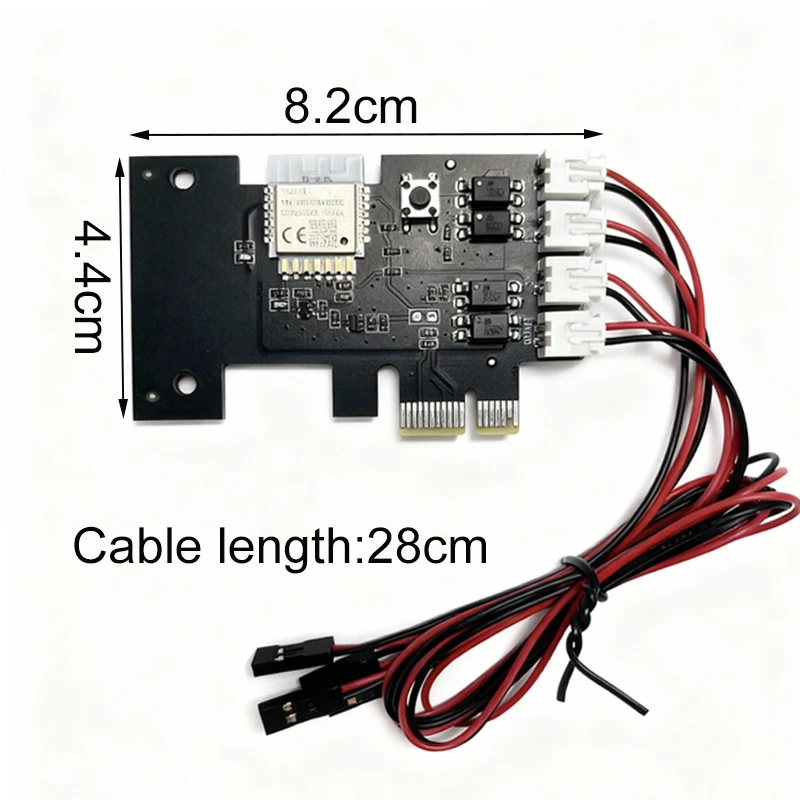
Item type: Computer Remote Boot Card
Interface: PCIE
Wi-Fi standard: Wi-Fi 2.4gigahertz 802.11 b/g/n,don't support 5G wifi.
Working temperature: -20℃~70℃
Working humidity: ≤80%
Mobile App: Tuya Smart APP or Smart Life APP on Android/IOS
How to install?
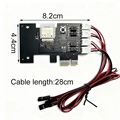
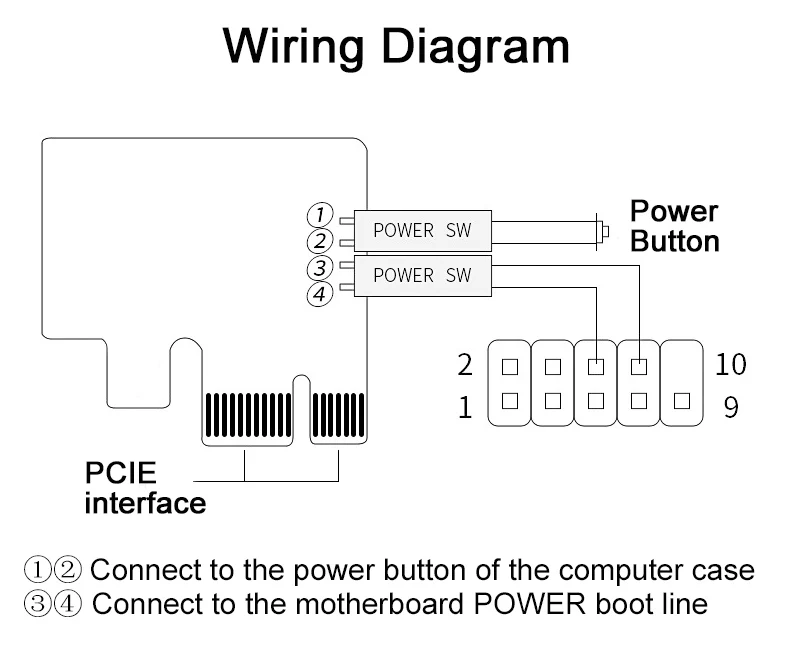
Step 1,find Power SW cable and Reset SW cable on mainboard,then pull out them.
Step 2,fix APP remote computer module in free PCIE.
Step 3,Insert the previously pulled out Power Sw and Reset Sw wires into the corresponding positions of the boot card, and insert the Power Sw and Reset Sw wires of the boot card into the corresponding positions of the motherboard.
Remote Control
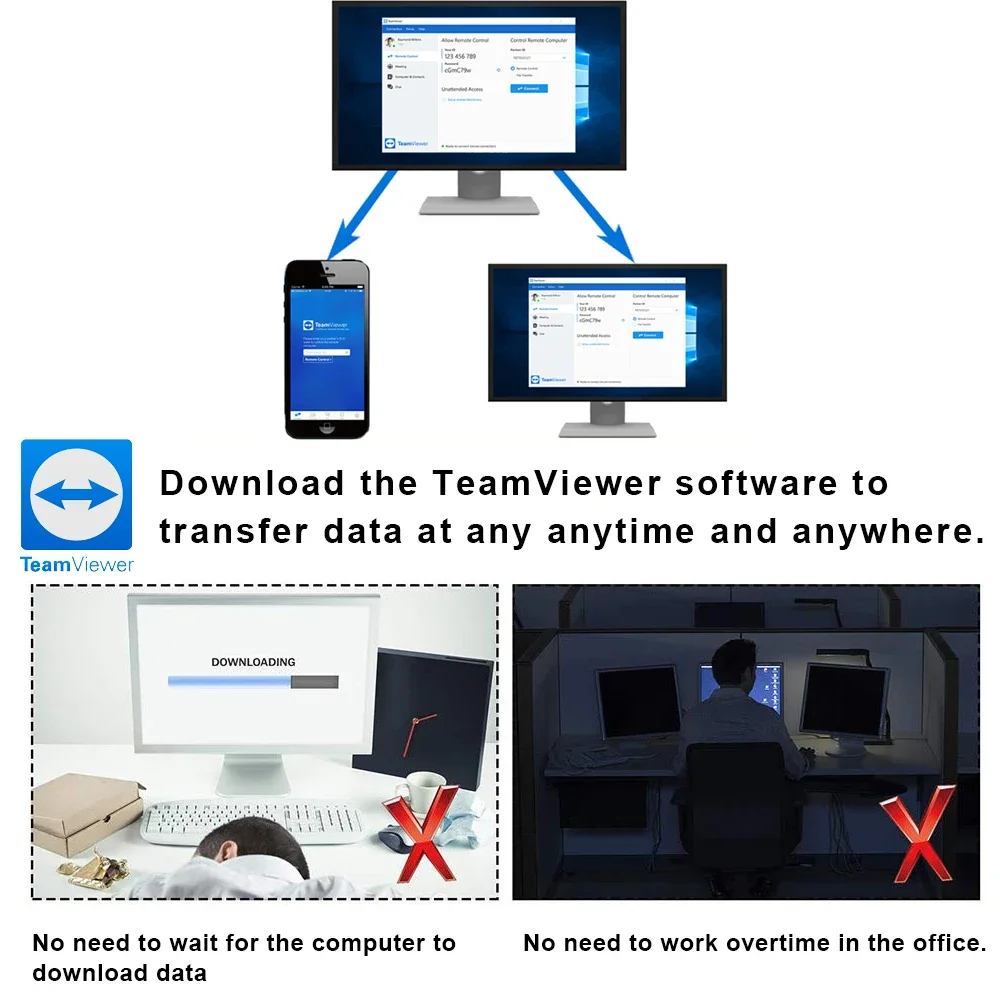
You can download the"TeamViewer" software to transfer data at anytime and anywhere.
If the computer turn on automatically after it's turned off. Here are the solutions:
1. On computer, go to WINDOWS settings and "Power Options", change the option "When Press on Power button“ to "Shut Down".
2. On computer, go to WINDOWS settings and "Power Options", enable the option "turn on fast startup".
3. On computer, go to BIOS settings / Anvanced / APM Configuration, change the option "ErP Ready" to "Disabled" status.
4. If your computer use "Wake on Lan", please close it.
If the computer turn on automatically after it's turned off
It is because the PCIE card slot has no power and cannot supply power to our equipment. You only need to enter your computer’s “BIOS” setting and set the computer motherboard to remain powered when the computer is shut down to solve the problem.
For example:
(1). On computer, go to BIOS settings/Anvanced/APM Configuration, change the option "ErP Ready" to "Disabled" status and change the option “Power on by PCI-E” to “enabled”.
Note: This is only the setting method for one of the mainboards. Due to too many types of computer mainboards, it is impossible to list them all. Regardless of the type of motherboard, the solution is to keep the motherboard powered after the computer is turned off.
Q&A
1. The manual power button on PC case can work or not after installing this card?
Yes, the power button on PC case and App can be used at the same time.
2. Can I use the App to control PC when I'm out for vacation or bussiness?
Yes, the app will work on 2/3/4G mobile network. You can control PC by app anywhere.
3. Can I control PC on App through bluetooth connection when wifi router is offline?
Yes, when wifi is offline, just need to open the phone bluetooth, then you will be able to control the PC on App.
4. Can it support "Voice Control"?
Yes, it support voice control through Alexa, Google Home and Alice.
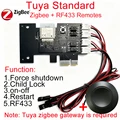
5. Does it need a gateway or hub?
wifi version can be connected with wifi router directly. Don't need any gateway or hub. but zigbee version need .
6. Can it work with laptop? Do you have similar product for laptop?
No, only for desktop computer. We don't have similar product for laptop for the moment.
7. What's the battery type of 433 Remote Control? Does battery include in package?
Battery type: CR2032, 1pcs. the batteries are not included in the package due to shipping limits.




Follow us on: