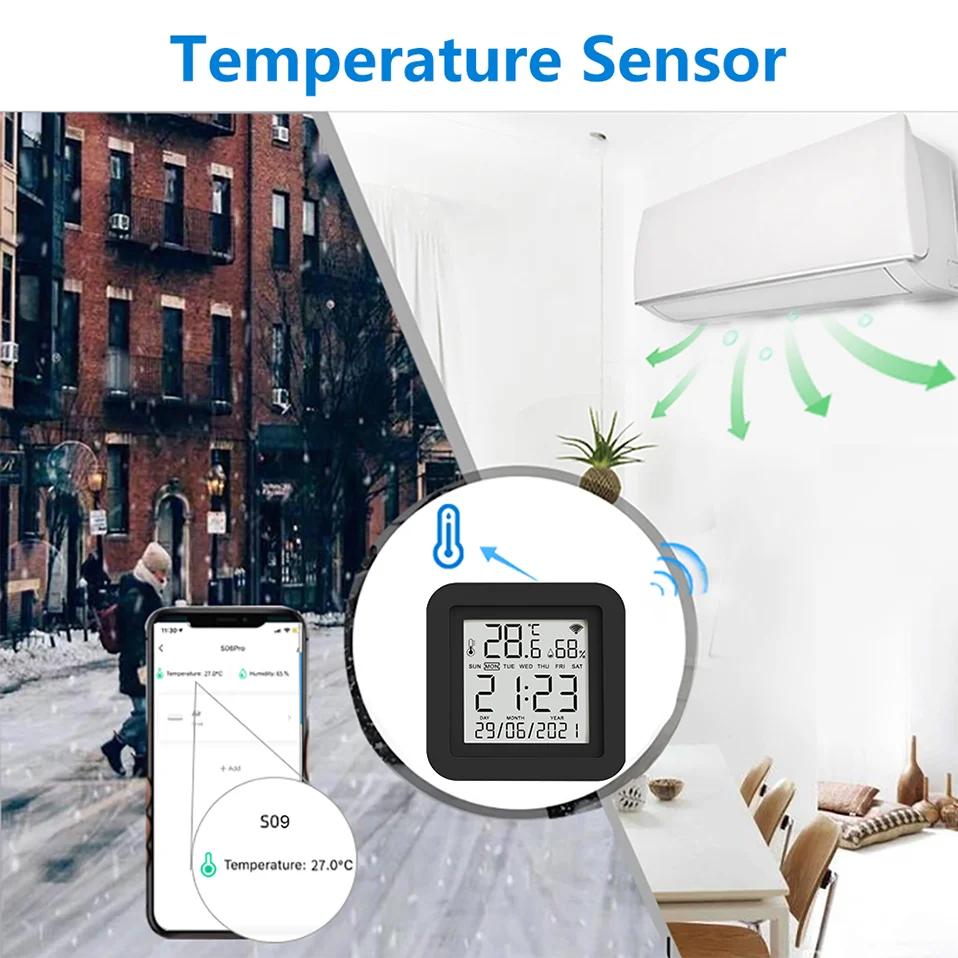
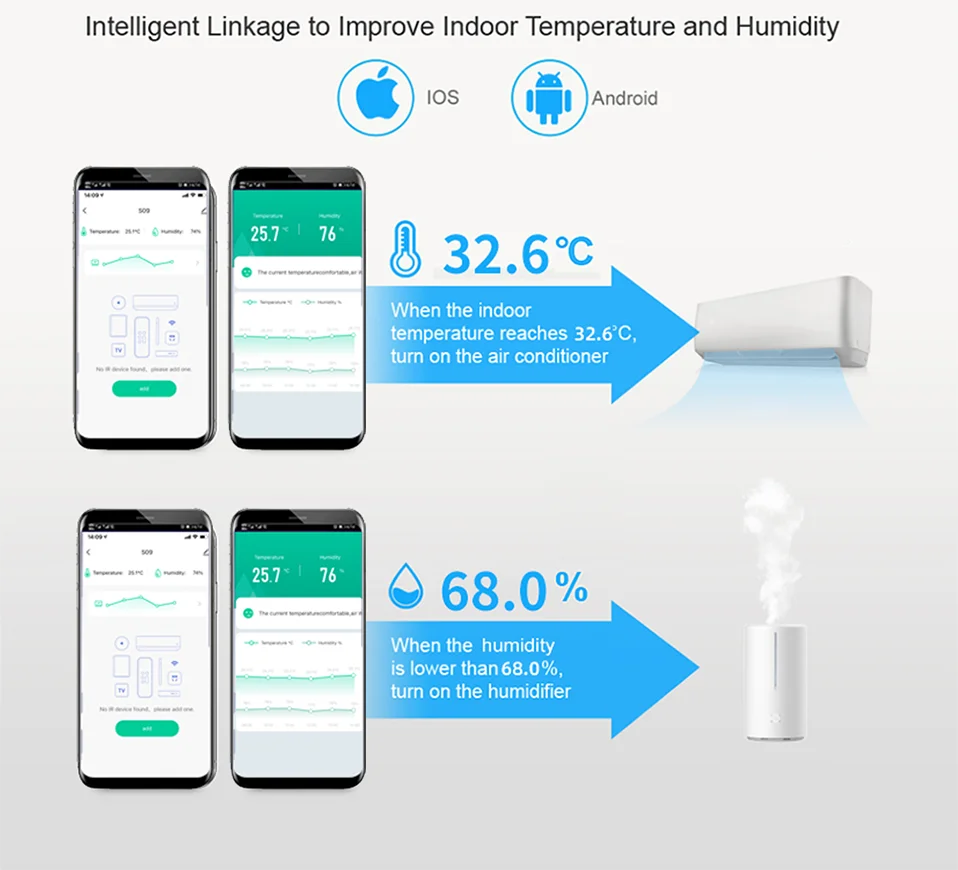
Take the temperature adjustment setting air conditioning setting as an example.
1. Select the "+" button on the "Smart" page to establish an automated process
2, Select "when device status changes". (You can also choose other conditions according to your actual needs)
3. Select the devices as the condition. (Here takes the temperature and humidity remote control equipment as an example)
4. Select the state condition of the device, and choose the temperature as the input condition.
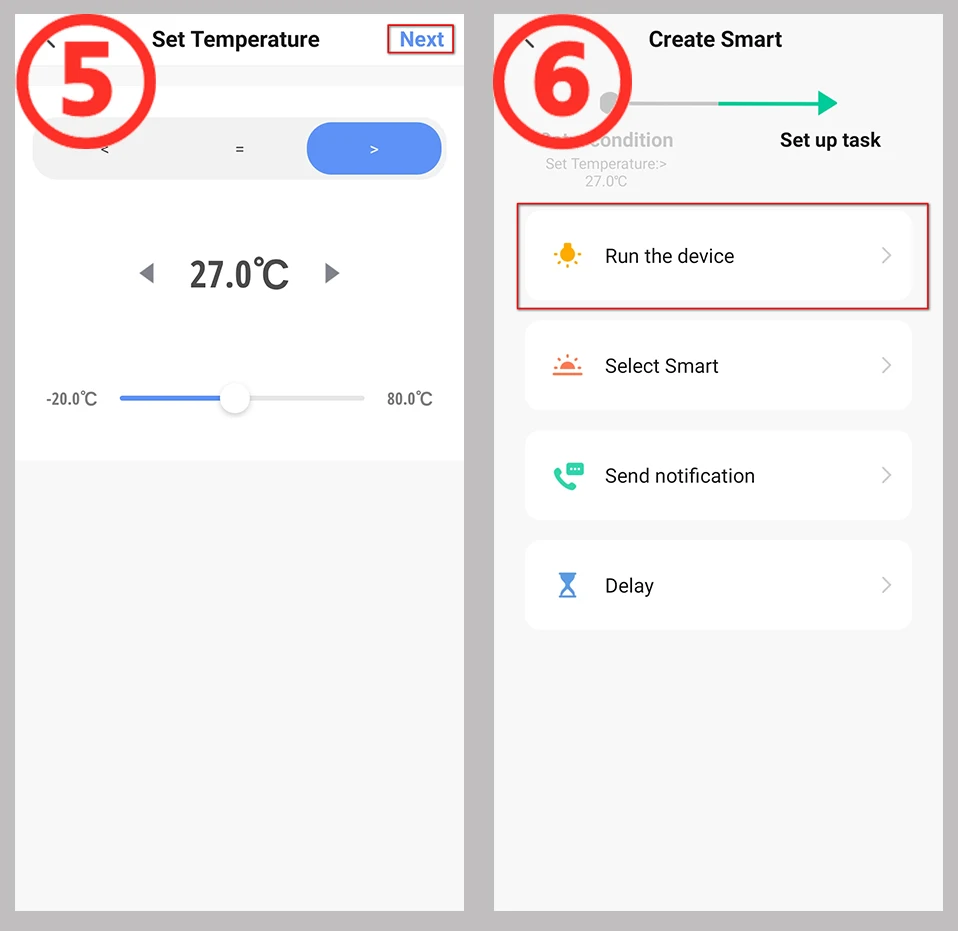
5. Set the temperature conditions. There can be "greater than"/"less than"/"equal to", set the temperature value below. Then select the "Next" button.
6, Set the task to run after the conditions are met. Here, select the device that needs to be run.
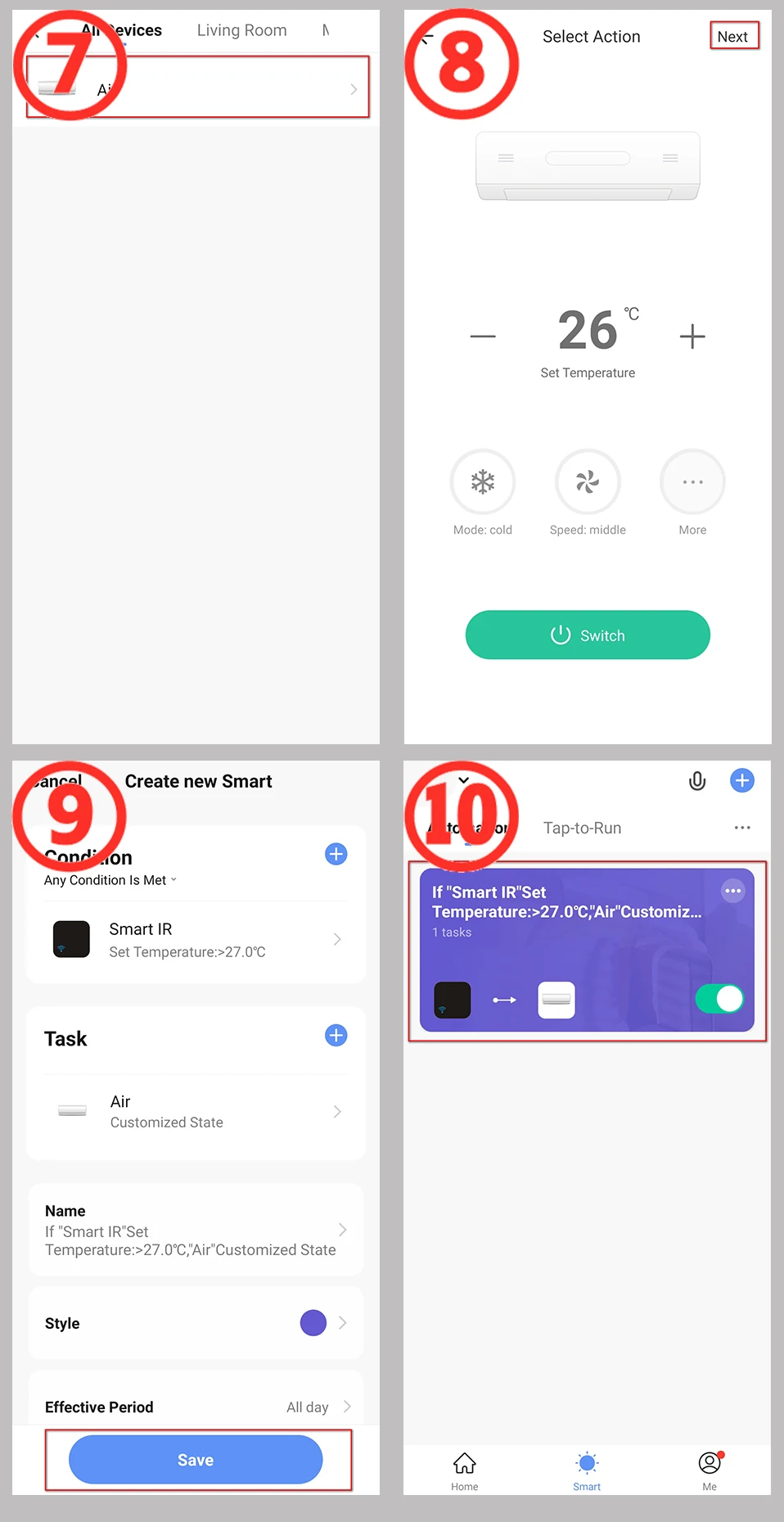
7, Choose to run the air conditioner. You can choose the devices you want to run according to the actual situation.
8, Set the command when operating the air conditioner.
9, "Smart" condition and operation summary page, select "Save".
10. The establishment of the automation process is complete. You can quickly close and open the automation on this page.

FQA
1. What devices can control with Smart Remote Control?
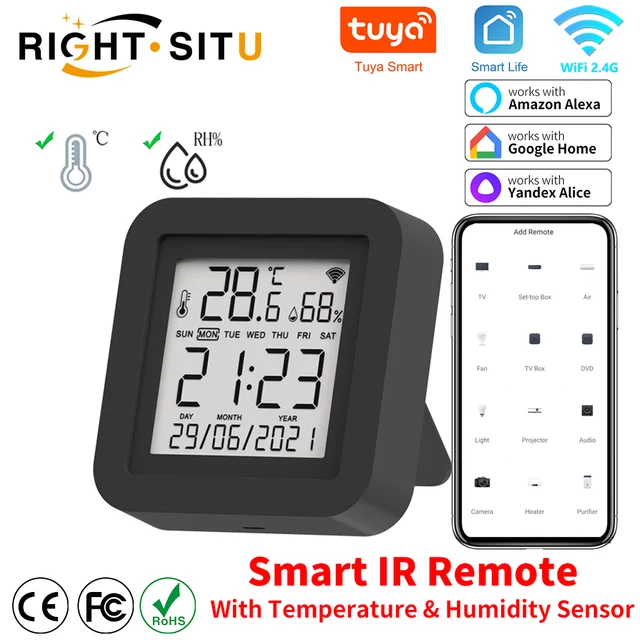
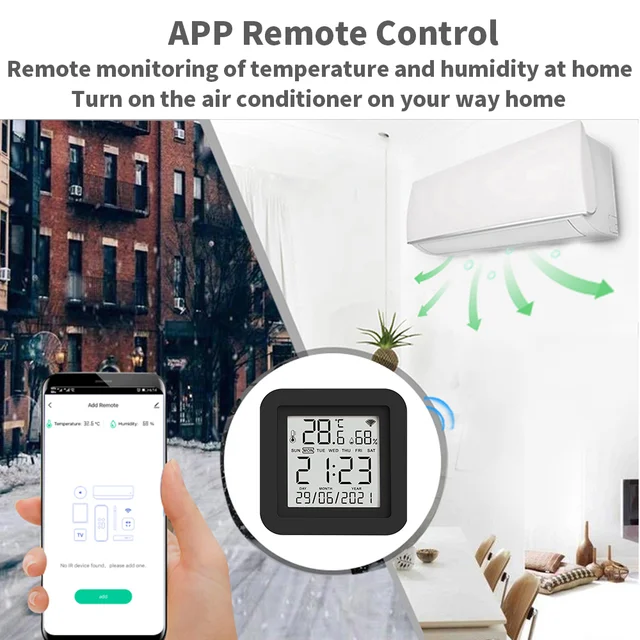
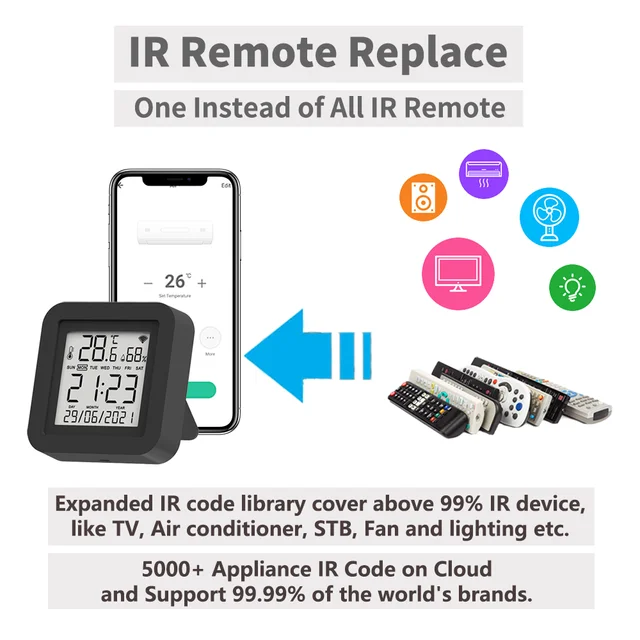
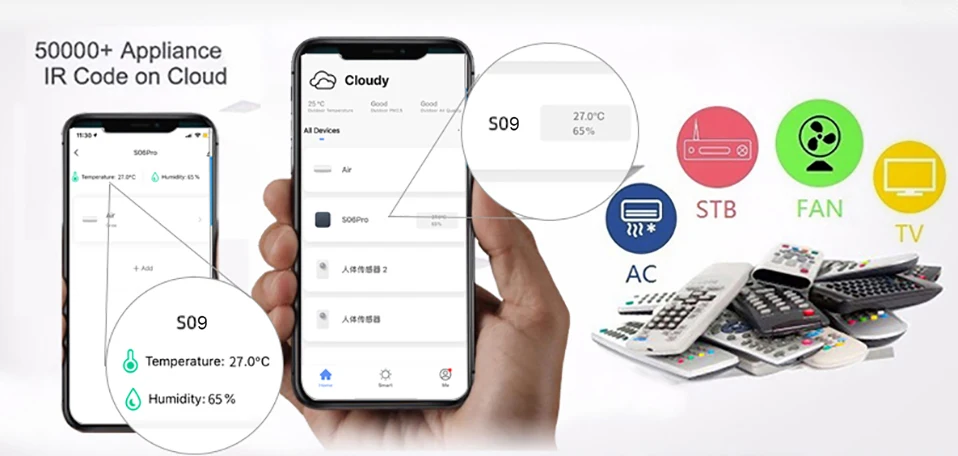
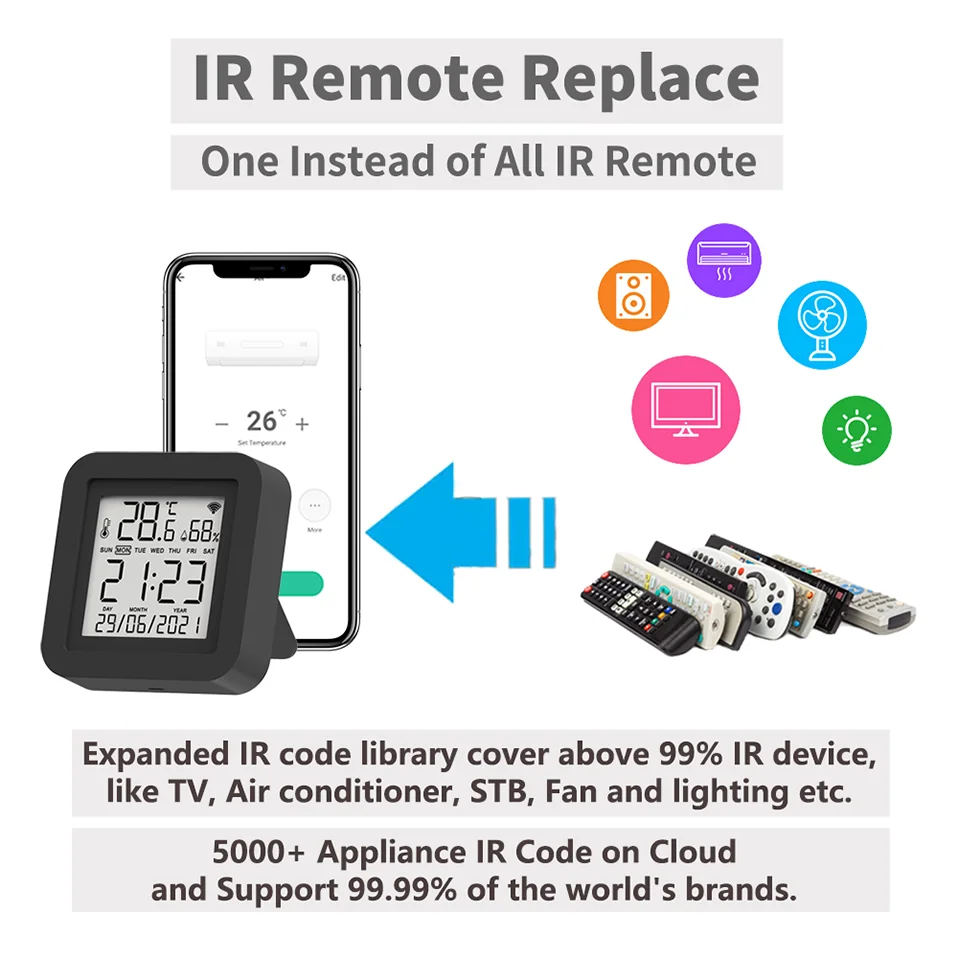
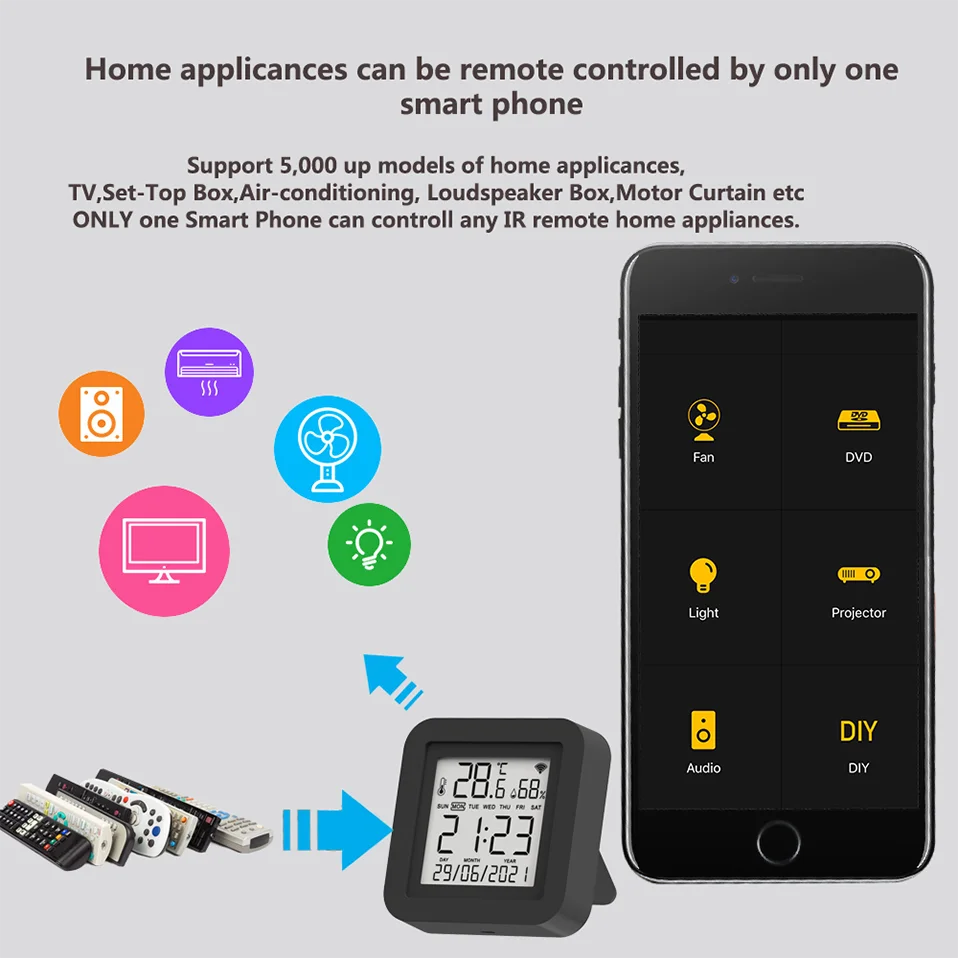
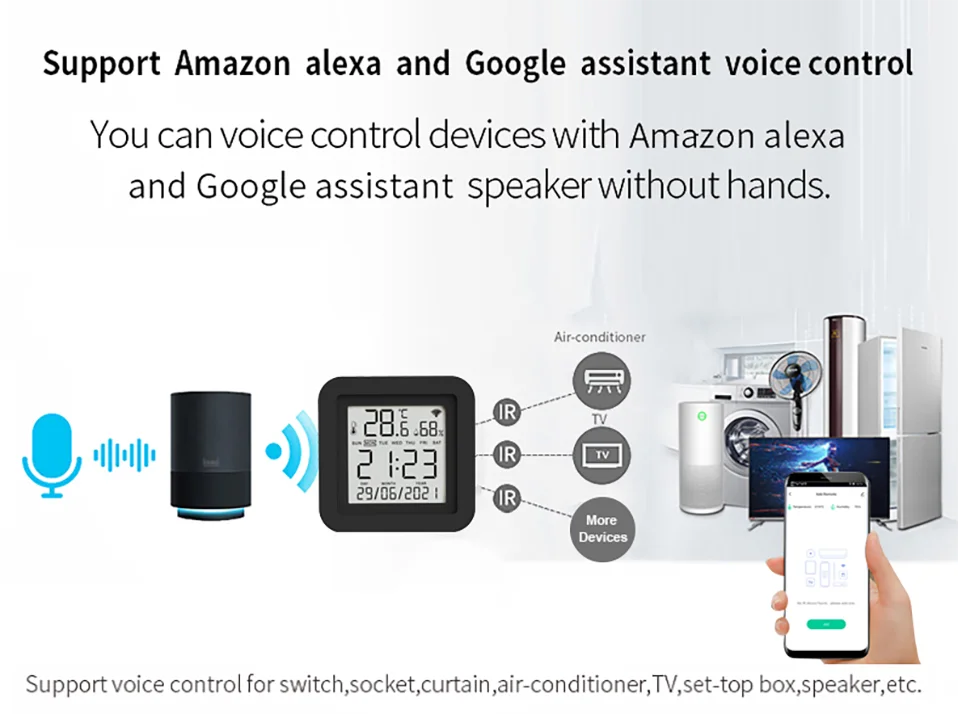
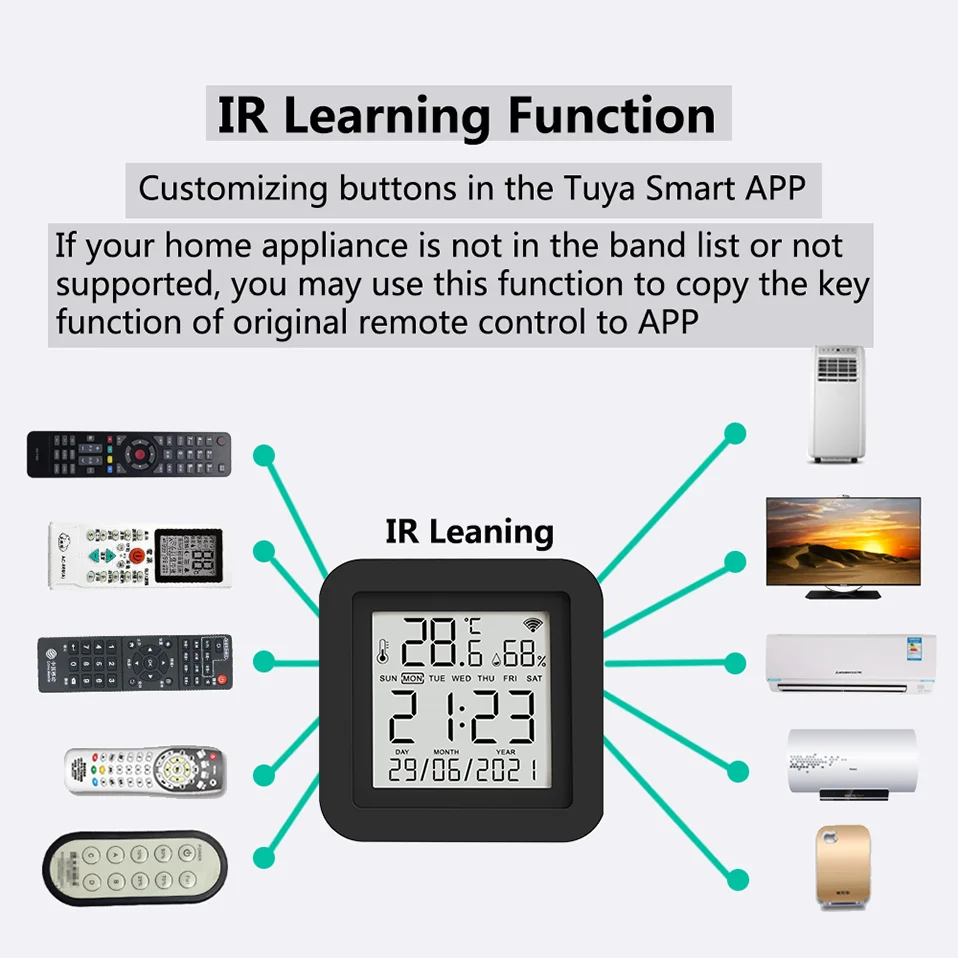
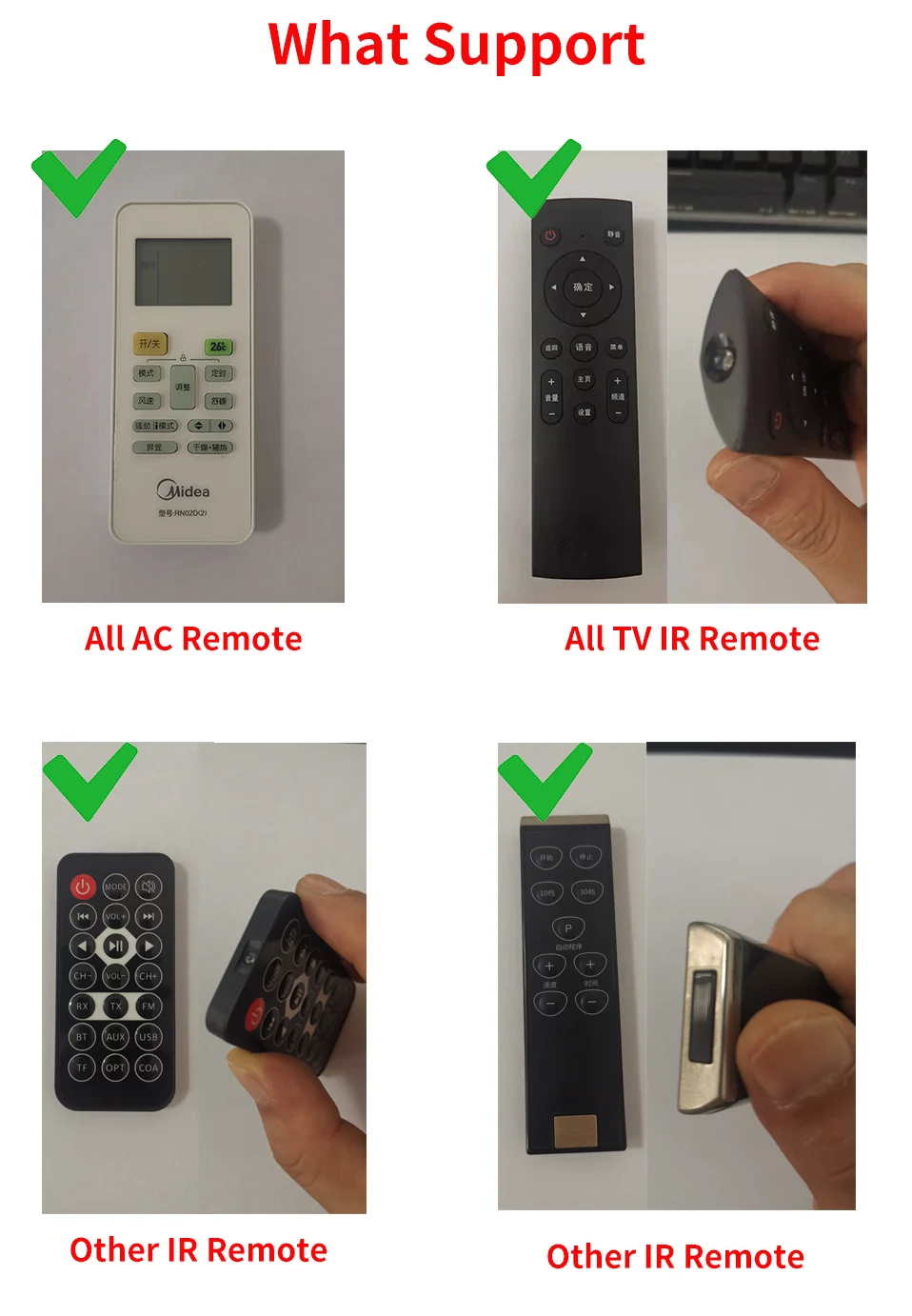
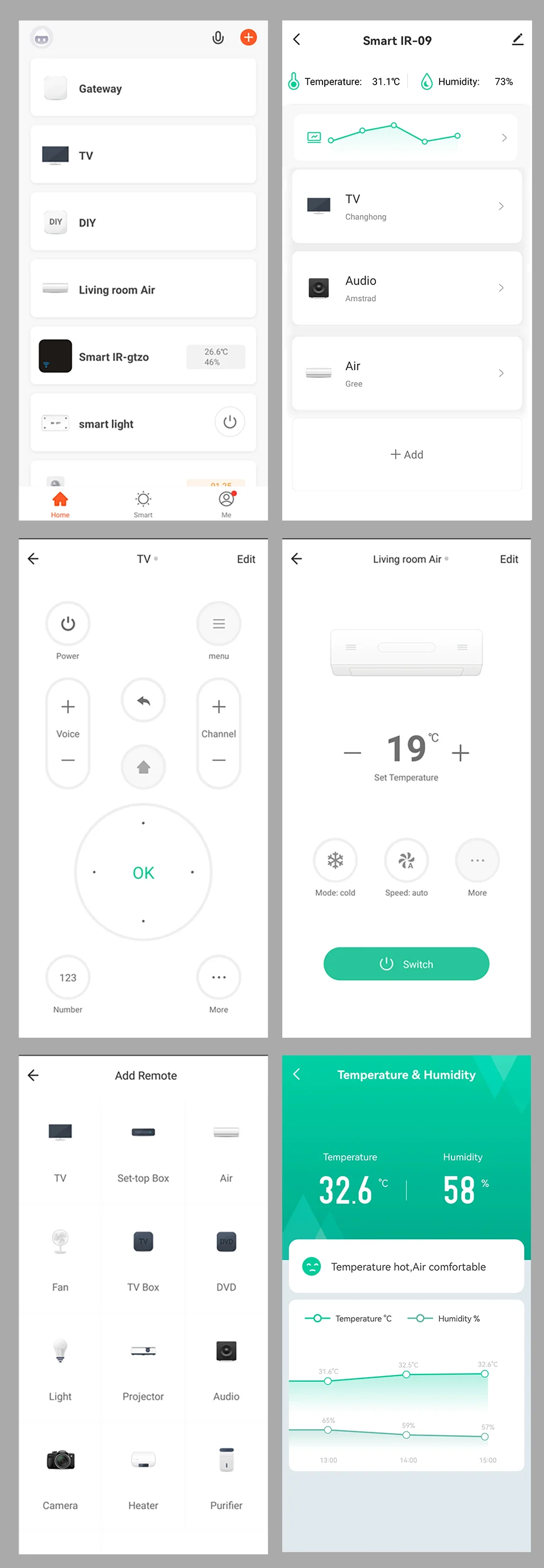
You can control TV, Fan, Air conditioner and other IR enabled appliances.
2. How many devices can be added to the remote control?
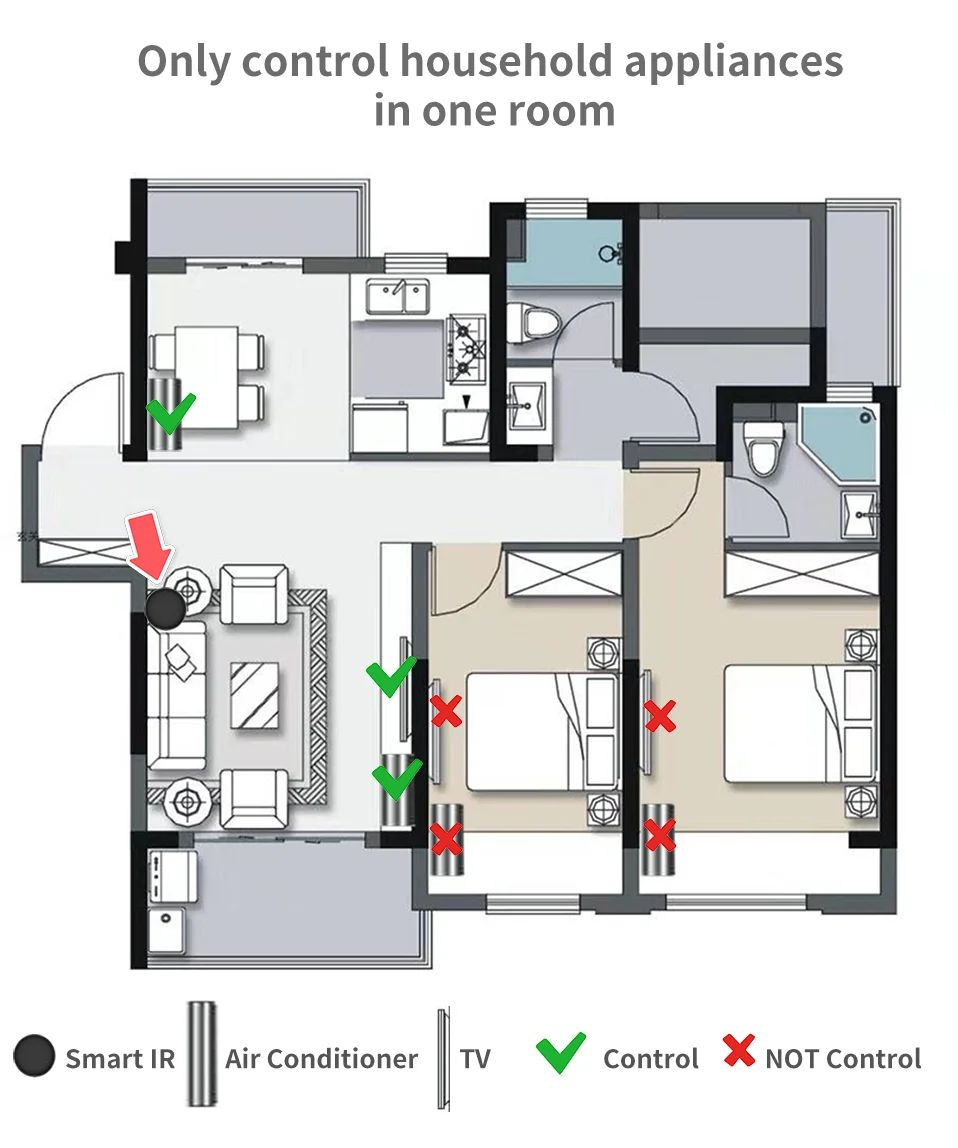
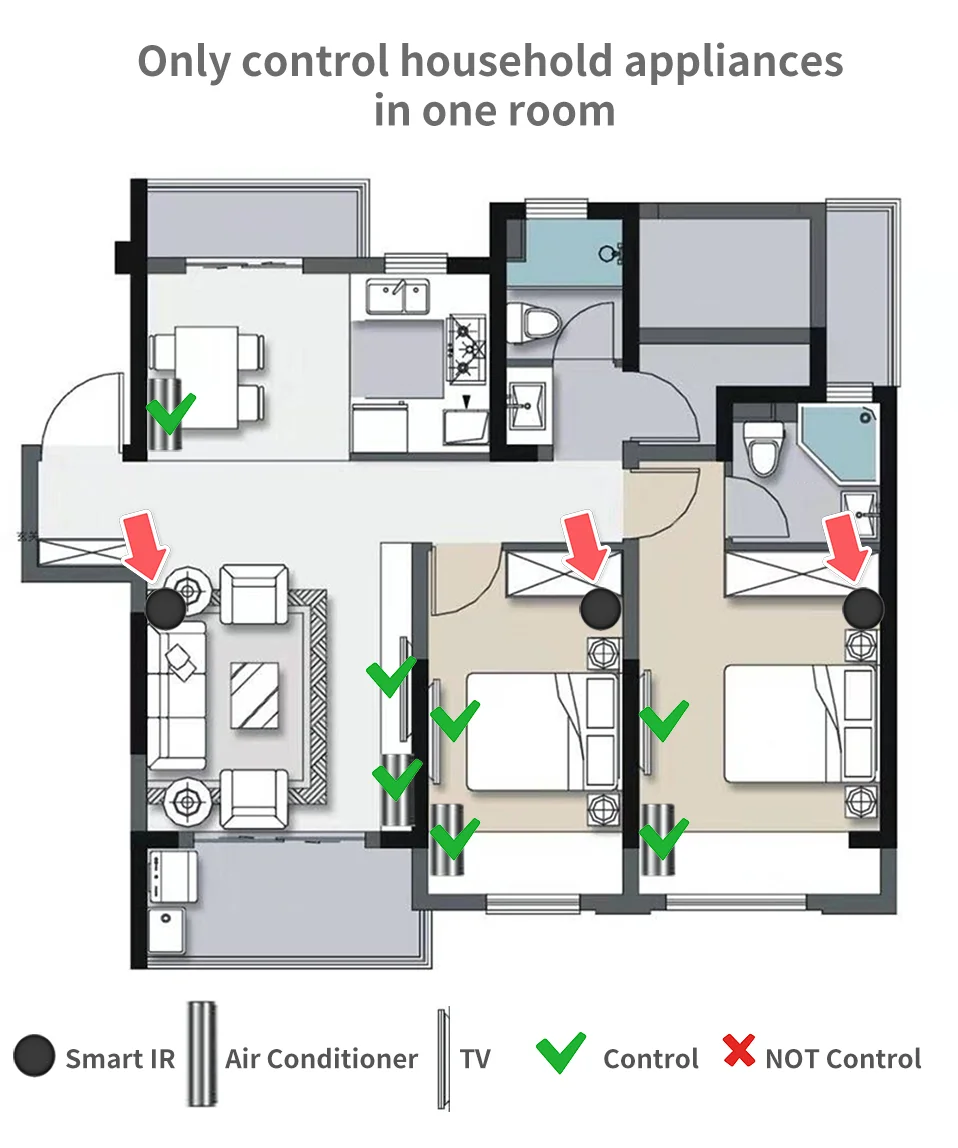
There are no restrictions. But please note that infrared rays cannot penetrate the wall
3. What are the suggestions for the installation location?
We suggest installing it in an open location. Do not install it in a closed iron box as it will affect signal transmission.
The WiFi signal at the installation location must be normally.
4. Does it have a built-in battery?
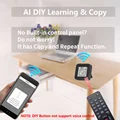
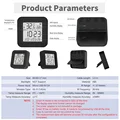
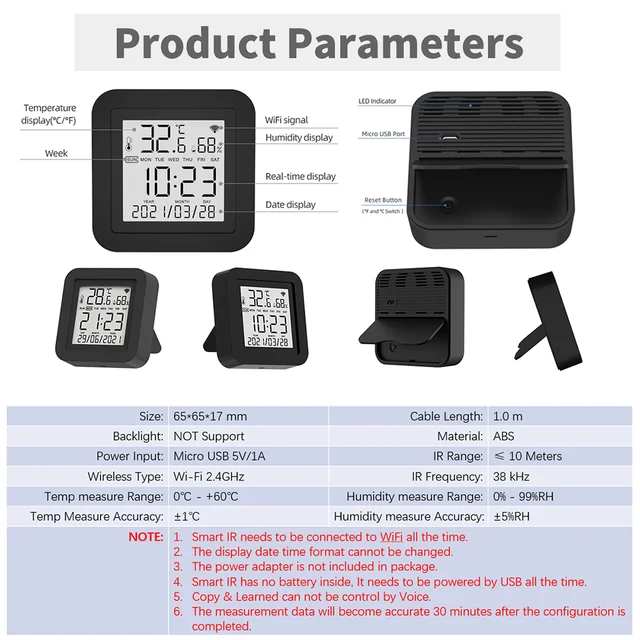
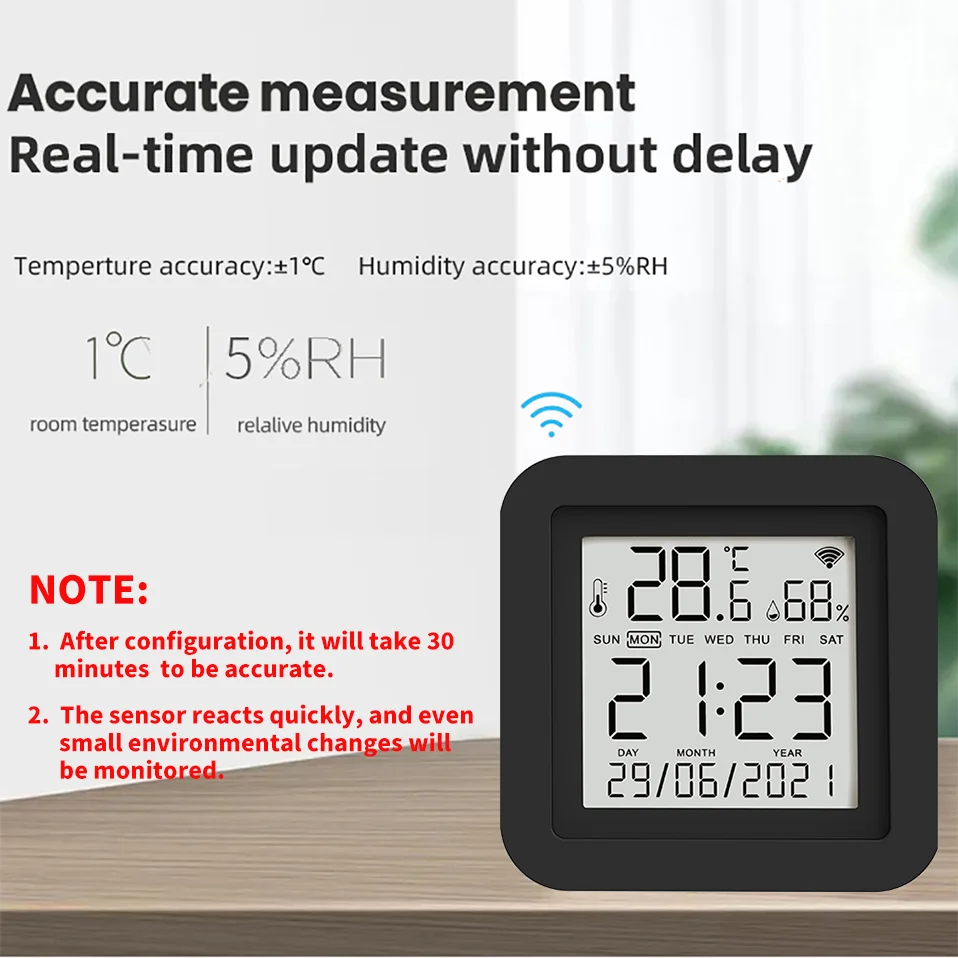
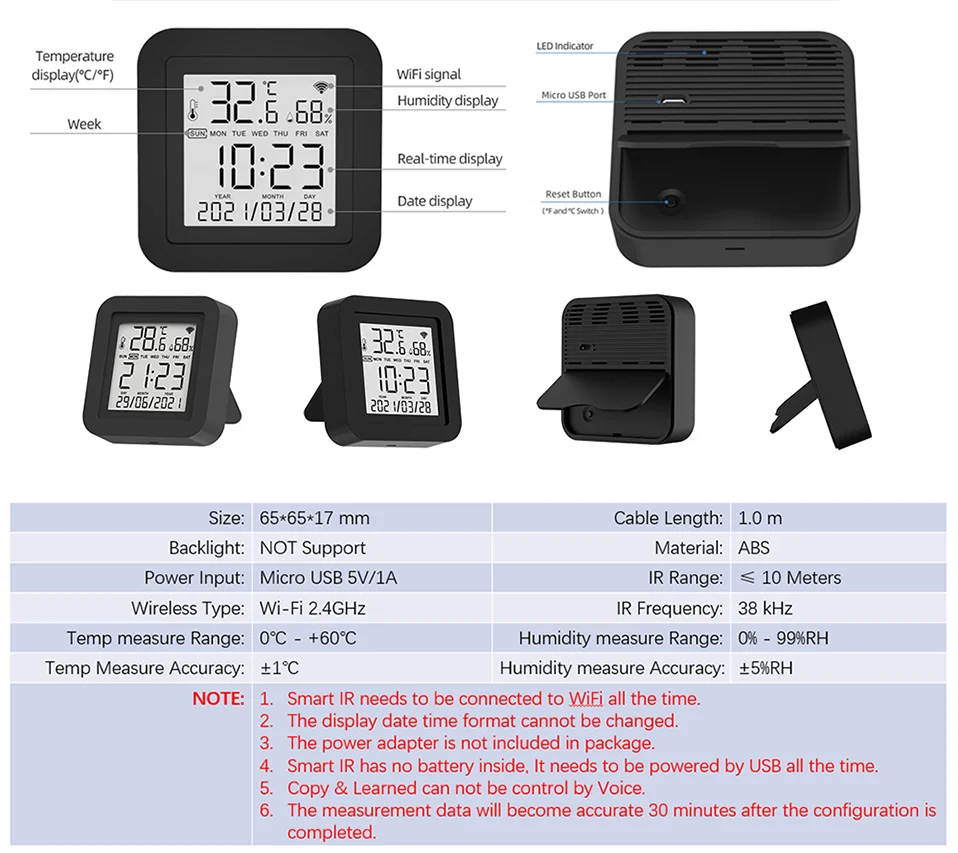
No built-in battery, requires continuous use of USB power supply.
5. What type of power adapter is required?
The power adapter is not included in the package.
The power adapter needs to use 5V/1A or higher.We recommend using the power adapter of an old phone.
Poor quality or power sufficient power adapters may cause unstable operation of the device.
6. Do I need to manually synchronize the date and time?
No need. It will automatically adjust to the correct time based on your account registration location and WiFi information.
And the format of date and time cannot be switched.
7. What are the suggestions for the installation location?
We suggest installing it in an open location. Do not install it in a closed iron box as it will affect signal transmission.
The WiFi signal at the installation location must be normally.
8. What is the length of the cable used? What is the interface with the device?
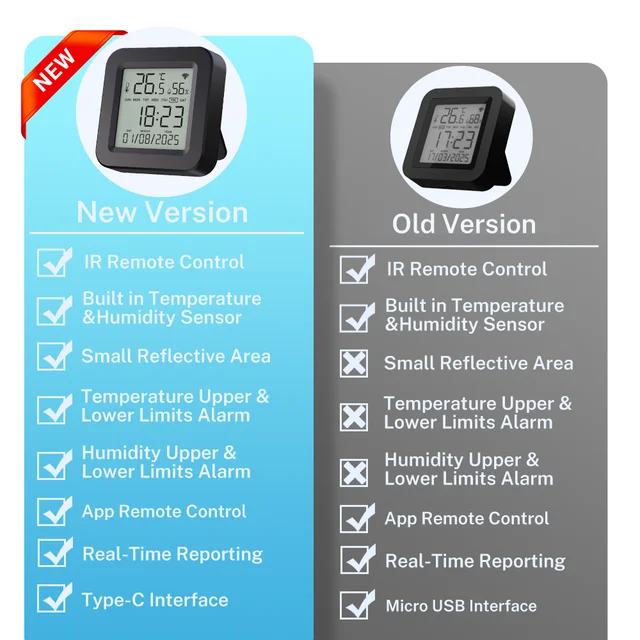
The cables is 100cm. Currently, Micro USB is used, but we may modify it to Type-C without notification.
The USB cable is only used for power supply and has no data function.
9. What should I do when I cannot control the devices with this remote control?
Firstly, make sure your mobile device and the WiFi remote control are adjacent and connected to the same network,Assure the Smart IR Remote Control is always power on.
10. What should I do when device configuration process has failed ?
you can:
Check whether the remote control is powered on or not.
1).Check whether your mobile device is connected to2.4GHz WiFi network.
2).Check your network connectivity, make sure the router is working properly.
3).Make sure the WiFi password entered is correct when adding remote control.
11. Can it go through walls or be used to control IR devices in upstairs/downstairs rooms?
IR can not go through walls, so make sure there are no obstacles between IR remote and IR enabled devices.
12. We have Huawei/Xiaomi set-top box, why is it not connecting?
There are two types of set-top boxes, OTT and IPTV,the most obvious difference is that IPTV supports living streaming while OTT does not. please make sure you have matching TV box before setup.
13. What we should do when we are unable to use IR remote to control an electric device?
Please check the following:
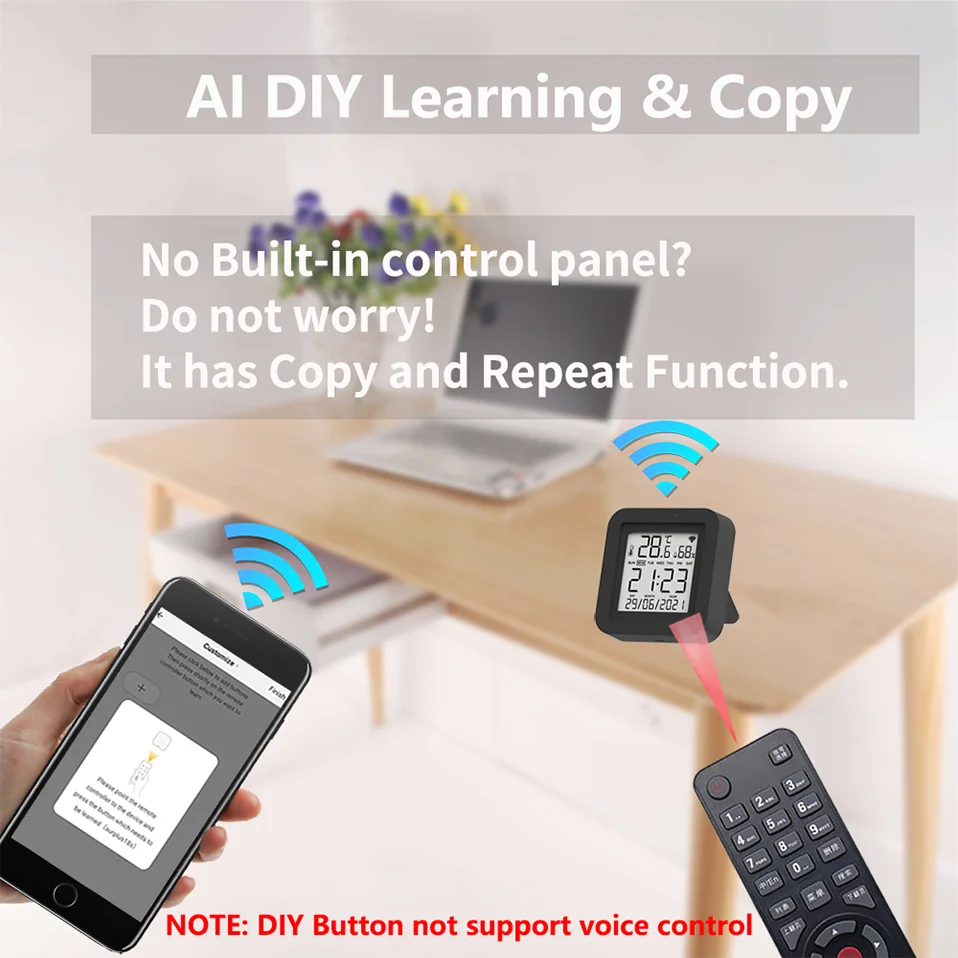
1).IR remote network in good condition(click any key on the remote control panel in the APP and see whether the indicator light starts flashing. if it flashes, it indicates to work properly.
2).There is no object blocking between IR remote and electric device
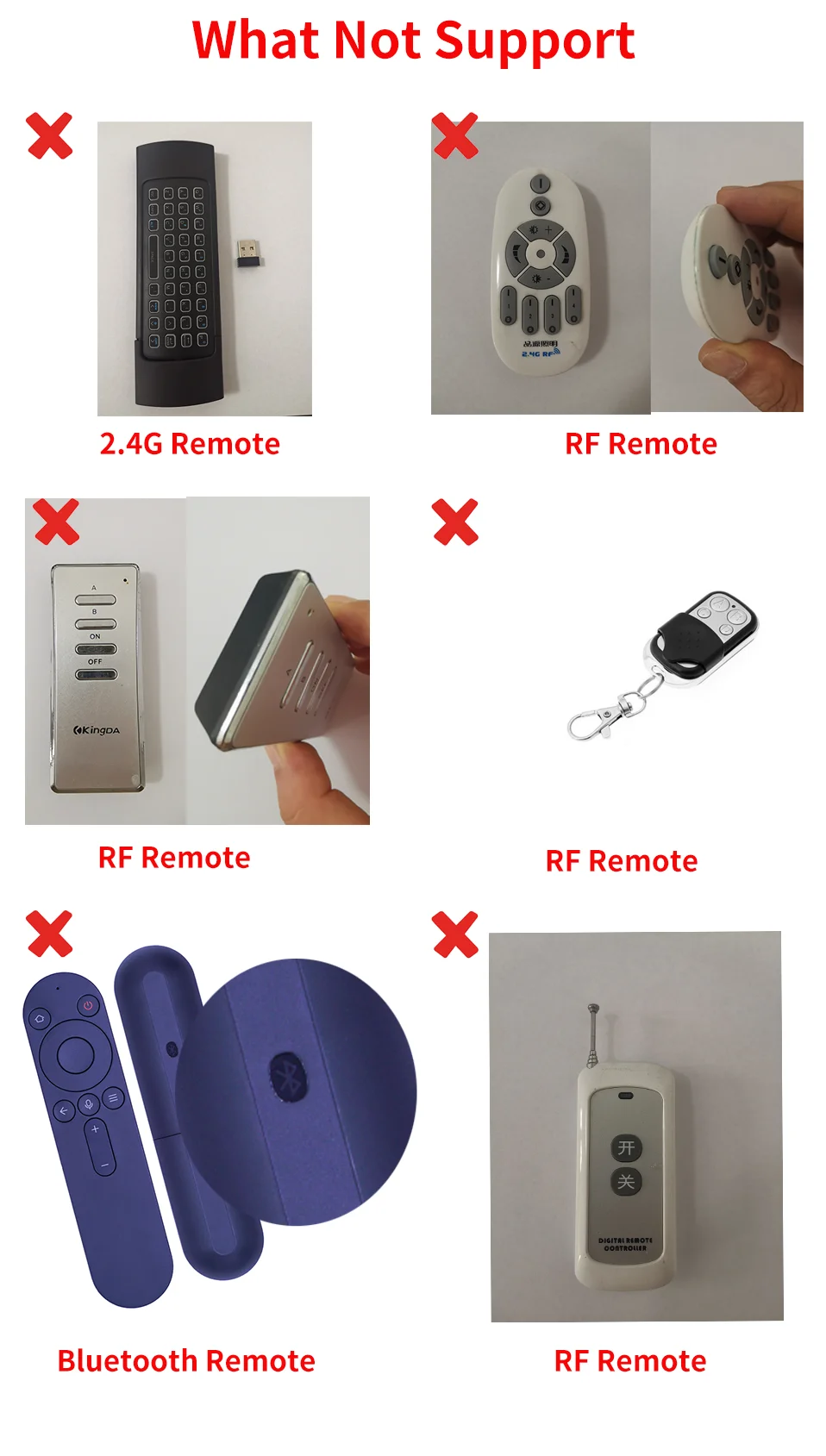
3).The factory remote control of electric device is IR enabled.(cover the top of the remote control with hand or any object, then press any keys. if the device does not respond, it is IR based, otherwise, it is Bluetooth or RF based remote control.)
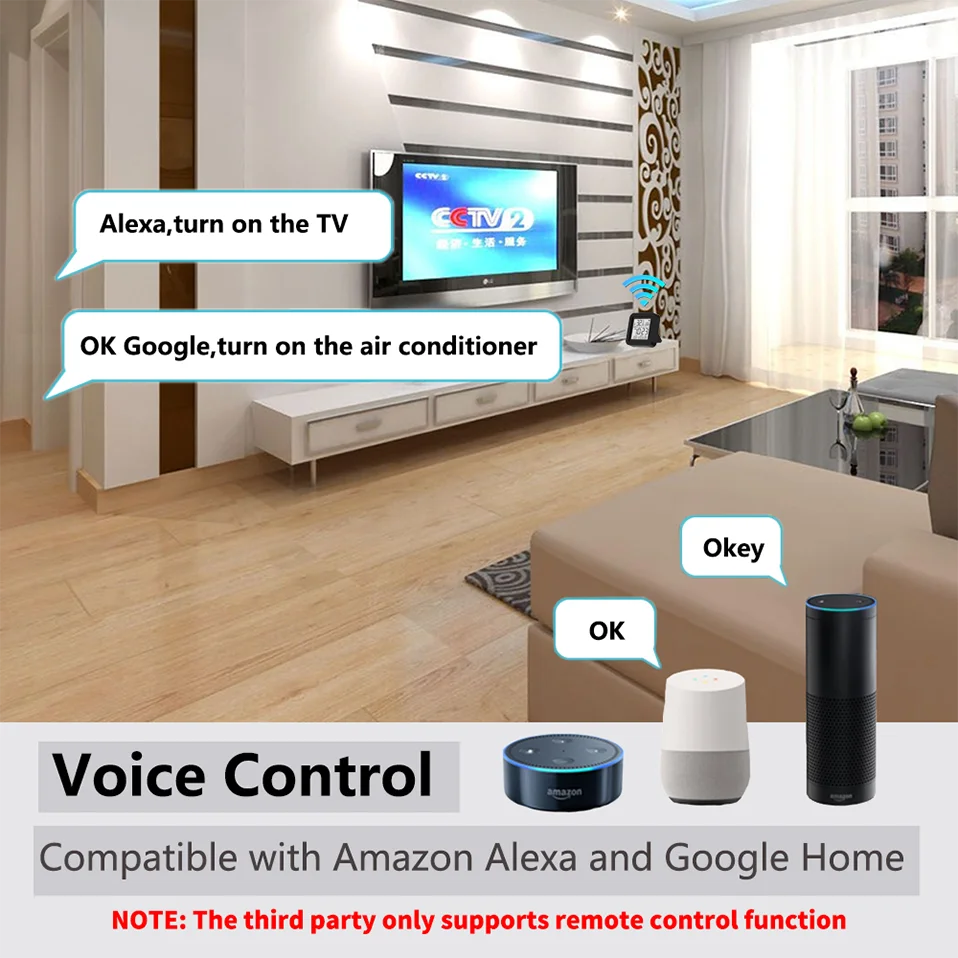
14. Why can't I see devices on Yandex Alice, Google Home, and Amz Alexa?
Tuya defined it as IR HUB when designing it. On third-party smart speakers, the device itself is not displayed, only the IR remote control added to the device is displayed.
15. Why is the control panel displayed on third-party smart audio apps like the Smart Life APP?
We and Tuya have requested them to make changes, but their progress is slow. Please use the original app 'Smart Life'.





Follow us on: