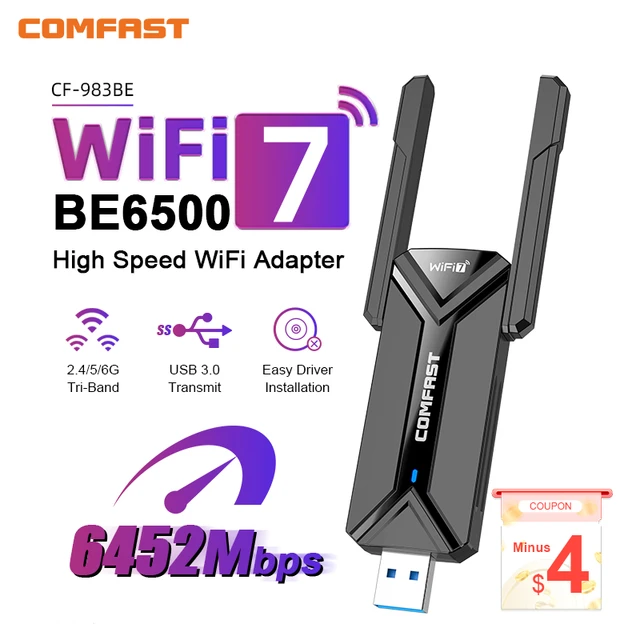
COMFAST WiFi 7 USB Adapter BE6500 2.4G&5.8G&6GHz Wireless Network Card 802.11be 6500Mbps Free-Drive WiFi Adaptador for Win 10/11
Difference: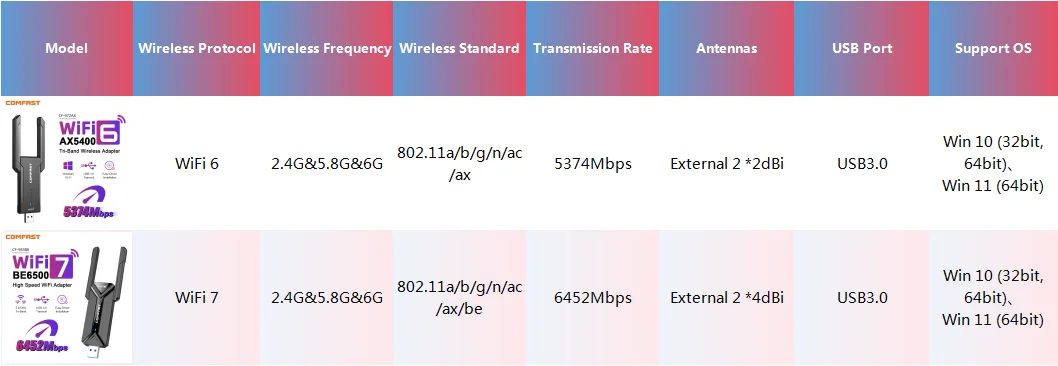
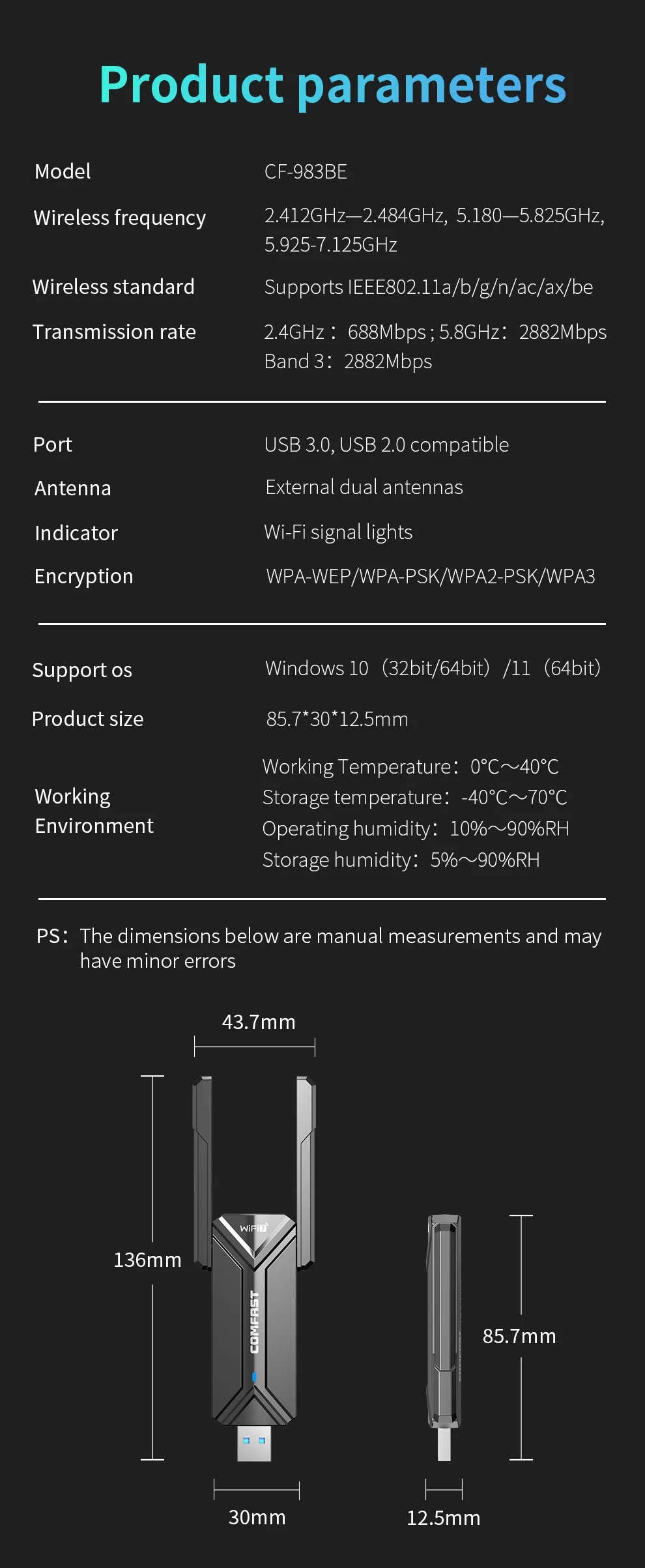
CF-983BE Specifications:
1. RTL8192AU Chipset and Free-drive design, plug and play.
2.New generation WiFi 7 technology, Support IEEE802.11a/b/g/n/ac/ax/be Wireless Standard
3. Support 2.4GHz & 5.8GHz & 6GHz three frequency bands
4. 6500Mbps high speed, better Internet experience, 2.4G(688Mbps)+5.8G(2882Mbps)+6G(2882Mbps)
5. Equipped with External high gain 2*4dBi Antennas, signal is strong and stable, no fear of penetrating walls
6. WPA3 encryption is more secure, also support WPA-WEP/WPA-PSK/WPA2-PSK
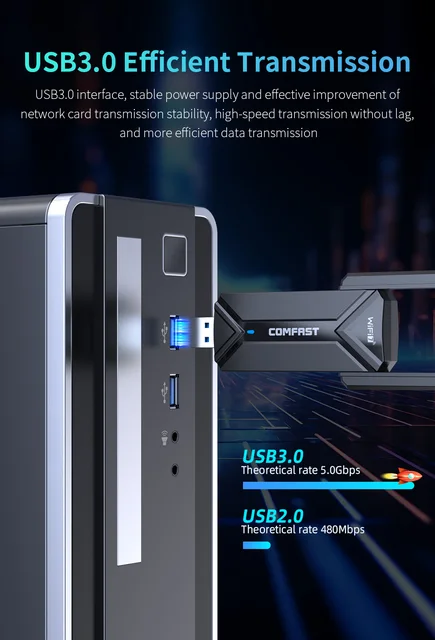
7. USB3.0 interface, transfers more efficiently, also compatible with USB2.0
8. Dual side heat sink design for efficient heat dissipation
9. Compatible with Win 10(32bit, 64bit) and Win 11(64bit)systems
Highly recommended!
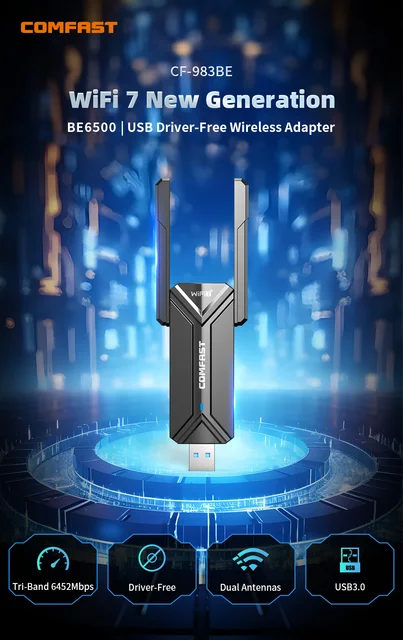
WiFi 7 New Generation
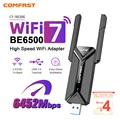
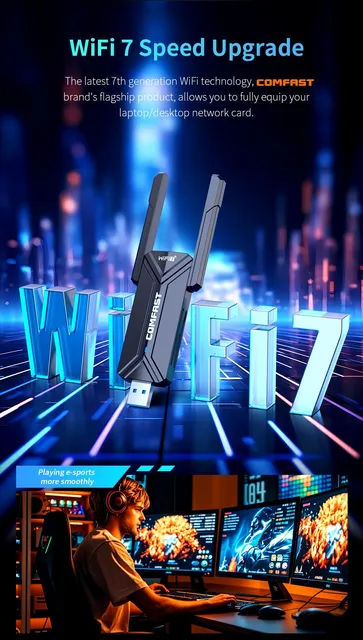
Tri-Band 6452Mbps, Driver- Free, Dual Antennas, USB3.0 Wireless Adapter WiFi 7 Speed Upgrade
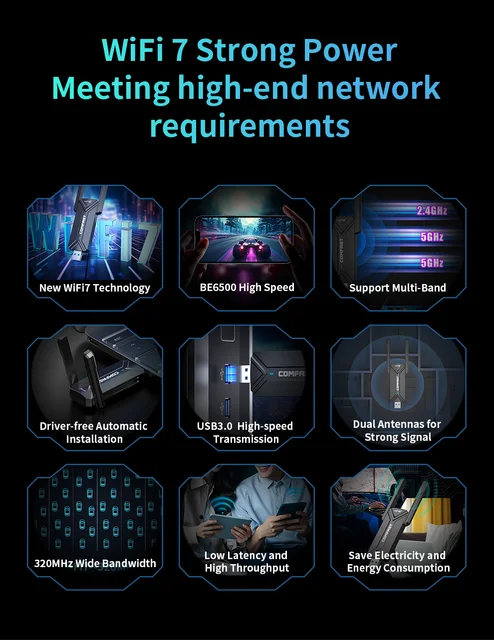
The latest 7th generation WiFi technology, COMFAST brand's flagship product, allows you to fully equip your laptop/desktop network card.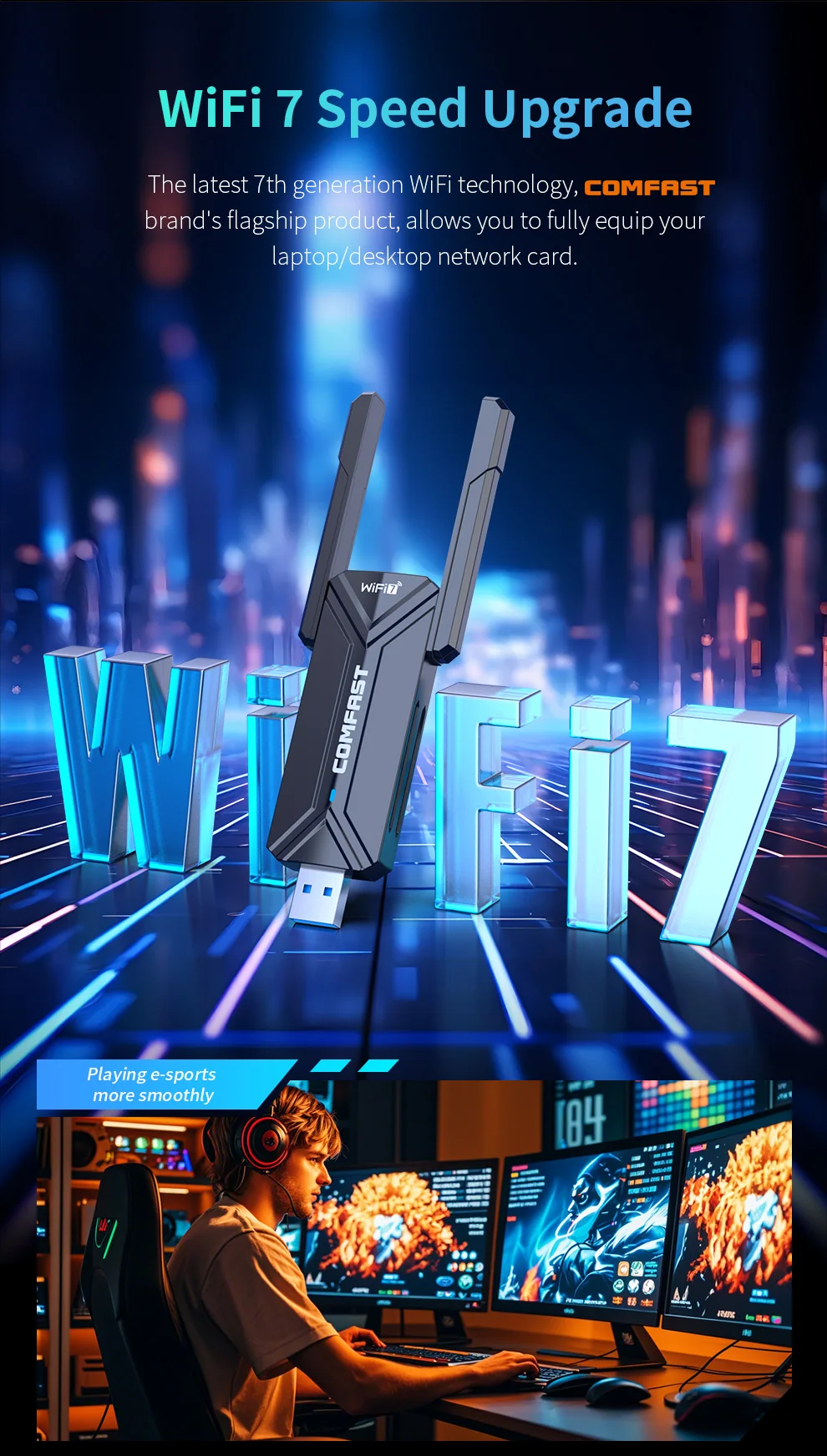 WiFi 7 Strong Power Meeting high-end network requirements
New WiFi7 Technology
BE6500 High Speed
Support 2.4G & 5.8G & 6GHz Tri-band
Driver-free Automatic Installation
USB3.0 High-speed Transmission
Dual Antennas for Strong Signal
Low Latency and High Throughput
Save Electricity and Energy Consumption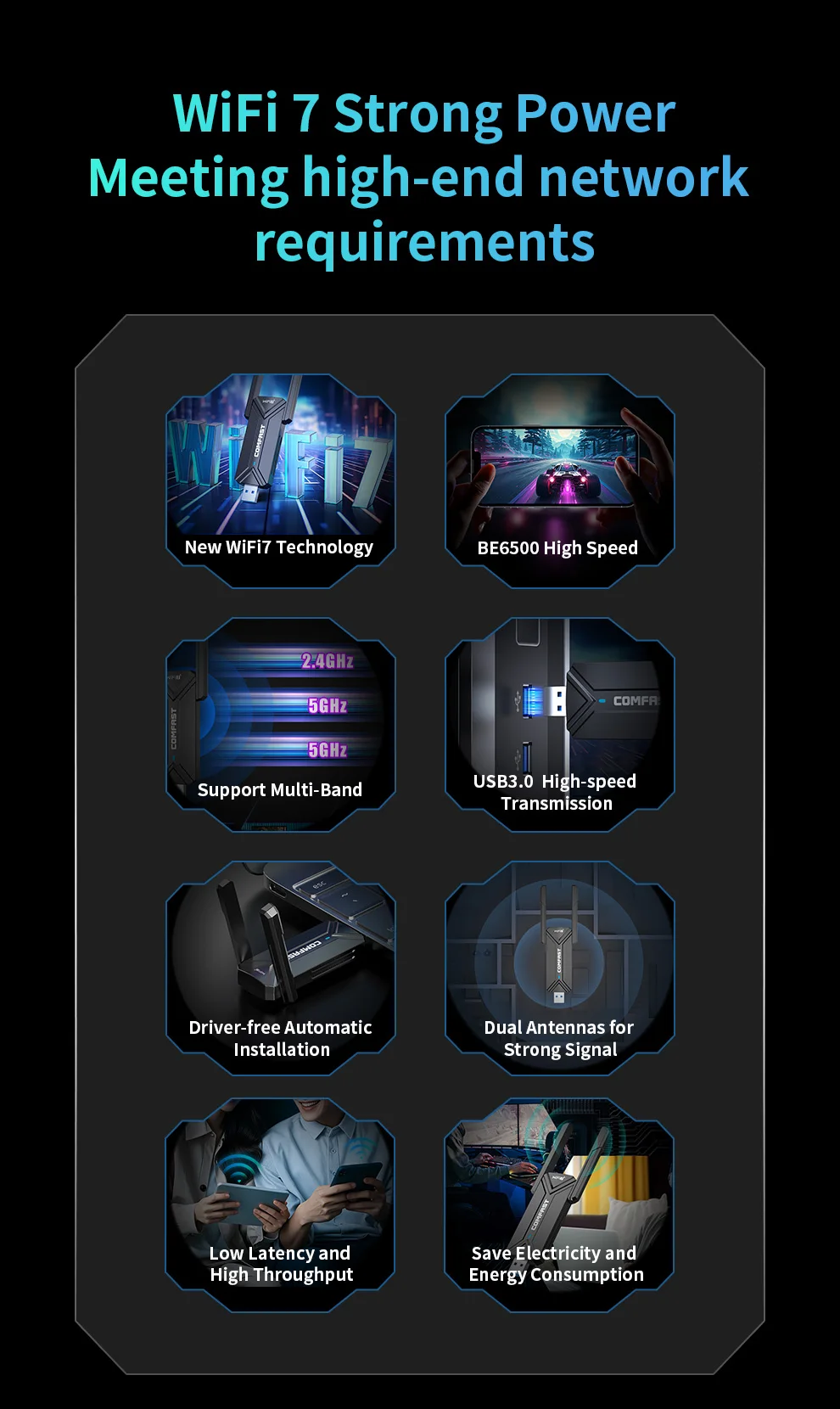 6452Mbps Faster than imagined
The speed parameters are full, and the total three-band wireless transmission can reach 6452Mbps
Note: It needs to be used with a tri-band router higher than 6452Mbps So that the network card can reach its highest speed.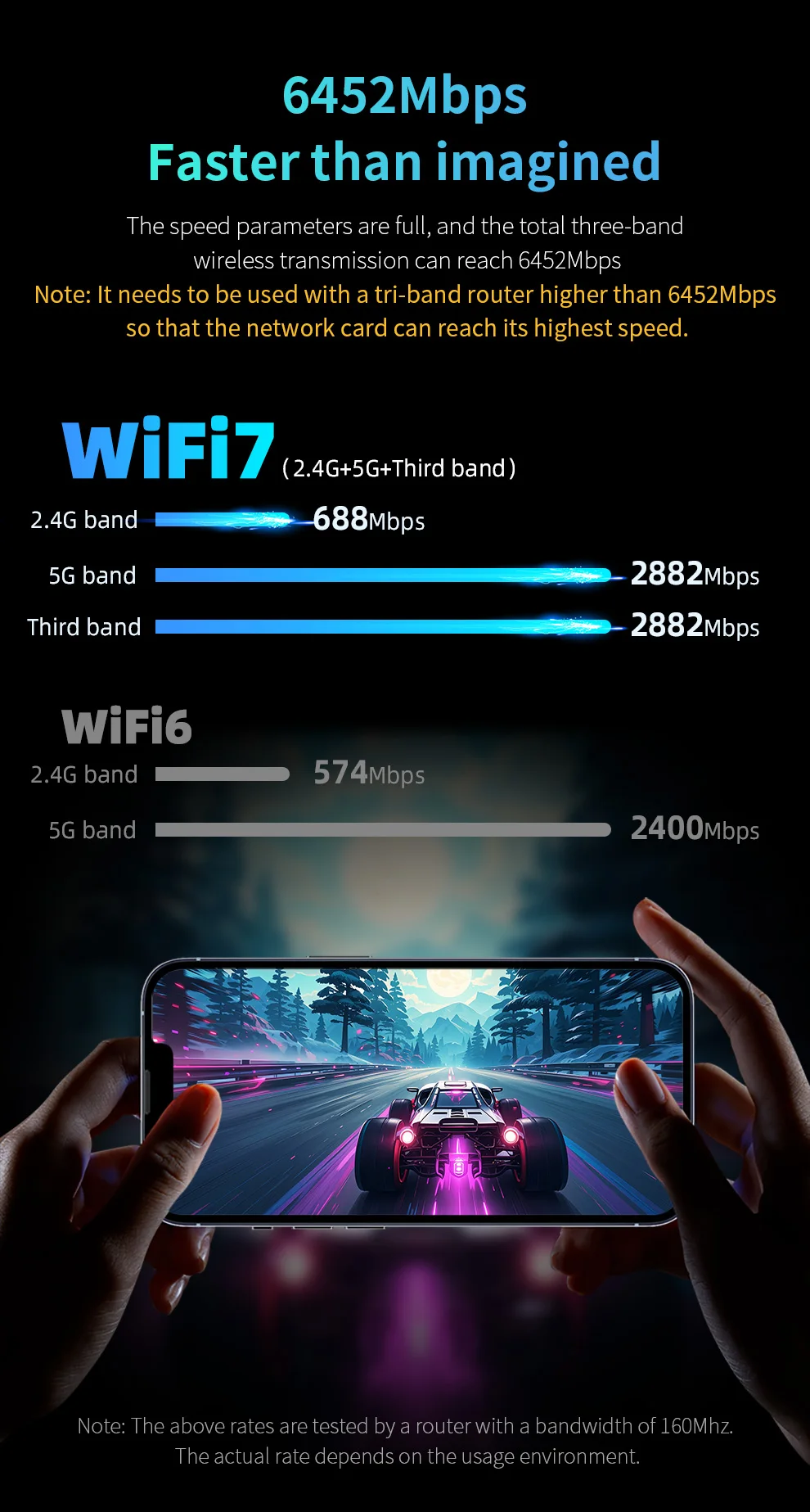 Plug and Play, easy to use
Built-in driver, plug CF-983BE into the computer USB port to automatically install, plug and play, making it easier to access the Internet
No CD required, No download required, Automatic installation 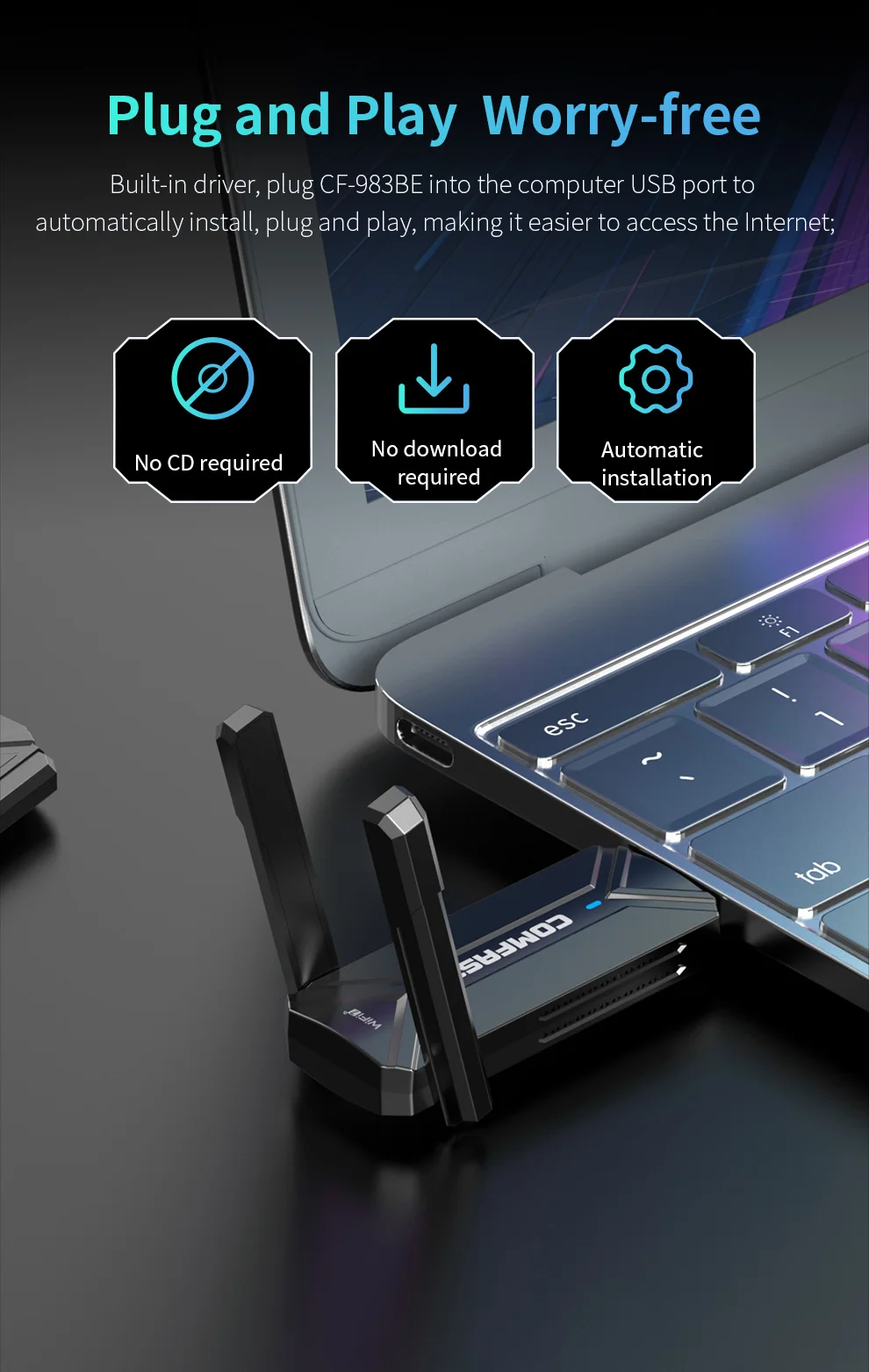 USB3.0 Efficient Transmission
USB3.0 interface, stable power supply and effective improvement of network card transmission stability, high-speed transmission without lag, and more efficient data transmission.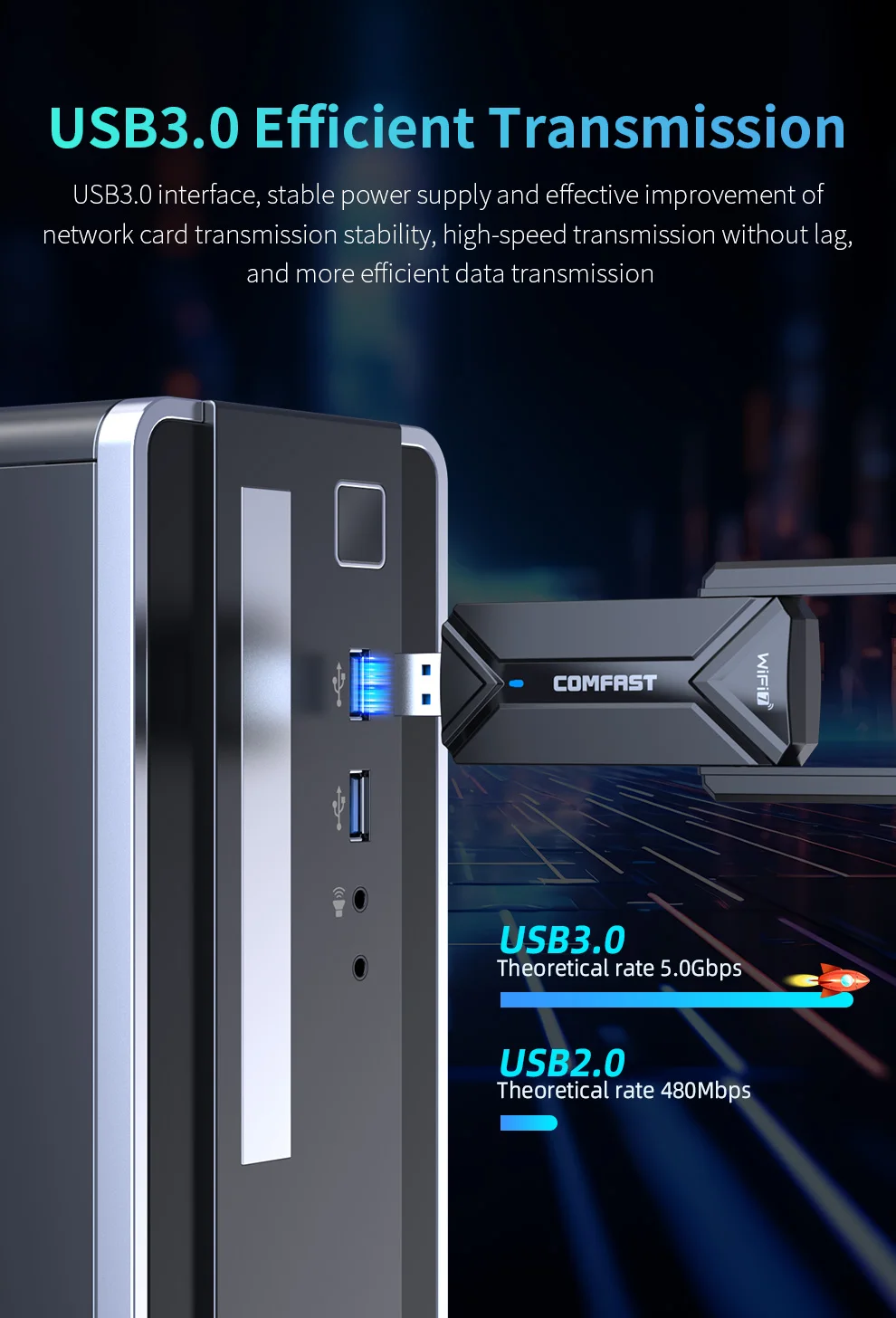 WPA3 Encryption to Protect Surfing
New generation of WPA3 encryption technology, network security issues cannot be ignored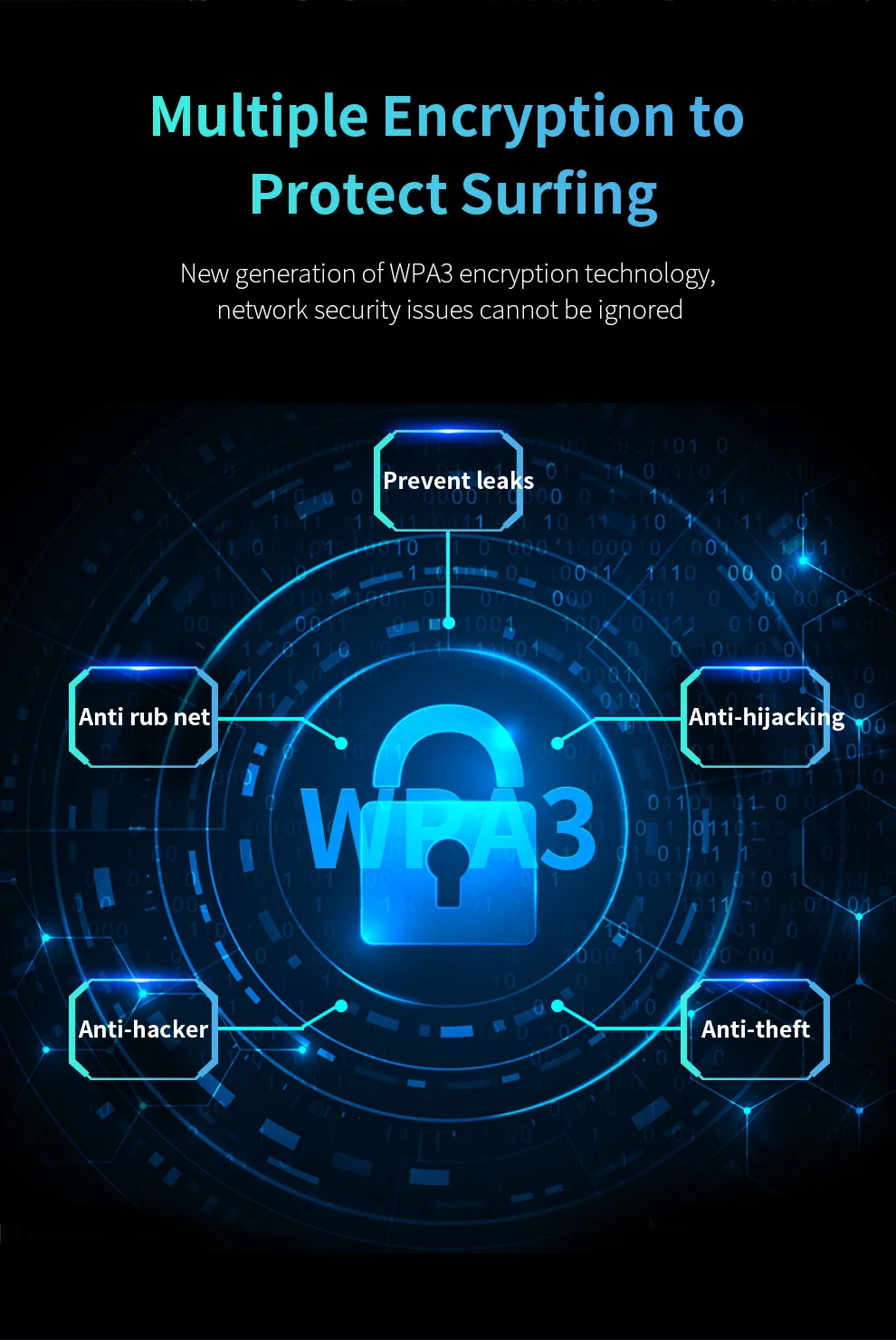 Support Win 10/11 System
Support Windows 10/11 (64-bit system) For other systems, please choose other models of network cards or consult customer service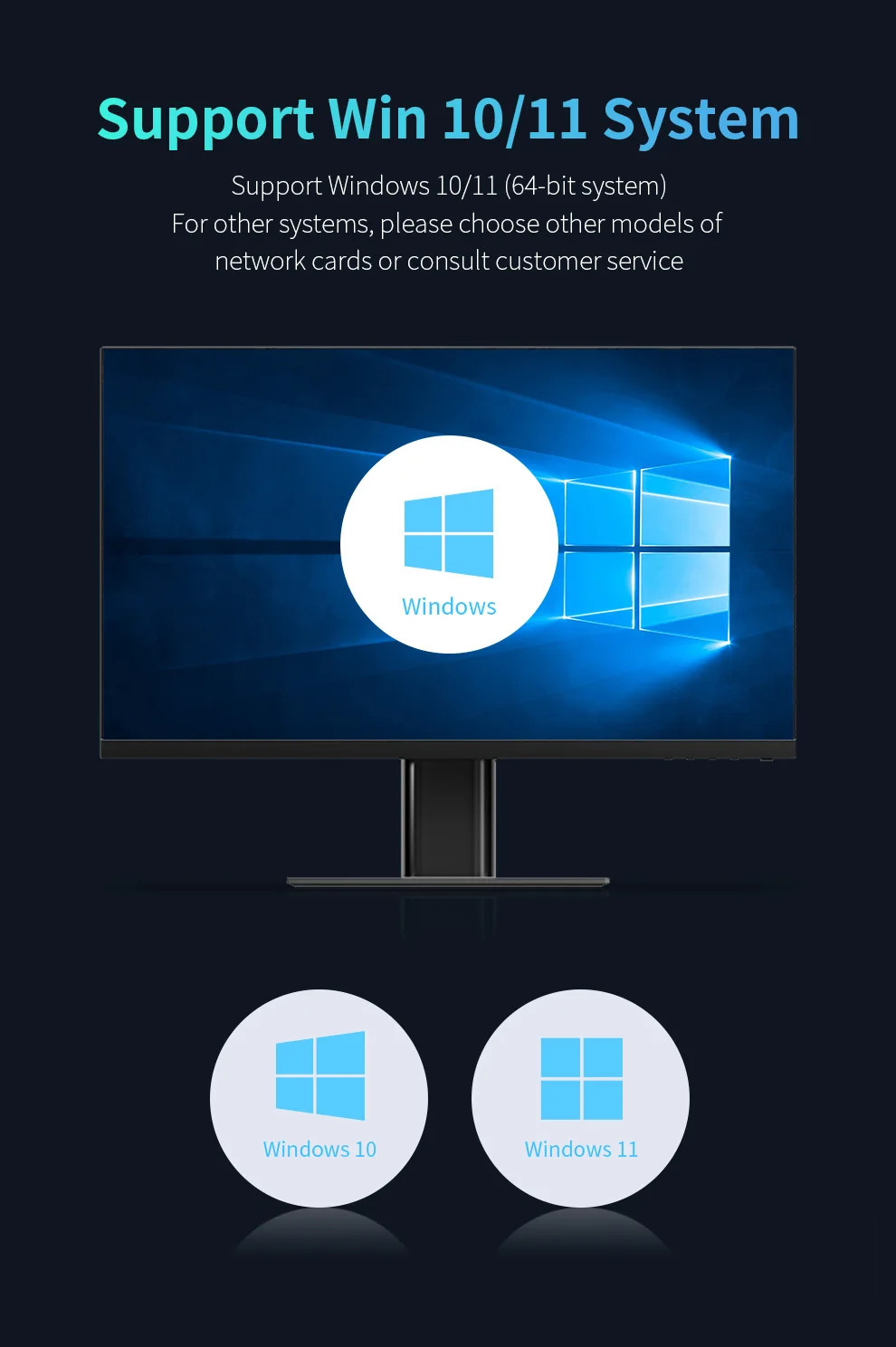
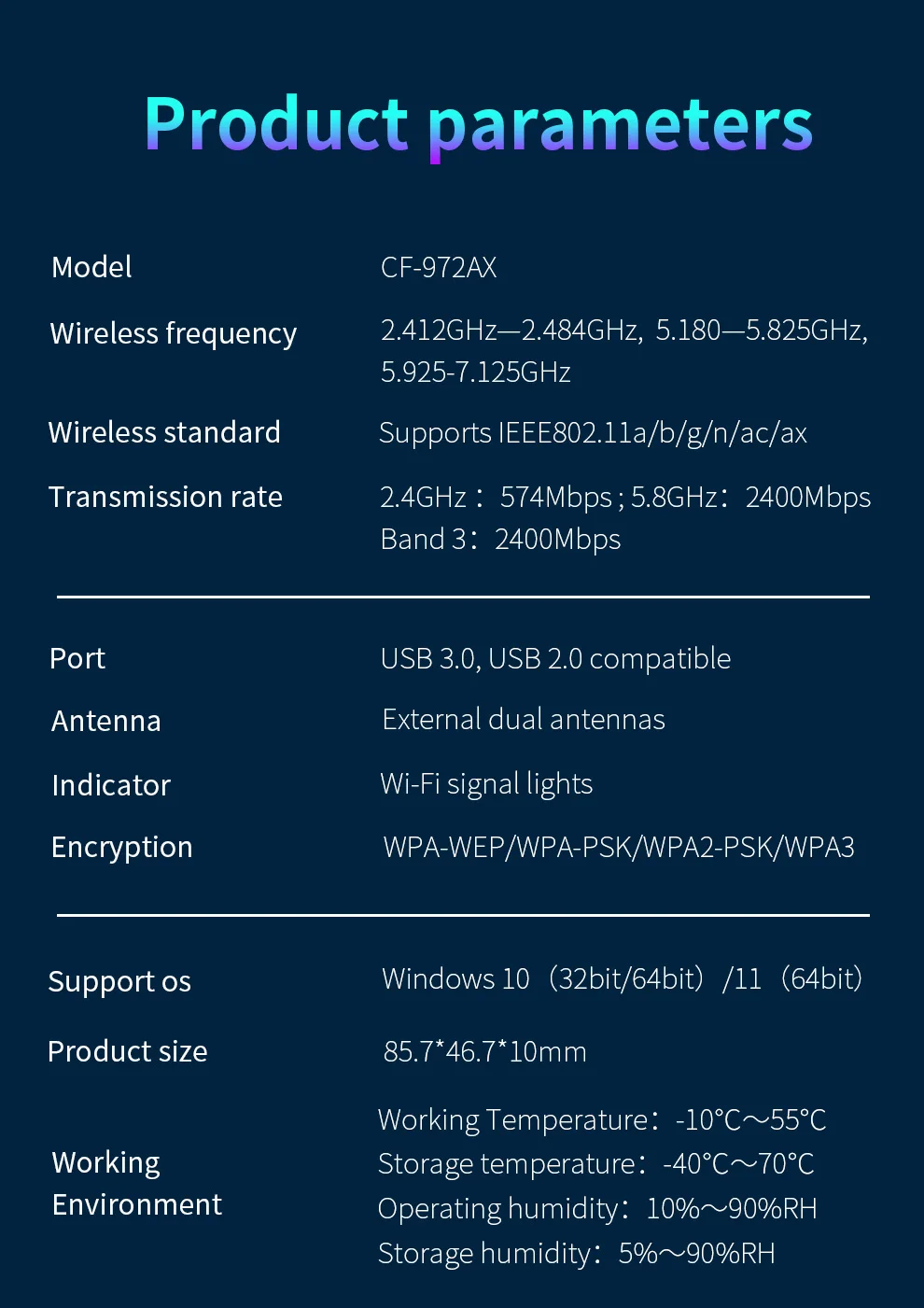
 CF-972AX Specifications:
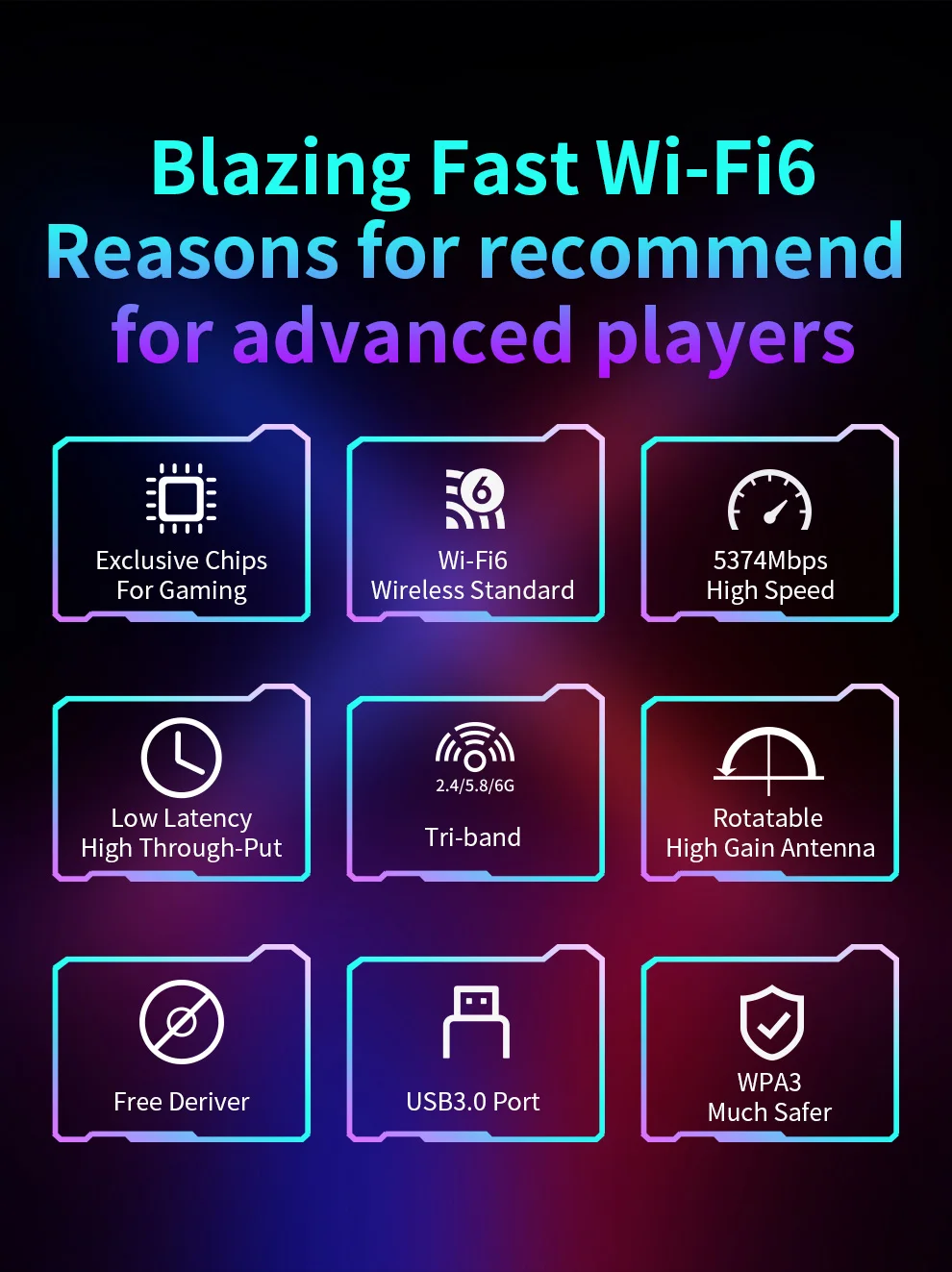
1. RTL8832CU Chipset and Free-drive design, plug and play.
2.New generation WiFi 6 technology, Support IEEE802.11a/b/g/n/ac/ax Wireless Standard
3. Support 2.4GHz & 5.8GHz & 6GHz three frequency bands
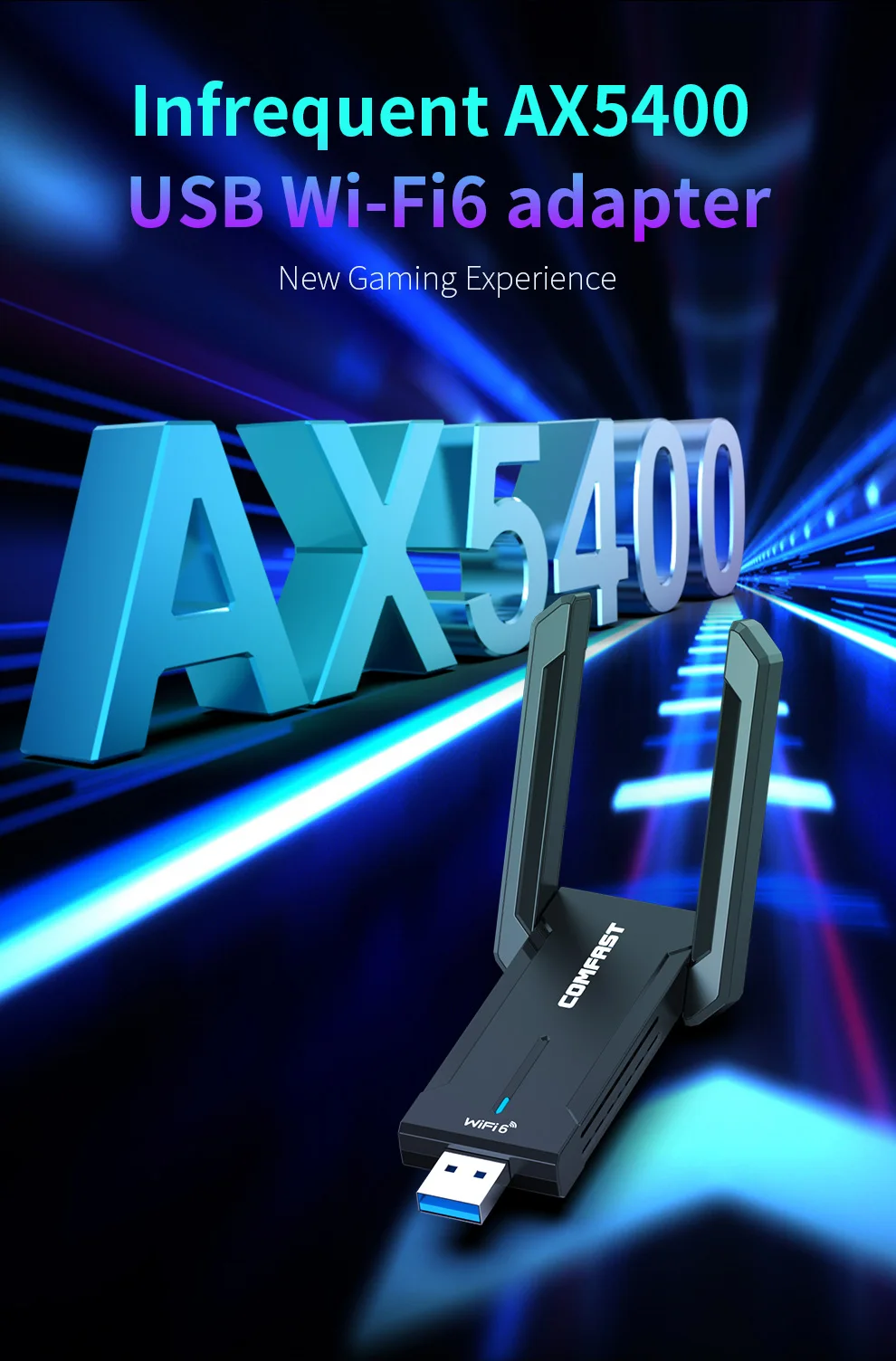
4. 5374Mbps high speed, better Internet experience, 2.4G(574Mbps)+5.8G(2400Mbps)+6G(2400Mbps)
5. Equipped with External high gain 2*2dBi Antennas, signal is strong and stable, no fear of penetrating walls
6. WPA3 encryption is more secure, also support WPA-WEP/WPA-PSK/WPA2-PSK
7. USB3.0 interface, transfers more efficiently, also compatible with USB2.0
8. Dual side heat sink design for efficient heat dissipation
9. Compatible with Win 10(32bit, 64bit) and Win 11(64bit)systems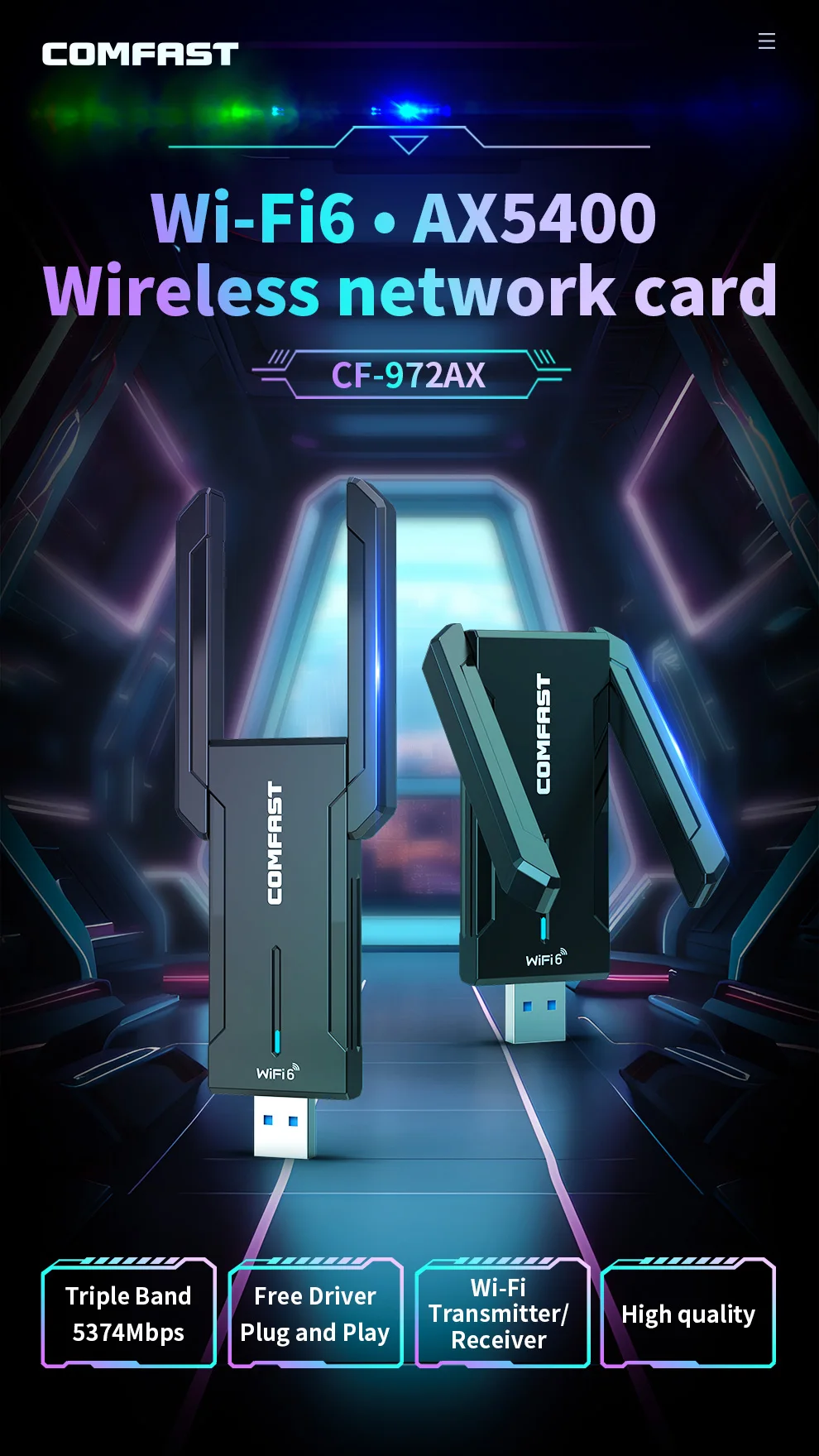
FAQ
Q1: Does it support Linux?
A: Linux is not supported, this Wifi Adapter supports only Win 10 & Win 11 systems.
Q2: There is nothing when the adapter plugging it into the computer.
A: Please check whether the adapter is correctly inserted into the USB port, or try another USB port.
Q3: After installing the driver, the adapter still show as Other devices/Unknown devices.
A: 1. Right-click the WiFi Adapter–Update driver–Automatically search for drivers.
2. 2. Check whether there are other network card drivers installed on the computer and uninstall them.
3. Reinstall the driver.
Q4: Unable to connect to WiFi, Connection error, Limited connection, Exclamation mark, Can't access the Internet after connection, etc.
A: 1. Check whether the WiFi password is filled in correctly; adjust the encryption method of the road router
2. Check whether the wireless network card is set up with a static IP address, and change it to automatic acquisition
3. Replace the wireless channel of the wireless router, check whether the router has done the restriction (blacklist)
4. Re-disable enable the wireless network card, delete the WiFi connection record to reconnect
5. Restart the router, release the router cache
6. Replace/update the driver
Q5: Slow Rate when the wifi adapter is connected to WiFi
A: 1. Signal interference problem. Set fixed channel or modify the channel
2.4G recommend 36~48 channels, 5.8G recommend 149~157 channels.
2. Distance and blocking problems. The network card is too far away from the router or there is blockage in the middle.
3. Driver problems. Replace the other version of the driver or the latest driver installation
Q6: Bluetooth device cannot be searched
A: 1. Is the searched device in pairing mode?
2. Check whether the device manager Bluetooth device is normal or not.
3. Check if "Bluetooth Handsfree Service" and "Bluetooth Support Service" are started.
#wifi 7 USB# #usb wifi7# #usb wifi 7 for pc# #wifi7 USB adapter# #wifi 7 usb3.0 dongle# #wifi7 usb Adaptador# #black myth wukong# #wifi 7 gaming adapter for black myth wukong# #BE6500 gaming wifi adapter##wifi# #wifi usb adapter# #wifi 7# #usb wifi# #placa wifi# #usb wifi adapter# #usb# #adaptador wifi usb# #antena wifi usb# #wifi 6# #adaptador wifi# #wifi inalambrico portatil# #wifi card# #adaptador wifii para pc# #placa de rede# #wifi usb# #wifi7# #antena wifi# #wifi 6e# #laptop# #antena wifi pc# #wifi6# #wi fi# #comfast# #pc# #wifi dongle# #wi-fi# #wifi adapter# #wifi adaptor# #wifi pci# #network# #wifi adapters# #wifi adaptador pc# #wifi usb para pc# #placas de rede# #network cards# #wifi 6 usb# #wi fi para pc# #receptor wifi# #wifi 5g# #wifi pc# #wifi dongle usb# #wifi 6# #wifi 6e# #wifi6# #wifi6e# #wifi 6 usb# #adaptador wifi 6# #wifi 6 placa de rede# #placa wifi 6# #usb wifi 6# #wifi 6 usb adapter# #wifi 6 adapter# #usb wifi6# #placa de rede wifi 6# #carte wifi 6# #wi fi 6# #wifi6 usb# #wifi 6 card# #wifi6 adapter# #usb wifi 6e# #ax5400# #wifi ax#






Follow us on: